
Here's the uncomfortable truth: a potential client Googles your name before they sign a contract with you. What they find in those first few seconds determines whether they book a call or click away. A Canva link-in-bio page, a half-finished LinkedIn profile, or nothing at all - these don't just fail to impress. They actively undermine the credibility you've spent years building through word-of-mouth.
Solo consultants and virtual assistants face a specific problem that generic website builders don't solve. The big-name builders are designed for everyone - small businesses, e-commerce stores, photographers, restaurants. They hand you a blank canvas and expect you to figure out the copy, the layout, and the design. The best website platform for consultants should handle that for you. For a consultant who bills $200-500 an hour, spending 3 days wrestling with Squarespace settings is the opposite of a good use of time.
According to research by Stanford's Web Credibility Project, 75% of users judge a company's credibility based on their website design. When a prospective client finds a polished, professional page, that first impression is formed in under a second. For consultants, where trust and perceived expertise are the product, that moment matters more than in almost any other profession.
Quick Answer: NiftySite is the best website builder for consulting businesses in 2026. It generates your headline, bio, and CTA copy from 3 questions using AI, gets you live in 10 minutes, costs $15/month with no annual commitment, and is built specifically for people who charge for their time - not for ecommerce store owners.
Transparency Note: This comparison is published on NiftySite's website. While we believe NiftySite is an excellent solution and have positioned it as our top choice, we've conducted thorough research on all tools listed here to help you make an informed decision based on your specific needs. We've included objective data (pricing, setup time, features) and highlighted areas where other tools may be better suited for specific use cases.
What to Look for in a Consulting Website Builder
Most website builder comparisons skip over this, but for consultants, the criteria are genuinely different:
- Fast setup - you need to be done in one sitting, not one weekend
- AI copy assistance - you shouldn't need to stare at a blank headline field; the tool should help you sound professional
- Credibility signals - niche-aware templates built for professional services, not generic small business layouts
- Monthly billing - no annual commitment traps when you're testing what works
- Built-in SEO - so clients can actually find you through Google, not just referrals
Website Builders for Independent and Freelance Consultants
If you're an independent consultant or a freelance consultant, the criteria above matter even more. You don't have a firm's brand behind you anymore - your website is the brand. A prospect who can't find a credible page for an independent consultant often assumes the practice is either brand new or not serious, and that doubt is expensive when you're the one setting the rate.
The trap most freelance consultants fall into is over-building. You don't need a 12-page corporate site. You need one page that answers four questions fast: who you are, who you help, what changes for them, and how to start a conversation. That's it. An independent consultant website that does those four things well will out-convert a sprawling site that buries the contact button on page three.
This is exactly where a tool that writes your copy earns its place. Freelance consultants are usually one person doing sales, delivery, and admin at once - there's no marketing team to brief. NiftySite asks the three questions, generates the headline and bio in professional third-person, and gets your independent consulting page live in about 10 minutes for $15/month with no annual lock-in. Carrd works if you're happy writing every word yourself and paying a year upfront. Squarespace and Wix are fine if you genuinely want a multi-page site and don't mind the days it takes to plan the pages, write the copy, and build it - but for most independent and freelance consultants, that's solving a problem you don't have.
Best Website Builders for Consulting Business - Quick Verdict
| Tool | Best For | Starting Price | Free Trial | AI Copy | Setup Time |
|---|---|---|---|---|---|
| NiftySite | Solo consultants and VAs | Free / $15/mo Pro | Free plan | Yes (Pro) | 10 minutes |
| Carrd | Ultra-minimal one-pagers | $9/year | No | No | 30-60 min |
| Squarespace | Design-heavy portfolios | $7/month (annual) | 14 days | No | 3-5+ hours |
| Wix | Maximum design flexibility | $17/month (annual) | Free plan (ads) | No | 3-6+ hours |
| WordPress | Custom multi-page sites | ~$10-30/month (hosting) | None | No | Days |
1. NiftySite - Best for Solo Consultants and VAs
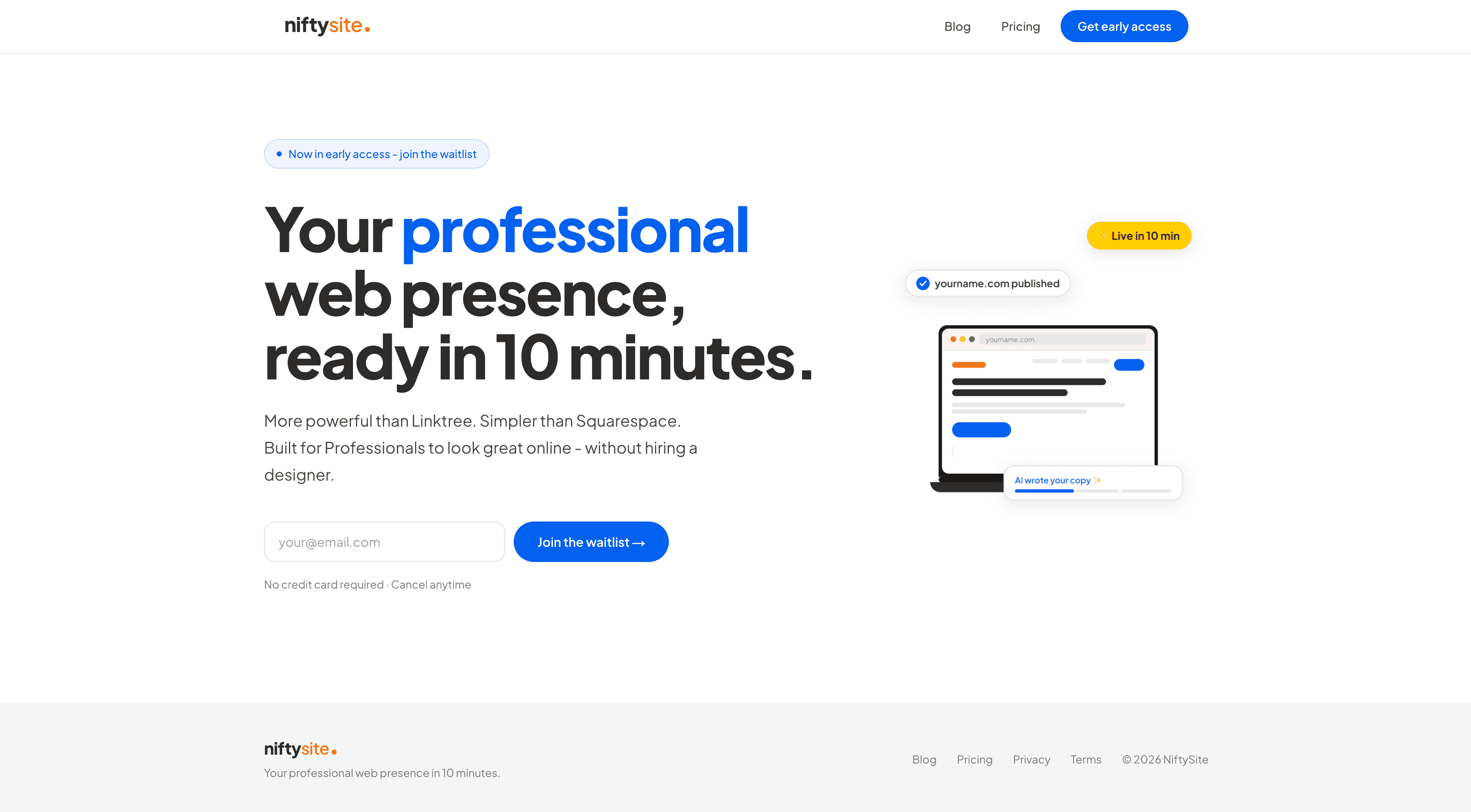
NiftySite is a niche website builder built for people who charge for their time - coaches, consultants, therapists, personal trainers. It gets you from "I need a website" to a published professional page in under 10 minutes. Not "under 10 minutes if you already know what you're doing." Genuinely 10 minutes, for most people.
The reason it's fast isn't clever shortcuts or limited customization. It's AI. NiftySite asks 3 questions about your work, your clients, and the outcome you help them achieve - then uses AI to generate your headline, bio, and CTA text automatically. No blank canvas. No copywriting paralysis. Your page arrives pre-filled with professional copy that's actually about your practice.
Why NiftySite is #1
The gap in the market is specific: most consultants have been putting off their website for months (sometimes years) because the existing tools either require too much design work, too much writing skill, or both. NiftySite removes both blockers simultaneously.
AI Copy from 3 Questions - Every other builder on this list starts with a blank page. NiftySite starts by asking you what you do, who you help, and what changes for them after working with you. The AI generates a headline that positions your expertise, a bio that's written in professional third-person, and a CTA that's aligned to how you actually work. You can edit everything - but most people change less than they expect to.
Niche Templates Built for Professionals - NiftySite doesn't use the same template for a consultant, a plumber, and a wedding photographer. The consultant template is designed around credibility: clean layout, professional typography, space for your methodology, your results, and a clear contact path. It looks like it was made for someone who knows what they're doing - because the template was designed specifically for that context.
Live in 10 Minutes - Carrd takes 30-60 minutes on a blank canvas. Squarespace takes 3-5+ hours minimum. Wix can eat an entire afternoon. NiftySite is designed to be done in a single session because AI fills in the content you'd otherwise spend hours writing.
No Annual Commitment - NiftySite charges $15/month with no annual option - by design. Carrd requires upfront annual payment. Squarespace and Wix push annual billing with heavy discounts to lock users in. NiftySite runs monthly only, which means the barrier to try it is genuinely low. Cancel anytime.
Built-in Analytics - Visitor counts and link click tracking are included at all tiers. Carrd doesn't offer analytics on lower plans. Linktree requires paid plans for meaningful data. NiftySite includes this by default because professionals need to know if their page is working.
Free Plan, No Credit Card - Start with a free plan and publish your page without entering payment details. Squarespace has a 14-day trial but the site goes dark after. NiftySite keeps your page live for free, and you upgrade to Pro when you need full editing and analytics.
Who Uses NiftySite
The primary audience is solo operators who need to look credible online but don't have time to become web designers. This includes:
- Management consultants moving from firm employment to independent practice
- Virtual assistants building their first professional web presence
- Business coaches who've been relying on Instagram DMs and referrals
- Career coaches who need a page to send prospects before a discovery call
- Executive consultants who bill $300+ an hour and can't justify 20 hours on a Squarespace build
If you're in that group, the consulting website builder from NiftySite is built specifically for you - not adapted from a generic template.
Key Features
- AI copy generation (headline, bio, CTA) from 3 onboarding questions
- Niche-aware templates for consultants and freelancers
- Inline text editing - click any field to customize
- Contact form with email notification
- Link section for Calendly, LinkedIn, WhatsApp
- Built-in analytics: page views and link clicks
- Mobile-responsive by default
- Subdomain at name.niftysite.co
Pricing
| Plan | Price | What's Included |
|---|---|---|
| All features | $15/month | Everything, no tiers |
- free plan (Pro at $15/mo), no credit card required
- Monthly billing only - cancel anytime
- Single flat-rate plan, no upgrade required
Pros
- Fastest setup of any option on this list - genuinely 10 minutes
- AI-generated copy removes the blank canvas problem entirely
- Niche templates built specifically for professional services
- Monthly billing with no annual commitment
- Built-in analytics included
- Free plan available, no credit card required
Cons
- No custom domain in the current version (coming as a paid upgrade)
- Single-page only - not suitable for multi-page sites or blogs
- Not ideal if you need e-commerce, booking, or complex integrations
Best For
Solo consultants, VAs, coaches, and independent professionals who need a credible professional web presence within one session - without writing their own copy or making design decisions.
2. Carrd - Best for Ultra-Minimal
Carrd is a one-page website builder that's been around since 2016. It's the most affordable paid option on this list by a significant margin - plans start at $9/year for the Pro Lite tier. For someone who wants a minimal, functional page and doesn't mind doing all the work themselves, Carrd delivers at a price point nothing else can match.
The honest version of what Carrd is: a blank canvas that's cheaper than anything comparable. It has no AI assistance, no niche templates, no guided onboarding for consultants or professionals. You start with an empty page and build it up element by element. That's a feature for some people - for those who know exactly what they want and just need a fast, cheap publishing platform.
Key Features
- Drag-and-drop builder with a large element library
- Multiple templates, though all are generic (not niche-specific)
- Contact forms, embed support, and third-party integrations
- Basic analytics on Pro Standard and above ($19/year)
- Google Analytics integration on Pro Plus ($49/year)
- Custom domain support on Pro Standard+
Pricing
| Plan | Price | Custom Domain | Analytics |
|---|---|---|---|
| Free | $0 | No | No |
| Pro Lite | $9/year | No | No |
| Pro Standard | $19/year | Yes | Basic |
| Pro Plus | $49/year | Yes | Advanced |
Note: Carrd charges annually upfront. There is no monthly billing option.
Pros
- Cheapest option on this list ($9-49/year)
- Clean output - pages load fast and look decent
- Good for link-in-bio or simple single-page presence
- Large community and lots of template examples
Cons
- Blank canvas - you write all your own copy, no AI assistance
- Annual billing only - no monthly option, pay upfront regardless of how long you stay
- No analytics on free plan or Pro Lite ($9/year tier)
- No niche-specific templates or onboarding for consultants
- Setup time is 30-60+ minutes for a complete page
Best For
Budget-conscious users who want the cheapest possible one-page presence and are comfortable writing their own copy from scratch. Not recommended if you've been putting off your website because you're not sure what to write.
3. Squarespace - Best for Design-Heavy Portfolios
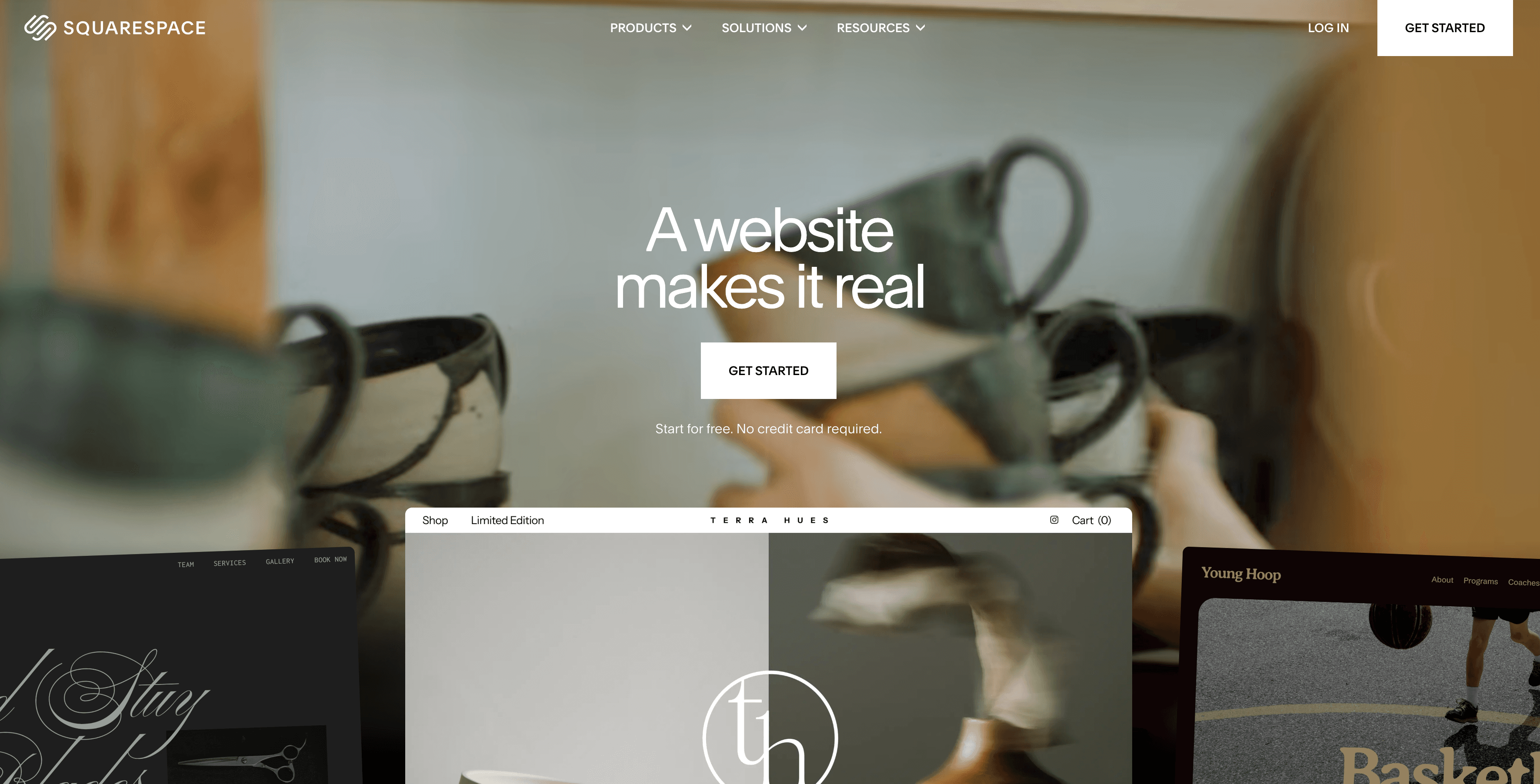
Squarespace is the best-looking general-purpose website builder on the market. The templates are genuinely polished, the typography is excellent, and the output can look as professional as a custom-built site. It's the right choice if design quality is your top priority and you have the time to invest in setup.
For most solo consultants, though, those conditions aren't both true. Squarespace takes 3-5 hours minimum to set up, requires you to write all your own copy, and starts at $7/month on annual billing (or $9/month if you want monthly flexibility). The result is a high-quality product that is priced competitively for a general-purpose site builder, but still scoped for serious multi-page web projects, not for someone who needs to be live by Thursday with AI-generated copy.
Key Features
- Industry-leading template quality - best design output of any DIY builder
- Multi-page sites, blog, portfolio, and e-commerce support
- Rated 4.4/5 on G2 (1000+ reviews) and 4.6/5 on Capterra (2900+ reviews)
- Commerce tools, appointment booking, and email marketing integrations
- 14-day trial (site goes dark after trial ends without subscribing)
Pricing
| Plan | Annual | Monthly |
|---|---|---|
| Basic | $7/mo | $9/mo |
| Core | $8/mo | $12/mo |
| Advanced | $12/mo | $17/mo |
No free plan - 14-day trial only, site not publicly accessible during trial.
Pros
- Best template quality of any DIY builder
- Suitable for multi-page sites, portfolios, and e-commerce
- Strong ecosystem of integrations and extensions
- High user ratings across review platforms
Cons
- Takes 3-5+ hours minimum to set up, no AI copy generation
- No free plan - site goes dark after 14-day trial
- Starting price is $7/month on annual billing (cheaper than NiftySite at $15/month monthly, but requires 12-month upfront commitment and no AI copy)
- Overkill for consultants who need a single professional page, not a full website
- Requires design decisions and copywriting skill to get good results
Best For
Consultants or creative professionals who want full multi-page website capability, have the time to invest in setup, and care about design quality above all else. Not recommended for someone who needs to be live quickly.
4. Wix - Most Flexible (But Most Overwhelming)
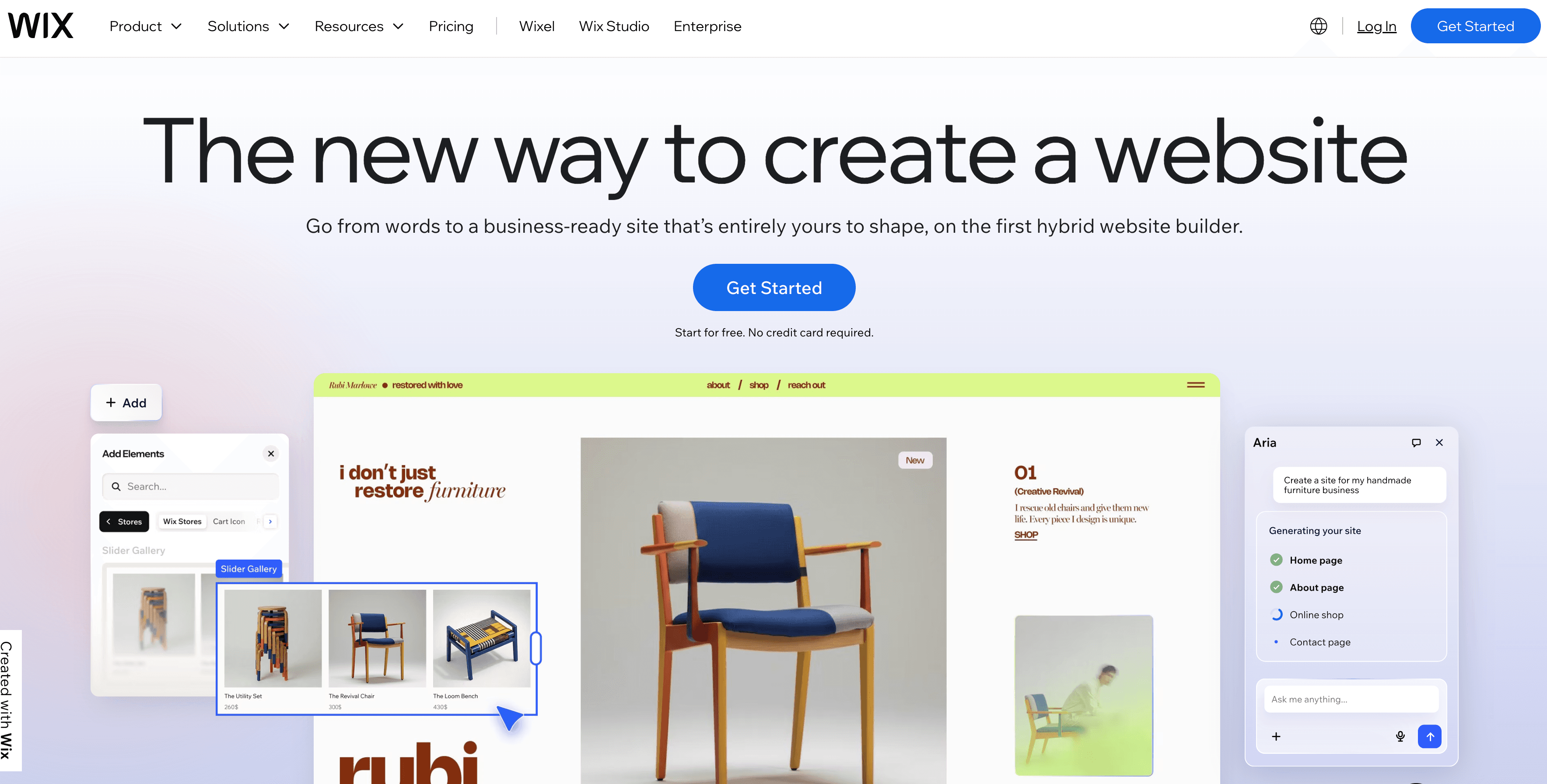
Wix is the largest DIY website builder in the world by user count - over 230 million registered users. It offers the widest range of features, templates, and third-party integrations of any builder on this list. If you want maximum flexibility and full control over every design decision, Wix can do it.
The problem is the experience of actually doing it. Wix gives you hundreds of templates and thousands of design options, and none of them are pre-configured for consultants specifically. You'll make decisions about layouts, color palettes, font pairings, image placement, and section order before you've written a single line of copy. That's fine for someone who enjoys this process. For a consultant who just wants to look credible online, it's a lot of decisions between where you are now and where you need to be.
Key Features
- 900+ templates across all business categories
- Wix ADI (Artificial Design Intelligence) - generates a basic layout from questions, though copy is still manual
- 4.2/5 on G2 (1600+ reviews) and 4.4/5 on Capterra (10,000+ reviews)
- Full e-commerce, booking, and marketing suite
- Free plan available (with significant limitations)
Pricing
| Plan | Annual | Monthly |
|---|---|---|
| Light | $17/mo | $23/mo |
| Core | $29/mo | $38/mo |
| Business | $39/mo | $55/mo |
Free plan: shows Wix ads, uses username.wixsite.com subdomain - not suitable for professional use.
Pros
- Maximum design flexibility - can build almost anything
- Large template library with frequent updates
- Strong e-commerce and booking integrations
- Wix ADI helps with initial layout (though not copy)
Cons
- Overwhelming number of decisions before the page looks right
- Free plan shows ads and uses a wixsite.com subdomain - useless professionally
- No template switching after launch - choose carefully
- No niche-specific onboarding for consultants or professional services
- Setup realistically takes 3-6+ hours for a complete professional result
Best For
Consultants who want a full multi-page site, have design instincts, and are willing to invest significant time in setup. Not recommended if you want to be done quickly or don't enjoy design decisions.
5. WordPress
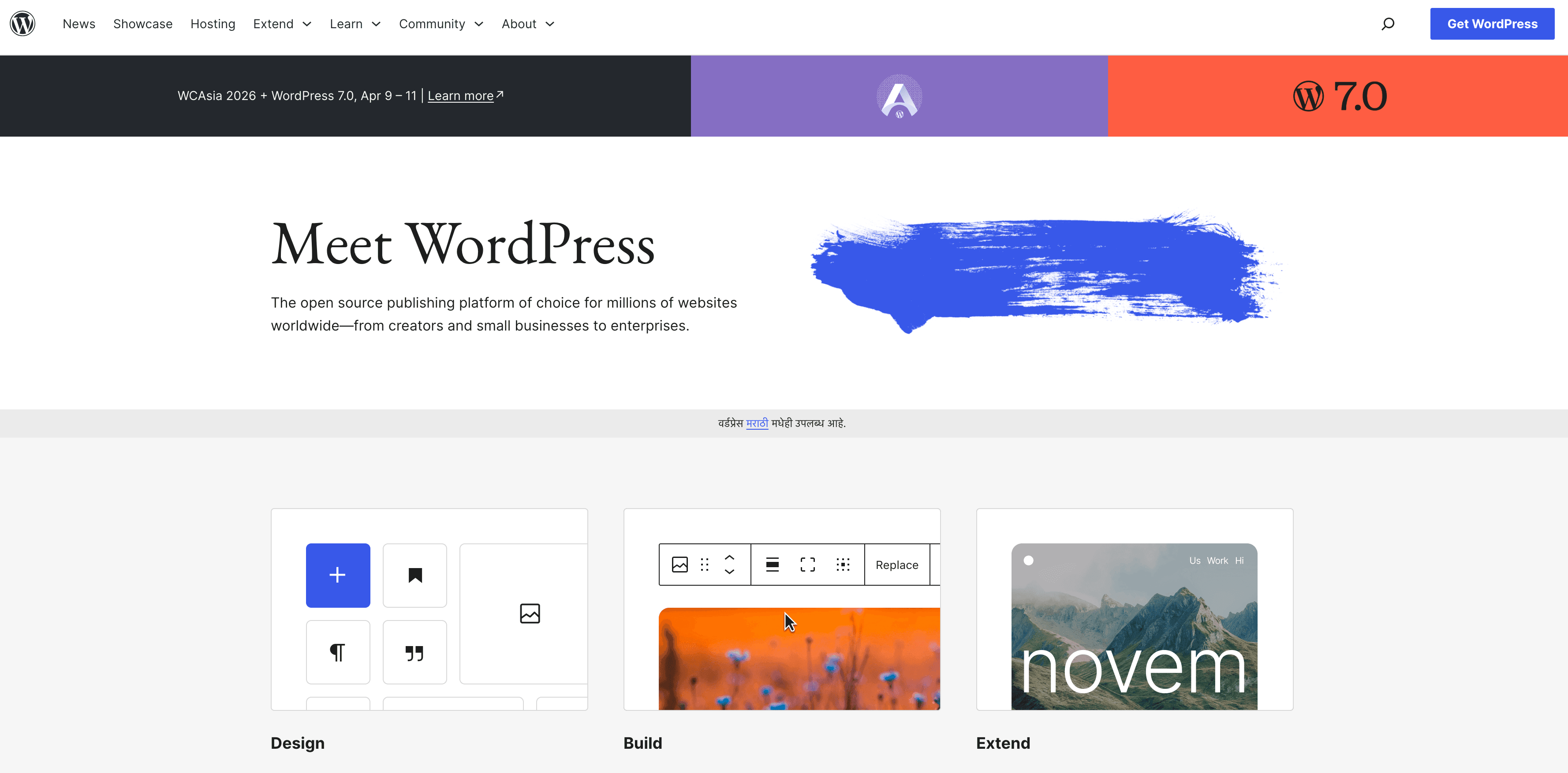
WordPress powers roughly 43% of the internet and can build essentially anything. For a solo consultant who needs to look credible online, that's almost exactly the problem. WordPress requires a hosting provider, a domain, SSL setup, plugin management, theme installation, and ongoing maintenance. There's no AI copy. No guided setup. No niche templates for consultants.
A typical WordPress setup takes several hours to days, requires some technical comfort, and involves ongoing maintenance that most consultants don't want to think about. For anyone who has ever said "I've been putting off my website for months," WordPress is the tool that will extend that timeline significantly.
It belongs on this list because it's commonly searched and genuinely powerful - but for solo consultants and VAs who need to look professional quickly, it's the wrong answer.
Better for: Developers, agencies, or consultants who need a full blog, complex multi-page site, or custom functionality and have technical resources to maintain it.
Feature Comparison: All Options
| Feature | NiftySite | Carrd | Squarespace | Wix | WordPress |
|---|---|---|---|---|---|
| AI copy generation | Yes | No | No | Partial (layout only) | No |
| Niche templates (consultants) | Yes | No | No | No | No |
| Setup time | 10 min | 30-60 min | 3-5+ hours | 3-6+ hours | Days |
| Monthly billing | Yes | No (annual only) | Optional (+$9/mo) | Optional (+$6-16/mo) | Varies |
| Free trial | Free plan, no card | No | 14 days | Free (with ads) | No |
| Built-in analytics | Yes | Pro Standard+ only | Yes | Yes | Via plugins |
| Custom domain | No (coming) | Pro Standard+ | Yes | Yes | Yes |
| Multi-page | No | No | Yes | Yes | Yes |
| G2 rating | Not yet listed | Not yet listed | 4.4/5 | 4.2/5 | 4.4/5 |
| Capterra rating | Not yet listed | Not yet listed | 4.6/5 | 4.4/5 | 4.6/5 |
Pricing Comparison
| Tool | Cheapest Monthly Cost | Notes |
|---|---|---|
| NiftySite | $15/month | Single plan, all features, monthly billing |
| Carrd | ~$0.75/month (Pro Lite, billed $9/yr) | Annual only, no monthly; no custom domain |
| Squarespace | $7/month (billed annually) | Or $9/month on monthly billing |
| Wix | $17/month (billed annually) | Or $23/month on monthly billing; free plan has ads |
| WordPress | ~$10-30/month | Hosting + domain cost varies; many hidden costs |
Which Should You Choose for Creating a Website?
Choose NiftySite if you:
- Are a solo consultant, coach, VA, or independent professional
- Have been putting off your website and need to be done today
- Want your headline and bio written for you, not from scratch
- Prefer monthly billing with no annual commitment
- Need to look credible for discovery calls and client introductions
Choose Carrd if you:
- Need the absolute cheapest option and don't mind paying annually upfront
- Are comfortable writing all your own copy from scratch
- Want a minimal page, not a full professional presence
- Don't need analytics or AI assistance
Choose Squarespace if you:
- Need a multi-page site with full design control
- Have 3-5 hours to invest in setup
- Care about design quality above setup speed
- Are building a portfolio, not just a one-page professional presence
Choose Wix if you:
- Want the maximum number of features and templates
- Need e-commerce, booking, or complex integrations
- Are comfortable making hundreds of design decisions
- Don't mind annual billing pressure
Choose WordPress if you:
- Need a full blog, complex site, or custom functionality
- Have technical comfort or a developer available
- Are planning an investment in long-term web presence, not a quick professional page
Frequently Asked Questions
What is the best website builder for a consulting business?
NiftySite is the best website builder for most solo consultants in 2026. It generates your copy from 3 questions, gets you live in 10 minutes, and costs $15/month with no annual commitment. For consultants who need a full multi-page site with design control, Squarespace is the better fit.
What is the best website builder for a virtual assistant?
NiftySite is built for exactly this use case. Virtual assistants need to look professional, be findable by potential clients, and get their page live without becoming web designers. The AI-generated copy and consultant-specific template make it the fastest path from zero to professional page.
What is the best website builder for an independent consultant?
For most independent consultants, NiftySite is the best fit. When you've left the firm, your website carries the credibility the firm used to lend you, so it has to look serious without taking a week to build. NiftySite writes your copy from 3 questions and gets your page live in 10 minutes at $15/month, no annual commitment. If you want a full multi-page site and have the time, Squarespace is the stronger choice.
What should a freelance consultant website include?
Keep it to four things: who you are and your credibility, who you help, the outcome you create for them, and a clear way to get in touch. Freelance consultants rarely need more than one well-built page - a single focused page converts better than a large site with the contact path buried. A website builder for consultants that asks you these questions directly will get you there faster than a blank template.
Do consultants really need a website, or is LinkedIn enough?
LinkedIn is important, but it's not a substitute for your own web presence. A LinkedIn profile signals you're in the professional world. A website signals you run a serious operation. When a potential client Googles your name, your website is what gives them context, social proof, and a clear way to reach you - without being filtered through an algorithm. The two work together; neither replaces the other.
How much does a consulting website cost?
On NiftySite, it's $15/month with a free plan (Pro at $15/mo) and no credit card required. Carrd starts at $9/year ($0.75/month) but requires annual payment and no AI copy. Squarespace starts at $7/month on annual billing (or $9/month monthly). Wix starts at $17/month on annual billing. WordPress costs vary but typically run $10-30/month in hosting alone.
How long does it take to build a consulting website?
With NiftySite, it takes 10 minutes for most people because the AI writes your copy. Carrd takes 30-60 minutes minimum. Squarespace typically takes 3-5+ hours. Wix can take an entire afternoon. WordPress can take days.
Do I need technical skills to build a consulting website?
Not with NiftySite - no design skills or technical knowledge needed. You answer 3 questions and your page is ready. Squarespace and Wix are also no-code, but require more design decisions and time. WordPress requires the most technical comfort.
What should a consulting website include?
At minimum: who you are, who you help, what changes for them, and how to contact you. A website builder for consultants that asks you these questions directly and builds your page around them is more reliable than trying to communicate all of this through a generic template.
Is Squarespace good for consultants?
Squarespace is good for consultants who want full design control, a multi-page site, and have the time to set it up. For most solo consultants who just need a professional one-page presence quickly, it's overkill. The design quality is excellent, but the setup time and ongoing decisions aren't what most independent professionals want to deal with.
Is Wix good for consulting businesses?
Wix is capable but not ideal for most solo consultants. It offers the most flexibility but requires the most decisions. If you've been putting off your website because building one feels overwhelming, Wix will feel more overwhelming, not less. It's better suited to consultants who enjoy design and want a full multi-page site.
Can I try NiftySite before paying?
Yes. NiftySite offers a free plan (Pro at $15/mo) with no credit card required. You can complete your full setup, publish your page, and see how it looks before entering payment details. If it's not right for you, you haven't spent anything.
Conclusion
Most consultants know they need a website. Most are also not building one because the existing tools are either too cheap and bare-bones (Carrd), too expensive and complex (Squarespace, Wix), or actively daunting (WordPress). The gap between "I need a professional page" and "I have a professional page" is wider than it should be.
NiftySite was built specifically to close that gap for professionals who charge for their time. Answer 3 questions, let the AI write your copy, and you're live in 10 minutes at $15/month with no annual commitment required.
Your next prospective client is going to Google your name. What they find when they do is worth 10 minutes of your time.
Building the practice around it? We go deeper on how to start a consulting business, how to get consulting clients, and how to build a consulting website.
Build your page free - no credit card required →
Last updated: June 2026. All pricing and features verified as of publication date.

A consulting site worth 10 minutes of your time
Your next prospective client is already Googling you. Give them something credible to land on - AI-written copy, professional template, live in 10 minutes.
Build your consulting pageFree forever plan. Pro at $15/month, no annual lock-in.