
Most coaches do not have a website because the building part feels harder than the coaching part. A blank Squarespace canvas asks for hero copy, section layouts, font pairings, and a navigation menu before there is any sign of a published page. A WordPress install asks for hosting decisions, plugins, and a theme. A Carrd page sits at a blinking cursor on a one-column template. The result is the same in every case: a half-finished draft, a tab left open for six months, and a coaching practice that still sends discovery call leads to an Instagram bio.
This guide is the practical version of how to build a coaching website without coding and without hiring anyone. It is written for the coach who has decided the site needs to exist, knows it will not be a weekend masterclass in design, and wants the page live in an afternoon, not in a month. No HTML. No design background. No coding bootcamp.
The good news is the technical bar is lower than ever. A modern coaching website is a single page with five sections, written in plain language, built on a tool that fills in the parts a coach would otherwise stare at. The Stanford Web Credibility Project found that 75% of users judge a company's credibility from its website design. That sounds intimidating, but the practical version of "credible design" is shorter than most coaches expect: a real photo, a clear sentence about who the coach helps, a named offer, and one way to book. The tool does the rest.
Here is what this guide covers:
- What a coaching website actually needs (the five sections that matter)
- How to write the copy when "writing copy" sounds awful
- How to pick a no-code builder without spiraling for two weeks
- The afternoon build, step by step
- Photos and branding without hiring a designer
- Going live and getting found
- The mistakes non-technical coaches make most often
- Answers to the questions new coaches ask before pressing publish
What a Coaching Website Actually Needs
The most common reason a coaching website never ships is scope. The coach starts planning a five-page site with a blog, an "approach" section, a separate "credentials" page, a freebie funnel, and an email opt-in form. A month later, none of it is live. The version that actually books clients is much smaller.
A one-page coaching website with five sections outperforms a five-page coaching website with placeholder content. The five sections that need to exist, in order:
- A clear headline. One sentence that says who the coach helps and what outcome they deliver. Not "Welcome to my coaching practice." Closer to "Career coaching for engineering managers stuck before the staff level."
- A short about block. Two or three sentences about the coach, with a real photo. Credentials, relevant past experience, why this coach for this niche.
- A named offer. The package, the inclusions, the starting price (or "starts at" if hesitant to publish exact pricing). One offer, not three.
- Social proof. One or two specific testimonials with the client's first name and a concrete outcome. "Helped me move from senior to staff in six months" beats "Great coach, would recommend."
- A way to book. One link. Calendly, Cal.com, or a contact form. Not three options scattered across the page.
That is the entire website. Optional add-ons (a FAQ, a longer about page, a podcast embed) can be added later, after the page is live and the first clients are signing. Adding them now is what kills the launch.
What does not need to exist on a starting coaching website: a blog, a newsletter signup, a freebie lead magnet, a separate services page, a credentials wall, a multi-language switcher, an Instagram feed embed, or a "my philosophy" section. Every one of those is a future feature that delays the present launch.
How to Write the Copy When Writing Copy Sounds Awful
The blank page is the actual problem. Most coaches can describe their work fluently on a discovery call and freeze the moment they sit down to write the same words on a website. The fix is not better writing skill. The fix is a short structure and the right tool.
The structure for a coaching website's copy looks like this:
- Headline: "[Type of coaching] for [specific person] who [specific situation]."
- Subhead: One sentence on the outcome, not the process.
- About: Three sentences: who the coach is, why they coach this niche, and one piece of evidence (credential, past role, named outcome).
- Offer: "A [3 or 6] month coaching program covering [outcome]. Includes [inclusions]. Starting at [$X]."
- Testimonials: Two short quotes with first name and outcome.
- CTA: "Book a discovery call" or "Schedule a fit call."
That is the entire word count. Around 250 to 400 words for the whole page. Coaches who try to write 2,000 words for a one-page site are the ones who never ship.
Two practical helpers cut the writing time even further. The first is the discovery call transcript trick: open a voice memo on the phone, talk through the headline and about section out loud as if explaining the practice to a peer, then paste the transcript into the page. Talking is easier than typing. The second is using a builder with built-in AI copy generation. Tools like the coaching website builder at NiftySite ask a short intake (who is helped, what outcome, what makes the coach different) and generate the headline, bio, and CTA text from those answers. The output is editable, but the blank-page problem disappears.
Whichever route the coach takes, the principle is the same: write less, ship sooner. Every word on a coaching site needs to earn its place. Vague phrases like "I help people unlock their potential" sound safe in a vacuum and convert badly in practice.
Choosing a No-Code Builder Without Spiraling
A coach can spend two weeks comparing website builders and still not be live. The honest reality is that the right tool for a non-technical coach is the one that gets the page published this week with copy already filled in. Builders differ in how much friction they put between the coach and that result.
The realistic options for a non-technical coach in 2026:
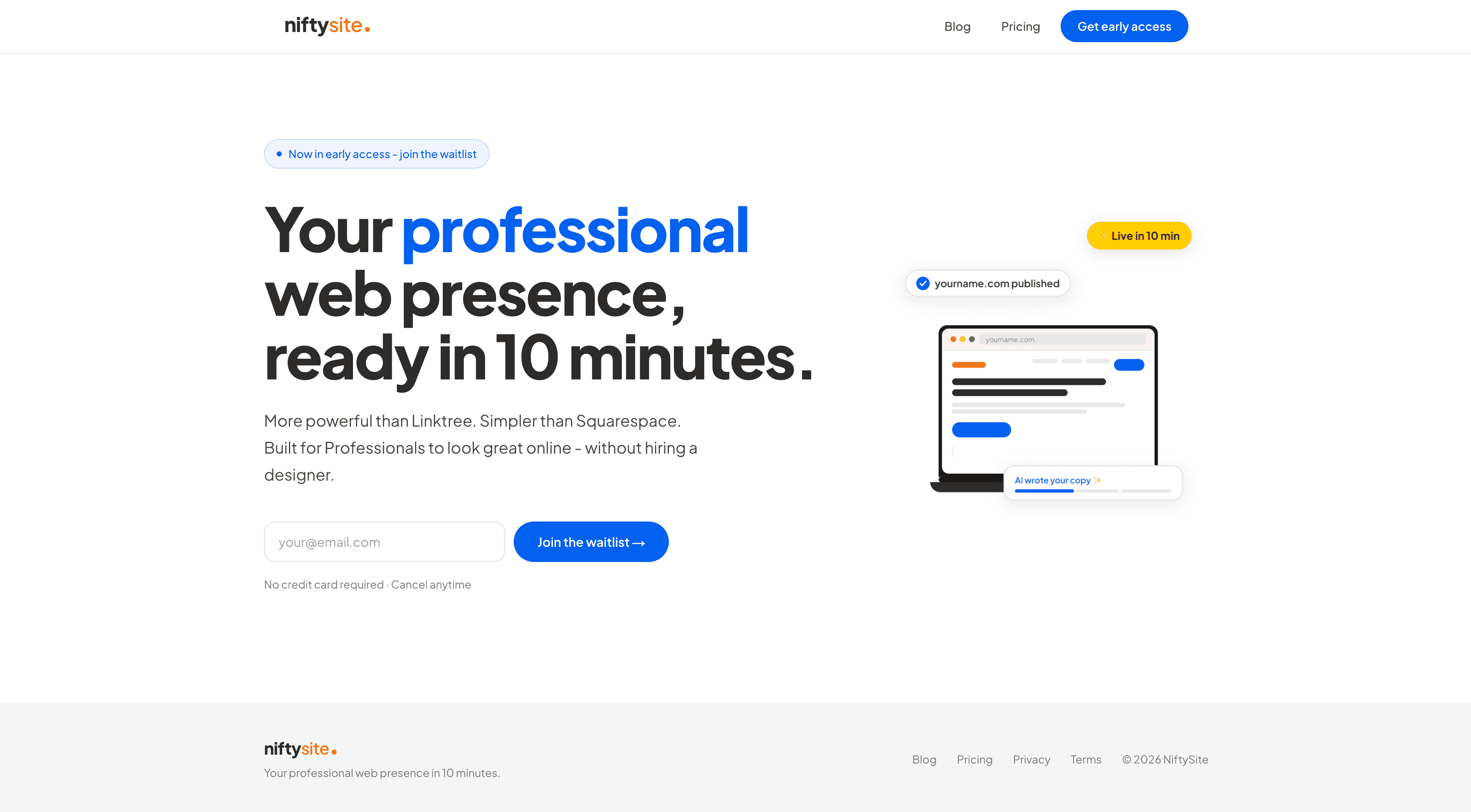
NiftySite is the closest fit for a non-technical coach who needs a credible one-page site fast. The coaching template is niche-aware: the intake questions, default sections, and prefilled copy all reflect a real coaching practice instead of a generic small business. AI generates the headline, bio, and CTA from a five-question intake, so the blank page never appears. The free forever plan keeps the published page live without a credit card, and Pro is $15 a month with monthly billing and no annual lock-in. For a coach who wants the site live by dinner, this is the path of least resistance.
#1NiftySite
Coaching website live in 10 minutes, no coding
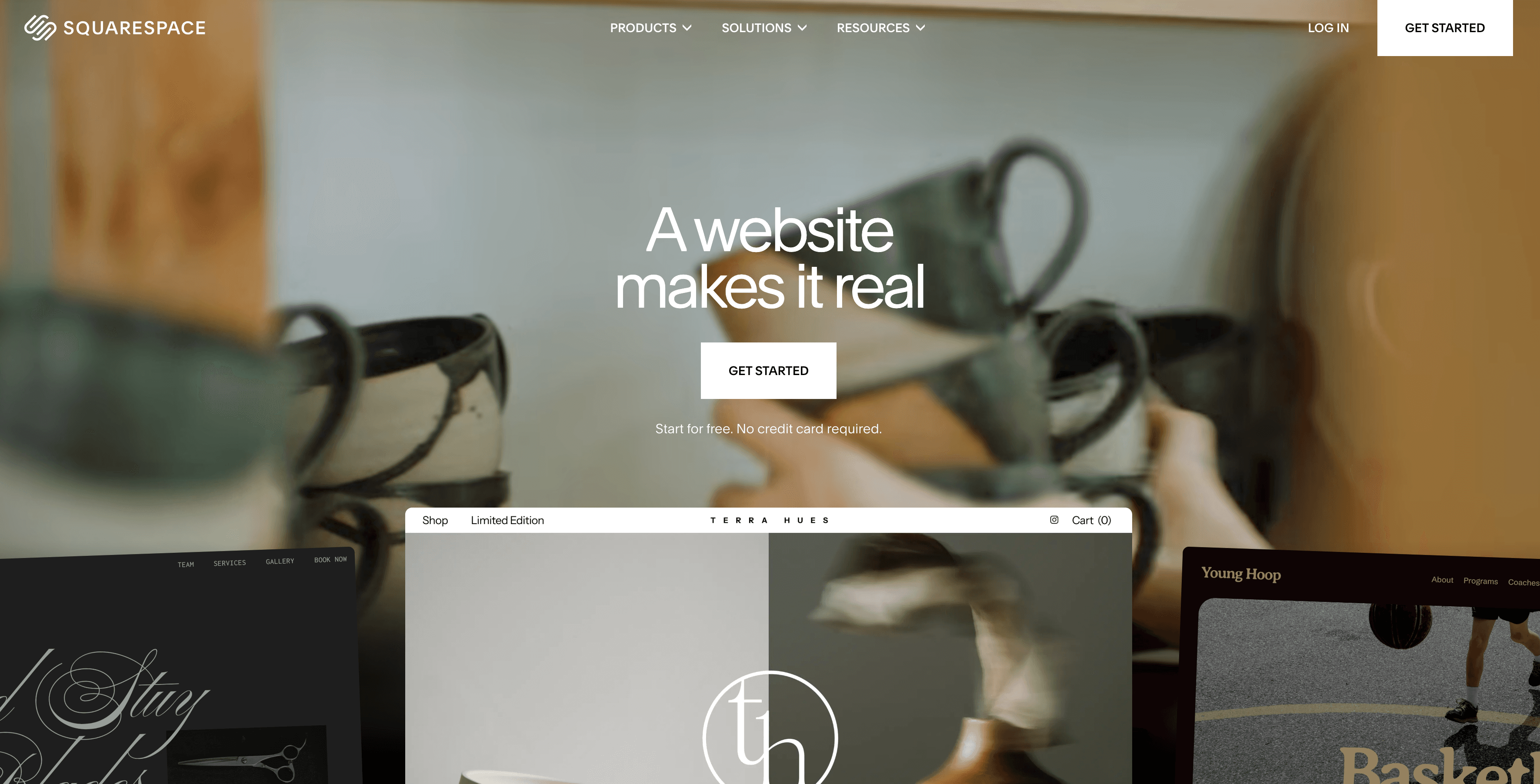
Squarespace is a fine tool, but a poor fit for the "afternoon launch" goal. The templates are beautiful, the editor is mature, and the SEO is solid. The cost is time. A coach with no design background usually needs two to four weekends to finish a Squarespace site, because the canvas is open-ended and there is no AI copy assistance for coaching specifically. Pricing starts around $16 a month on an annual plan. For a coach who already has copy, photos, and a weekend to spare, Squarespace works. For a coach trying to get unstuck, it is the wrong starting tool.
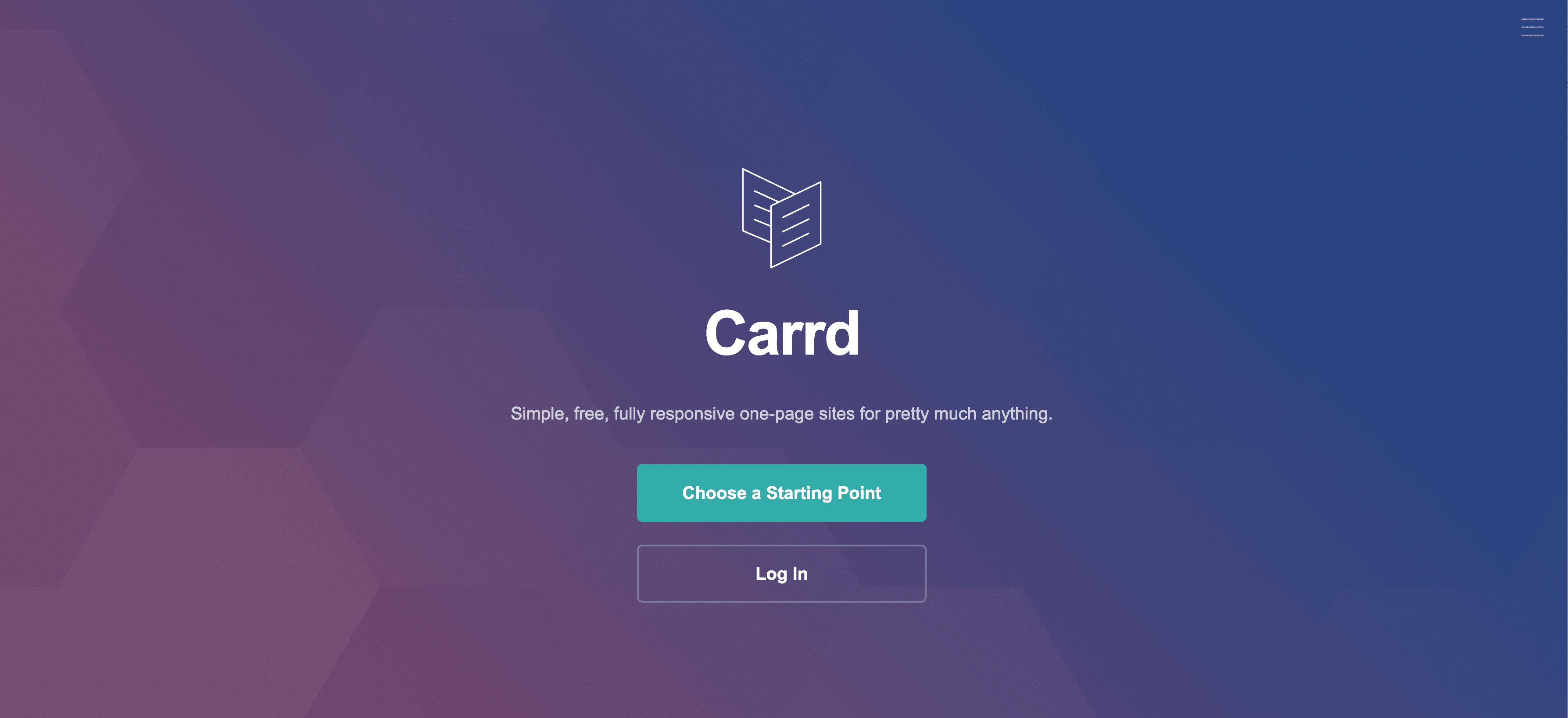
Carrd is the budget single-page builder. Plans run $9 to $49 a year, the editor is clean, and a coach with strong writing instincts can launch a site over a weekend. The tradeoffs are real: no AI copy, no niche-specific templates, no built-in analytics on the cheapest plan, and a fairly bare visual style by default. Coaches who like minimalism and want to keep costs to under $20 a year can make Carrd work. Coaches who want the tool to do more of the lifting will outgrow it quickly.
A practical comparison for the three most common starting tools:
| Tool | Best For | Starting Price | Setup Time | Free Tier |
|---|---|---|---|---|
| NiftySite | Non-technical coaches who want a credible page fast | Free, Pro $15/mo | 10 minutes | Yes, forever |
| Squarespace | Coaches who want a multi-page designed site and have weekends | From about $16/mo annual | 2 to 4 weekends | Trial only |
| Carrd | Coaches comfortable writing copy and designing within a minimal template | From $9/year | A weekend | Yes, limited |
The choice matters less than getting the page live. A coach who picks the wrong tool but publishes in a week is far ahead of a coach who picks the perfect tool and stays in draft for three months.
The Afternoon Build, Step by Step
The actual build, with a no-code tool, fits in an afternoon. The version below assumes the coach has answered the niche and offer questions already, has a single photo of themselves, and has a half-decent place to send a booking call (Calendly, Cal.com, or an email link is fine).
Step 1: Open the builder and pick the coaching template. Most niche-aware builders default to the right template after a short intake. On general-purpose builders, search for "coach" or "one-page profile" templates and pick the simplest one.
Step 2: Answer the intake honestly, not perfectly. The questions usually look like: who does the coach help, what outcome, what makes the coach different, what is the offer. Short, direct answers work better than polished ones. On the website builder for coaches at NiftySite, the intake is five questions and generates the first draft of the page automatically.
Step 3: Replace the prefilled headline with the niche sentence. Even if the AI draft is decent, the headline is worth rewriting personally. The format is "[type of coaching] for [specific person] who [specific situation]." Save once, preview, move on.
Step 4: Upload one photo. A real headshot, even from a phone, outperforms a stock image every time. The photo should show the face, be in focus, and have decent lighting. No need for a professional shoot. Most builders will crop and resize automatically.
Step 5: Trim the about section to three sentences. AI-generated bios tend to run long. Three sentences is the right length: who the coach is, why this niche, one piece of evidence (credential, past role, named outcome).
Step 6: Name the offer and add the price. One package, one price, one outcome. "A six-month coaching program for engineering managers stuck before staff. Twelve sessions plus messaging support. Starts at $4,800."
Step 7: Add two testimonials with first names and outcomes. Real testimonials, even short ones, outperform invented placeholder copy. If there are no past clients yet, two testimonials from former colleagues describing a relevant strength are honest and usable. Do not invent quotes.
Step 8: Add the booking link. One call-to-action button at the top and one at the bottom. Both link to the same Calendly or Cal.com page. Not three different ways to contact, not a 14-field contact form.
Step 9: Preview on mobile. Most coaching site visitors will load the page on a phone. Builders preview the mobile layout in one click. If the headline gets cut off or the photo distorts, fix it before publishing.
Step 10: Press publish. This is the step coaches stall on most. The first version does not have to be the last version. The published page can be edited an hour later, a week later, or a year later. What it cannot do is book clients while it sits in draft.
For non-technical coaches using NiftySite specifically, steps 1 through 9 land in about ten minutes because the niche-aware template and AI copy generation do the heavy lifting. On Squarespace or Carrd, the same steps run closer to an afternoon because copy and layout are manual.
Photos and Branding Without Hiring a Designer
A coaching website does not need a brand identity. It needs a few consistent choices that signal "real practice." That is a much smaller task.
The visual minimums:
- One real photo of the coach. Phone camera is fine. Look at the lens. Natural light from a window beats overhead lighting. A plain wall behind is better than a busy background. If the only available photo is a vacation shot, use it for now and replace it later.
- A single accent color. Most builders set this from the template. Coaches who want to choose can pick one color (the brand color of the coach's primary niche works, or a single muted blue, green, or warm orange). Stick to one. Two or three accent colors look amateur faster than no accent at all.
- One font choice. Almost every modern builder defaults to a clean sans-serif. Leave it alone. Coaches who change fonts to look distinctive usually end up with something harder to read.
- A clean favicon. The little icon in the browser tab. Initials in the brand color, generated by the builder or by a free favicon tool. Not optional, but takes 60 seconds.
That is the entire visual identity for a starting coaching practice. A logo is not required for a one-page site. A typography system is not required. A color palette is not required. Coaches who insist on these before publishing are usually procrastinating in disguise.
Going Live and Getting Found
Publishing the page is the moment the work starts paying off. There are two small follow-ups that make a real difference in how the page performs.
Step one: confirm the domain. A subdomain like name.niftysite.co is fine for a starting practice and signals "professional but new." Coaches who already own a custom domain can connect it after publishing; most builders walk through the DNS steps in a one-page guide. There is no rush to a custom domain on day one. The published page can move later.
Step two: submit the page to Google. A Google Search Console account is free, takes ten minutes to set up, and tells Google the page exists. Without it, the page may take weeks to appear in search results. Most coaching website builders include the indexing step in their docs.
Step three: link to the page everywhere. The Instagram bio, the LinkedIn profile, the email signature, the Calendly intake form. The website becomes the central reference point for the practice, and every discovery call lead should pass through it.
Coaches on the BrightLocal Local Consumer Review Survey sample, where 54% of consumers are most likely to visit a business's website after seeing a positive signal elsewhere, see the impact most clearly: the website is where the referral becomes a booking.
Common No-Code Mistakes Coaches Make
A few patterns show up in almost every coaching site that underperforms:
- Building five pages when one is enough. Multi-page coaching sites for solo practices dilute the call to action and stretch the launch timeline. One page, five sections, ship it.
- Hiding the price. "Contact for pricing" filters out high-intent buyers and looks like an old enterprise playbook. Even a "starts at $X" is better than nothing.
- Writing a "my philosophy" section. It feels meaningful, it converts nothing. Replace it with a real testimonial.
- Adding a blog before there are clients. The first blog post should follow the first ten clients, not precede them.
- Using stock photos of strangers. The visitor came to see the coach. Stock photos of generic professionals signal "this is not a real practice."
- Linking out to a Linktree. Defeats the purpose of having a website. Every click after the homepage should lead toward booking, not back out to a link aggregator.
- Never publishing. The most common mistake. A draft is not a website. Press publish.
Most of these are reversible in two minutes. Avoiding them up front is mostly a matter of accepting that "good enough and live" beats "perfect and unfinished."
Frequently Asked Questions
Do I really need a website if I have an Instagram and a Calendly link?
Yes. An Instagram bio and a Calendly link can route booked clients, but they do not convince a stranger to book in the first place. A coaching website is the moment of truth for referrals, podcast guest pitches, and cold contacts who Google the coach's name. Without a real site, those leads quietly do not convert.
How long does it take to build a coaching website without coding?
On a niche-aware builder like the no-code coaching website builder at NiftySite, about 10 to 30 minutes for the first version. On Squarespace, two to four weekends if the coach is starting from scratch. On Carrd, a weekend if the coach already has copy. The deciding factor is how much the tool does versus how much the coach has to do.
What should be on a coaching website at minimum?
Five things: a one-sentence headline naming who the coach helps and what outcome, a brief about block with a real photo, a named offer with the price or "starts at," one or two testimonials with first names and outcomes, and one clear booking link. That is the entire minimum viable coaching website.
How much does it cost to build a coaching website without hiring anyone?
A free tier on the right builder costs $0. A Pro plan on a modern coaching builder runs about $15 a month with monthly billing. Squarespace runs $16 a month or more on an annual plan. Carrd runs $9 to $49 a year. Custom domains add $10 to $15 a year. No designer, no developer, no agency invoice. For the full breakdown of what a coaching site costs across builders, designers, and DIY, see how much a coaching website costs.
Can a coach build a website without any tech skills at all?
Yes. Modern no-code builders are designed for non-technical users. The hard part is not the tool. The hard part is deciding what to put on the page. A niche-aware builder removes most of that decision work by prefilling the structure and copy.
What is the best website builder for non-technical coaches?
For most non-technical coaches, the best fit is a niche-aware builder with AI copy generation, like NiftySite. Coaches who want depth and have weekends to spare can use Squarespace. Coaches comfortable with minimalism and writing their own copy can use Carrd. The wrong choice is putting it off entirely.
Should a coaching website have a blog?
Not on day one. A blog is a real channel, but it only matters after the practice has signed clients and validated the niche. Most coaching sites that launch with a blog end up with three half-finished posts and no clients. Ship the one-page site first, run the practice for three to six months, then decide if a blog fits.
Do I need a custom domain for my coaching website?
Not at the start. A subdomain like name.niftysite.co is honest and works fine while the practice gets traction. A custom domain ($10 to $15 a year) is worth adding once the practice is generating regular revenue, usually within the first six months. Most builders make the swap painless.
How can a coach get a professional photo without paying for a photoshoot?
A phone camera, natural light from a window, a plain wall behind, and a friend pressing the shutter is enough for the first version of a coaching site. Replace it with a professional shoot later if the practice grows enough to justify it. The photo matters; the photographer's invoice does not.
Should the coaching website include pricing?
Yes, in almost every case. A starting price ("starts at $4,800 for a six-month program") filters out the wrong leads and signals seriousness to the right ones. "Contact for pricing" feels professional but converts worse than transparent pricing in almost every test.
What if I do not have any testimonials yet?
Two options. The first is honest peer testimonials: former colleagues or managers who can speak to a relevant strength ("clear thinker," "great at making complicated decisions feel simple"). The second is to launch without testimonials and add the first one as soon as a paying client agrees. Do not invent quotes.
How do I make a coaching website show up on Google?
After publishing, set up Google Search Console, submit the site's URL, and link to it from existing places (Instagram bio, LinkedIn profile, email signature). On most niche-aware builders like NiftySite, indexing is on by default for paid plans. SEO compounding takes three to six months; the page does not need to be perfect at launch.
Final Thoughts
Building a coaching website without coding is not a technical problem in 2026. It is a decision problem. The coach who knows their niche, names a single offer, picks a tool that does the writing, and publishes a one-page site in an afternoon is far ahead of the coach who has been comparing builders for three weeks.
The five-section page is enough. The phone photo is enough. The $15-a-month plan is enough. What is not enough is waiting for the perfect version that never ships. If the goal is to have a real coaching website live by the end of today, NiftySite is free to start, with a Pro upgrade at $15 a month and no annual lock-in. The first version of the page can be live in about ten minutes, and the practice can grow from there.
The website is not the work. The work is the coaching. The website is the door clients walk through to find it.
Last updated: May 2026. NiftySite is the website builder for solo coaches, consultants, and therapists who need a credible online presence in 10 minutes.

Build your coaching website without coding.
NiftySite generates the headline, bio, and CTA from a short intake. Niche-aware coaching template. Free forever, Pro is $15 a month with no annual lock-in.
Build your coaching siteFree forever plan. No credit card. Pro upgrade is monthly, cancel anytime.