
Most personal trainers get clients the same way: a referral, a DM, or someone who saw them at the gym. Then the prospect goes to look them up, lands on an Instagram bio with a Linktree, and has no idea whether this person runs a real business or just posts workout clips. The booking never happens. If you have been putting off building a real site for months, you are not behind on tech, you are losing clients in that exact gap.
The best website builder for personal trainers fixes that gap fast, without turning into a weekend project. This guide compares six options by price, setup time, and how well they fit a one-person fitness business, so you can pick one today and have a credible page live before your next session.
The fitness industry is not small and it is not slowing down. The US Bureau of Labor Statistics projects employment of fitness trainers and instructors to grow about 14 percent through 2032, much faster than the average occupation. More trainers means more competition for the same local and online clients, and the ones who look professional online win the discovery call before it even starts.
Quick Answer: The Best Website Builder for Personal Trainers
NiftySite is the best website builder for personal trainers because it generates your headline, bio, and call to action from a few questions and publishes a professional one-page fitness website in under 10 minutes. It bills at a flat $15 per month with no annual lock-in, includes visitor analytics and a contact form on the Pro plan, and uses niche-aware templates instead of a blank canvas. For trainers who want a credible site without spending a weekend on design, it is the fastest path from "I need a website" to a live page clients can actually book from.
Transparency Note: This comparison is published on NiftySite's website. While we believe NiftySite is an excellent solution and have positioned it as our top choice, we have conducted thorough research on all tools listed here to help you make an informed decision based on your specific needs. We have included objective data (pricing, setup time, features) and highlighted areas where other tools may be better suited for specific use cases.
Quick Comparison Table
Here is how the six tools compare at a glance for a personal trainer building a one-page professional site.
| Tool | Best For | Starting Price | Free Plan | AI Copy | Setup Time |
|---|---|---|---|---|---|
| NiftySite | Trainers who want a credible site fast | $15/mo (free tier) | Yes, forever | Yes | ~10 min |
| Squarespace | Design-led trainers building a brand | $9/mo (annual) | No, 14-day trial | No | 1 to 2+ hrs |
| Wix | Trainers who want built-in booking | $17.77/mo (annual) | Yes, with ads | No | 1 to 3 hrs |
| Carrd | Budget one-pagers, DIY design | $9/yr | Yes, with branding | No | 30 to 60 min |
| Linktree | A link list off your Instagram bio | $8/mo | Yes, with branding | No | A few min |
| Trainerize | Delivering workouts, not a website | $9/mo (2 clients) | Yes, 1 client | No | Varies |
A quick note on that last row: Trainerize is coaching software with a profile page, not a website builder. It earns a spot here because trainers compare it to website tools, but as you will see below, it solves a different problem.
1. NiftySite - Best Overall Website Builder for Personal Trainers
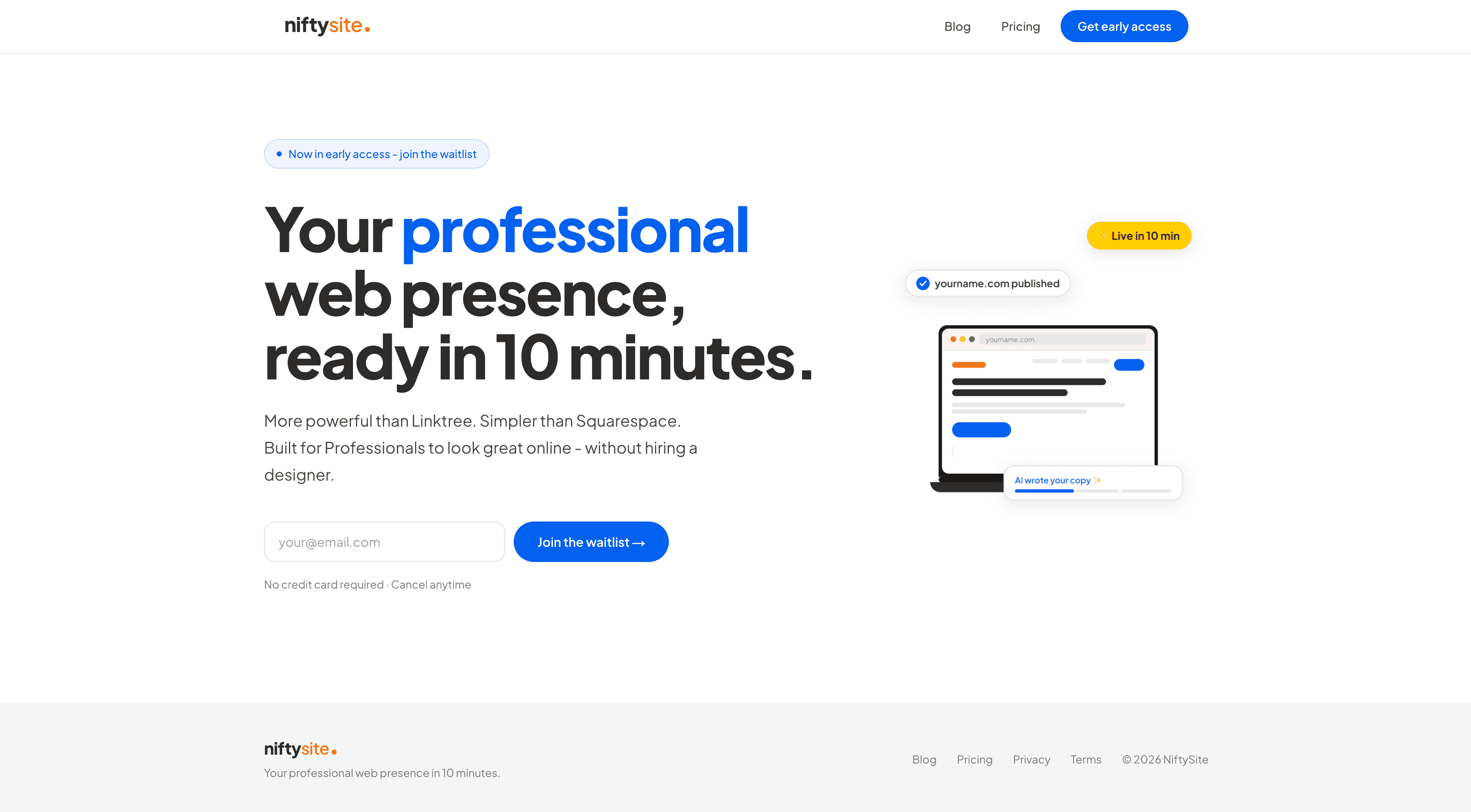
NiftySite is a website builder for people who charge for their time, and that fits a personal trainer almost perfectly. Instead of handing you a blank page and 200 design choices, it asks a few questions about your training, your clients, and what you want people to do next, then uses AI to write your headline, bio, and call to action for you. You get a finished, professional one-page site, not a project to manage.
For a trainer, the friction has never been the tech. It is sitting down to write "about me" copy that does not sound either arrogant or generic, then second-guessing fonts and colors until you give up and go back to posting on Instagram. NiftySite removes that whole stall. You answer the prompts, preview a real page, tweak the wording in your own voice, and publish.
Why NiftySite is #1
NiftySite stands out for personal trainers on three things competitors do not combine: AI-written copy, a genuine 10-minute setup, and flat monthly pricing with no annual trap.
AI copy from a few questions. Tell NiftySite you run online and in-person strength coaching for busy professionals, and it drafts a headline, a short bio, and a clear call to action. No staring at an empty page wondering how to describe what you do. You edit the wording so it sounds like you, and you are done.
Live in 10 minutes, not a lost weekend. This is a genuine 10 minutes because the AI fills the content, not a "you could do it fast if you tried hard" claim. Squarespace realistically takes one to two hours, and Wix can eat an afternoon once you start picking layouts. A NiftySite page is a single sitting between clients.
No annual lock-in. NiftySite is $15 per month, billed monthly, cancel anytime. Carrd makes you pay for a year upfront, and Squarespace and Wix steer you hard toward annual plans to lock you in. As a trainer whose roster and income shift month to month, monthly billing matches how you actually run.
Key Features
- AI-generated headline, bio, and call to action from a short questionnaire
- Niche-aware templates built for service professionals, not generic drag-and-drop
- A free forever plan with a published page, no credit card, no trial countdown
- Your own subdomain instantly (
yourname.niftysite.co), custom domain on the way - Visitor analytics on Pro: page views, referrers, country, plus a weekly email digest
- A contact form on Pro with email notifications, so booking inquiries reach your inbox
- Mobile-first pages, since most clients find you on a phone
Pricing
| Plan | Price | What's Included |
|---|---|---|
| Free | $0 forever | Published page, subdomain, 1 photo, small NiftySite badge |
| Pro | $15/month | AI copy, no badge, Google indexing, analytics, contact form, up to 5 photos, themes |
- Free forever plan, no credit card required
- Monthly billing only, cancel anytime, no annual commitment
Pros
- AI writes your copy, which solves the single biggest reason trainers stall on a site
- Genuinely live in about 10 minutes
- Free tier lets you publish a real page before paying anything
- Flat $15 per month, no annual lock-in
- Contact form and analytics built in on Pro, so you can see who is visiting and capture leads
Cons
- One-page format by design, so trainers who want a full multi-page site with a blog will outgrow it
- Custom domain is listed as coming soon rather than available today
- Not yet listed on G2 or Capterra, so there is no third-party review score to point to (noted honestly rather than skipped)
Best For
NiftySite is best for personal trainers, online fitness coaches, and small studio owners who need a credible, searchable page fast and do not want to become part-time web designers. If your goal is to look professional on a discovery call and give people a real place to find your services and contact you, it is the most direct option here. See the personal trainer landing page for the fitness-specific template.
2. Squarespace - Best for Design-Led Trainers Building a Brand
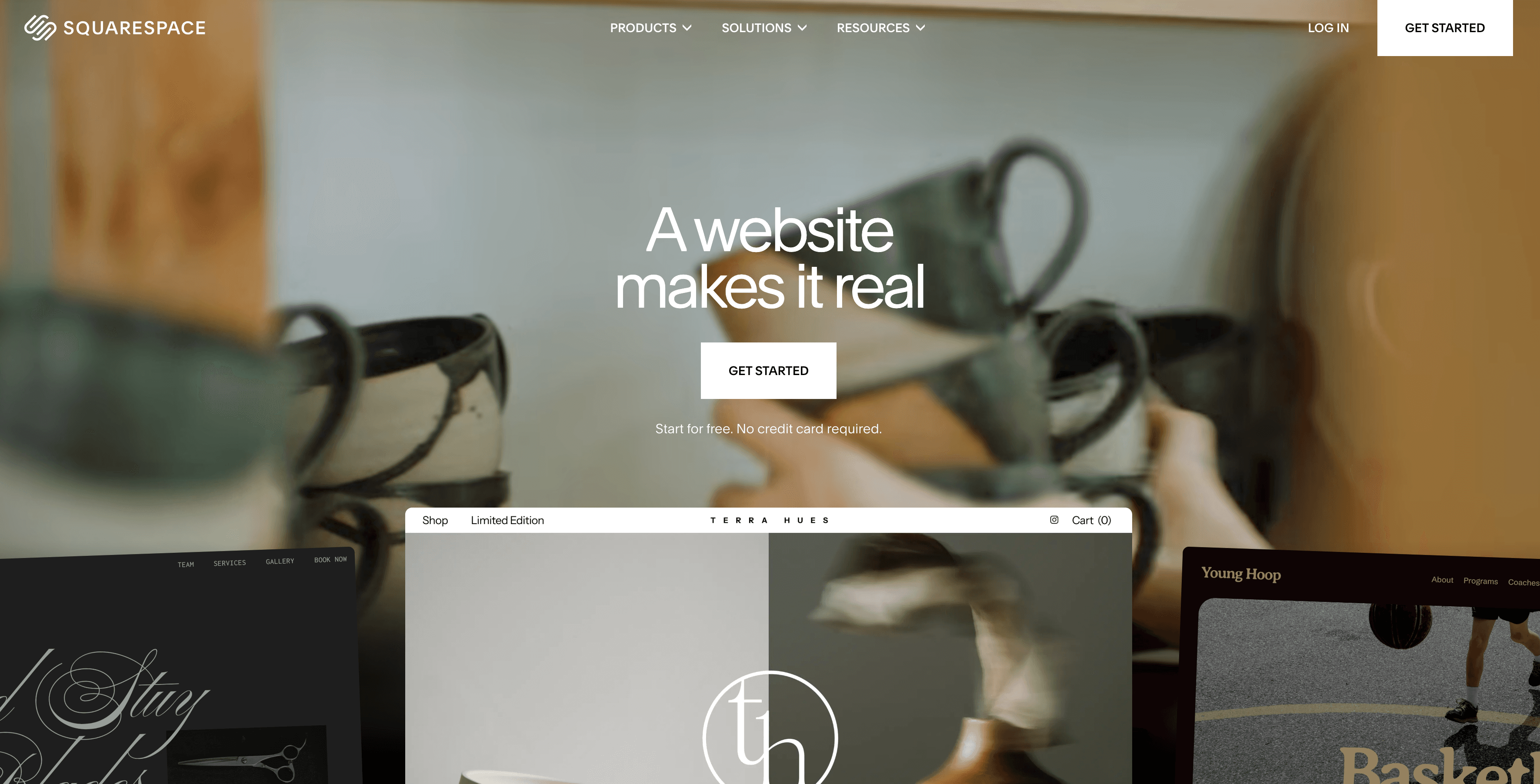
Squarespace is the polished, design-forward choice, and it is the one most "best fitness website" roundups put near the top for good reason. The templates look genuinely premium, which matters if your brand is built on a high-end, aesthetic experience, think boutique studios or trainers charging top rates for transformation packages.
It does far more than a one-pager: multi-page sites, a real blog for fitness content, scheduling through Squarespace Acuity, and the ability to sell programs or memberships. For a trainer who wants a full brand presence and is willing to invest the time, that range is a real strength.
The tradeoff is time and the blank-canvas problem. There is no AI to write your copy, so you still face the empty "about" page yourself, and a polished result realistically takes one to two hours or more. There is also no free plan, only a 14-day trial after which the site goes dark.
Pricing
| Plan | Price | Billing |
|---|---|---|
| Basic | $16/mo monthly, $9/mo annual | Monthly or annual |
| Core | $23/mo monthly, $12/mo annual | Monthly or annual |
| Advanced | $39/mo monthly, $17/mo annual | Monthly or annual |
Squarespace holds a G2 rating of 4.4 out of 5 from 1,000+ reviews and 4.6 out of 5 on Capterra from 2,900+ reviews.
Pros
- Premium, design-forward templates that elevate a fitness brand
- Full multi-page sites, blogging, and built-in scheduling
- Sell programs, packages, and memberships natively
- Strong, well-reviewed platform with deep support resources
Cons
- Takes one to two hours or more to set up well
- No AI copy, so you write everything from scratch
- No free plan, only a 14-day trial
- Overkill for a trainer who just needs one professional page
Best For
Squarespace is best for trainers building a full, design-heavy brand who have the time to invest and want multi-page depth, a blog, and native commerce in one place.
3. Wix - Best for Trainers Who Want Built-In Booking
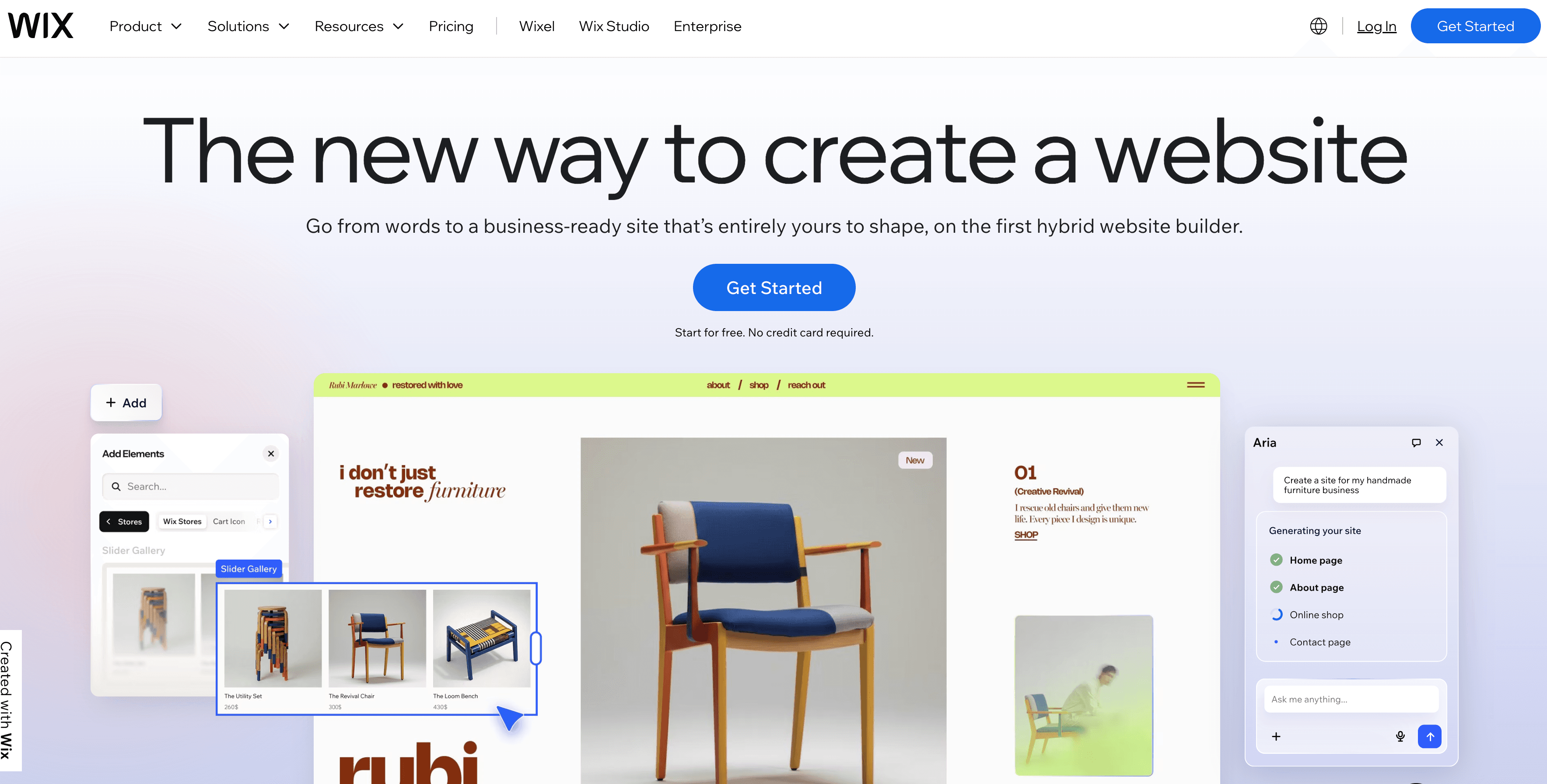
Wix is the most feature-loaded option for fitness, mostly because of Wix Bookings. If you want clients to schedule and pay for sessions, classes, or packages directly on your site, Wix bundles that in, along with video hosting for workout demos and broad design flexibility. For a trainer who runs scheduling and payments through their website, that is a genuine draw.
The flip side is decision fatigue. Wix gives you hundreds of choices, and a polished page can take one to three hours once you start arranging sections and tweaking layouts. There is no AI to write your copy, and the free plan shows Wix ads and uses a wixsite.com address, which looks unprofessional to a prospective client. You also cannot switch templates after launch.
Pricing
| Plan | Price | Notes |
|---|---|---|
| Light | $17.77/mo (annual) | Entry paid plan |
| Core | $29.77/mo (annual) | Adds commerce features |
| Business | $39.77/mo (annual) | More commerce and storage |
Monthly billing runs roughly twice the annual per-month rate. Wix holds a G2 rating of 4.2 out of 5 from 1,600+ reviews and 4.4 out of 5 on Capterra from 10,000+ reviews.
Pros
- Wix Bookings for on-site scheduling and payments
- Video hosting for workout demos and virtual training content
- Extensive design flexibility and an app marketplace
- A free plan exists, if you can live with ads and a Wix address
Cons
- Decision fatigue from too many options
- One to three hours to build a polished page
- No AI copy generation
- Free plan shows ads and uses a wixsite.com subdomain
Best For
Wix is best for trainers who want booking and payments built directly into their website and are willing to spend a few hours setting it up.
4. Carrd - Best Budget One-Pager
Carrd is the cheapest way to get a single page online, and for a trainer who is comfortable designing it themselves, it is a reasonable starting point. A paid plan with a custom domain and a contact form costs about $19 per year, which is hard to argue with on price alone.
But price is the only place Carrd wins. It is a blank canvas, so you design and write everything yourself, there is no AI assistance at any tier, and there are no fitness-specific templates. Analytics only appear on the Pro Standard plan and up, and billing is annual only, so you pay for the year upfront. For a trainer who wants to be done in 10 minutes rather than spend an evening laying out a page, the savings come at the cost of your time.
Pricing
| Plan | Price | Notes |
|---|---|---|
| Free | $0 | 3 sites, Carrd branding, no custom domain |
| Pro Lite | $9/yr | Custom domain, no forms |
| Pro Standard | $19/yr | Forms, analytics, more sites |
Carrd is not currently listed with a published score on G2 or Capterra.
Pros
- The cheapest option here at roughly $9 to $19 per year
- Genuinely simple if you are comfortable with a blank canvas
- Fast and lightweight pages
Cons
- Blank canvas, you write and design everything yourself
- No AI copy and no fitness-specific templates
- Annual billing only, paid upfront
- Analytics only on Pro Standard and above
Best For
Carrd is best for budget-focused trainers who enjoy designing their own page and want the lowest possible yearly cost.
5. Linktree - Best as a Link List, Not a Website
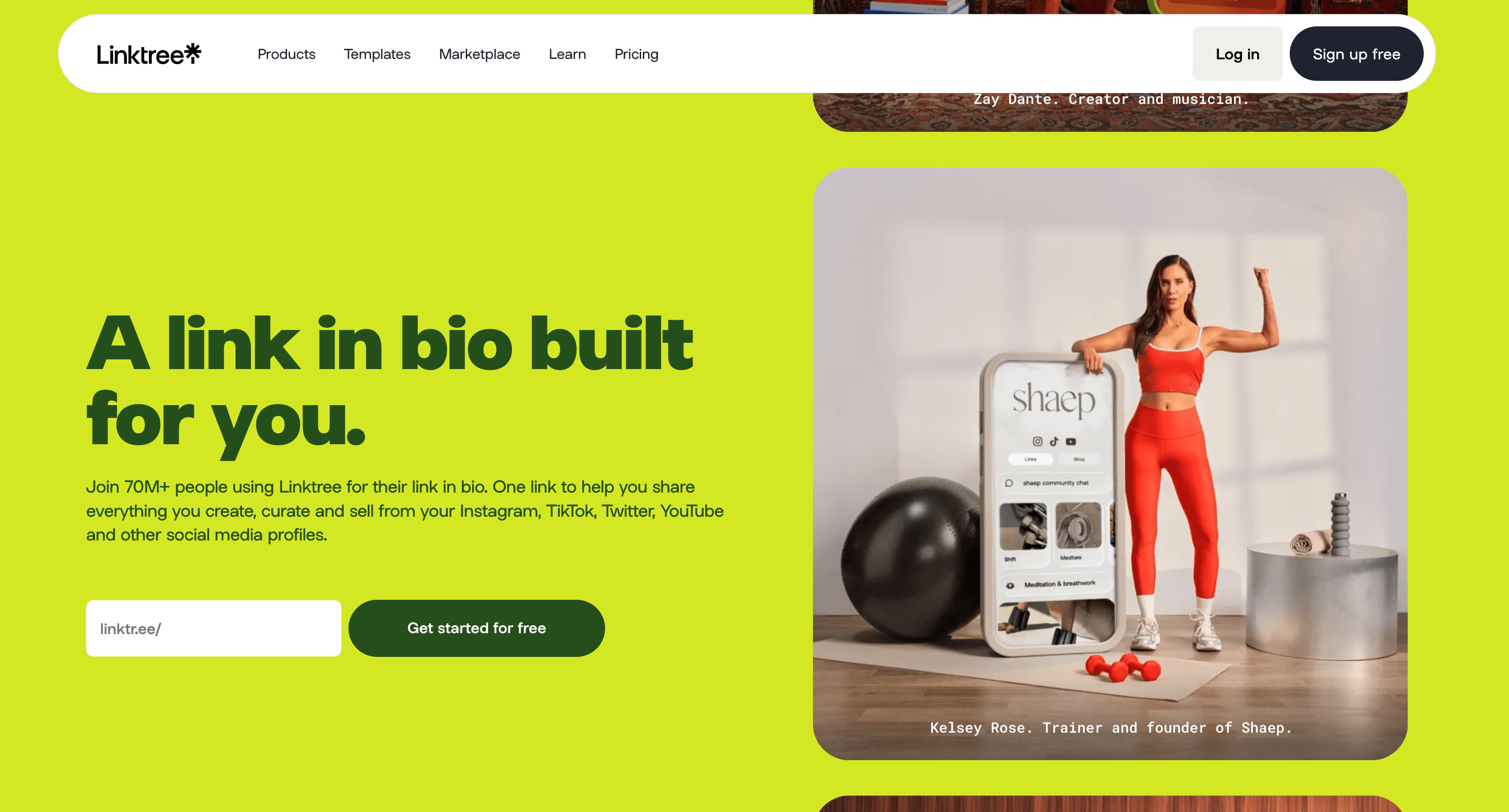
Linktree is where many trainers already are, a link list in the Instagram bio pointing to a booking app, a WhatsApp number, and a few posts. It is the fastest thing on this list to set up, taking only a few minutes, and the format is genuinely popular, with Linktree reporting more than 70 million users.
The problem is fit, not popularity. A Linktree is not a website, it is a menu of links. There is no real bio, no services section, no credibility signal, and Google does not meaningfully index it. When a prospective client looks you up and finds a list of links instead of a professional page, it quietly signals that you have not built a real business yet. For social-first creators it is fine. For a trainer trying to look credible on a discovery call, it undersells you.
Pricing
| Plan | Price | Notes |
|---|---|---|
| Free | $0 | Unlimited links, basic analytics, Linktree branding |
| Starter | $8/mo | Custom appearance, more analytics |
| Pro | $15/mo | Advanced analytics and features |
Linktree holds a G2 rating of 4.2 out of 5 from 200+ reviews.
Pros
- Set up in a few minutes
- Free plan is genuinely usable for sharing links
- Familiar format for an Instagram-first audience
Cons
- Not a real website, just a list of links
- No SEO value, Google does not rank it meaningfully
- No bio, services section, or proper contact page
- Weak credibility signal for a professional service
Best For
Linktree is best for trainers who only need a link hub off their Instagram bio and are not trying to be found through search or look like an established business.
6. Trainerize - Best for Delivering Workouts, Not a Website
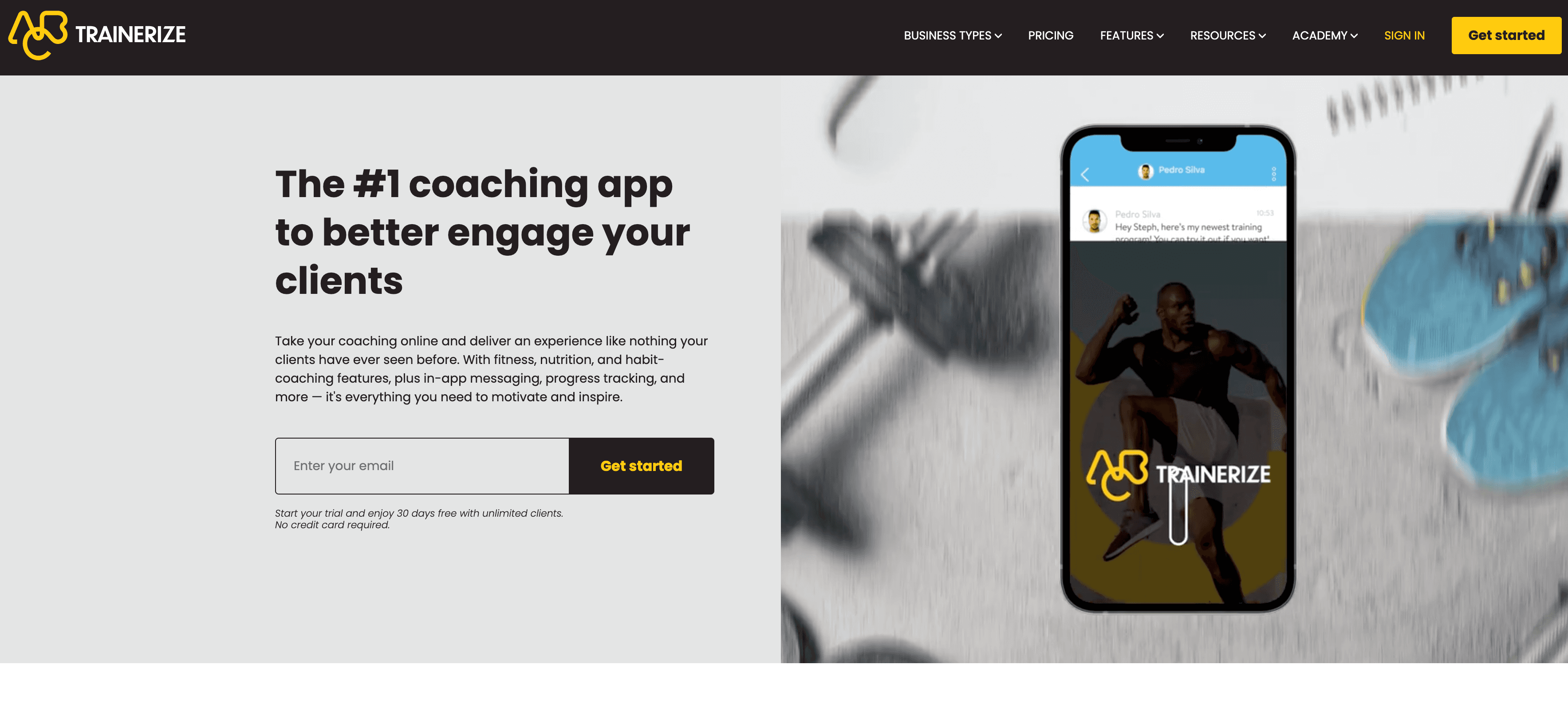
Trainerize (now ABC Trainerize) belongs in this list because trainers constantly compare it to website tools, but it is worth being clear: it is coaching software, not a website builder. Its job is delivering workout programs, tracking client progress, messaging, and habit coaching through a branded mobile app. It does include a Trainerize.me profile and product storefront, but that is a profile page, not a full website you control.
So the honest framing is that Trainerize and a website builder solve different problems. Trainerize is how you run training once someone is a client. A website is how you turn a stranger into a client in the first place. Many trainers end up using both: a real website to get found and book discovery calls, and a coaching app to deliver the actual programs. If you only buy one tool first, the website is what earns trust before anyone downloads an app.
Pricing
| Plan | Price | Notes |
|---|---|---|
| Basic | Free | 1 client limit |
| Grow | $9/mo | Up to 2 clients |
| Pro | from $23/mo | Scales with client count |
| Studio Plus | $248/mo | Per location, high client volume |
Pricing scales by client count, so real-world cost rises quickly past your first few clients.
Pros
- Purpose-built for delivering workouts and tracking client progress
- Branded mobile app experience for clients
- Free tier to test with a single client
- Strong fit for online coaching delivery
Cons
- Not a website builder, the profile page is not a full site
- No SEO-focused public website to get found on Google
- Cost climbs as your client roster grows
- Solves delivery, not client acquisition
Best For
Trainerize is best for trainers who already have clients and need software to deliver and manage programs, used alongside a real website rather than instead of one.
Feature Comparison
Here is how the six tools stack up on the features that matter most to a personal trainer.
| Feature | NiftySite | Squarespace | Wix | Carrd | Linktree | Trainerize |
|---|---|---|---|---|---|---|
| AI-written copy | Yes | No | No | No | No | No |
| Setup time | ~10 min | 1 to 2+ hrs | 1 to 3 hrs | 30 to 60 min | A few min | Varies |
| Niche template | Yes | No | No | No | No | N/A |
| Free published page | Yes | No | Yes (ads) | Yes (branding) | Yes (branding) | No |
| Real website | Yes | Yes | Yes | Yes | No | No |
| Built-in analytics | Yes (Pro) | Yes | Yes | Pro plan only | Yes | Yes |
| Contact form | Yes (Pro) | Yes | Yes | Pro plan only | No | No |
| On-site booking | Link out | Yes | Yes | No | Link out | Yes (app) |
| Monthly billing | Yes | Yes | Yes | No | Yes | Yes |
Pricing Comparison
Pricing models differ a lot across these tools, so here they are side by side in plain terms.
| Tool | Entry Price | Billing | Free Option |
|---|---|---|---|
| NiftySite | $15/mo | Monthly only | Yes, forever |
| Squarespace | $9/mo (annual) | Monthly or annual | No, 14-day trial |
| Wix | $17.77/mo (annual) | Monthly or annual | Yes, with ads |
| Carrd | $9/yr | Annual only | Yes, with branding |
| Linktree | $8/mo | Monthly or annual | Yes, with branding |
| Trainerize | $9/mo (2 clients) | Monthly or annual | Yes, 1 client |
Carrd is the cheapest on paper, but the comparison is not apples to apples: it is a blank canvas you build yourself, while NiftySite writes your copy and gets you live in 10 minutes for a flat monthly fee you can cancel anytime.
How to Choose the Best Website Builder for Your Training Business
Different trainers have different needs. Here is how to pick based on what matters most to you.
Choose NiftySite if you want a credible site live today
You are a personal trainer or online fitness coach who needs a professional page fast and does not want to spend a weekend designing one. The AI writes your copy, the niche template handles the structure, and you can publish in about 10 minutes for free, then upgrade to Pro at $15 per month when you want analytics, a contact form, and Google indexing. This is the right call for most one-person fitness businesses.
Choose Squarespace if design and a full brand site come first
You want premium templates, a multi-page site with a blog, and native scheduling and commerce, and you are willing to spend one to two hours building it. Squarespace is the strongest design-led platform here if depth matters more than speed.
Choose Wix if you need booking built into the website
You want clients to schedule and pay for sessions directly on your site through Wix Bookings, and you do not mind spending a few hours setting it up and working around the free plan's ads.
Choose Carrd if the lowest possible cost is your priority
You are comfortable designing a page yourself, you only need a simple one-pager, and you want to spend roughly $9 to $19 per year instead of a monthly fee. You will trade your own time for the savings.
Choose Linktree if you only need a link hub
You are social-first, you mostly need a tidy list of links off your Instagram bio, and you are not trying to rank on Google or look like an established business yet.
Choose Trainerize if you need to deliver workouts, not get found
You already have clients and you need software to build programs, track progress, and message them through an app. Pair it with a real website rather than treating it as your web presence.
Frequently Asked Questions
What is the best website builder for personal trainers?
NiftySite is the best website builder for personal trainers who want a credible, professional page without spending hours on it. It writes your copy with AI, uses a niche template instead of a blank canvas, and publishes in about 10 minutes. Squarespace is the better pick if you want a full design-led brand site, and Wix is better if you need booking built into the page.
Do personal trainers really need a website?
Yes. When a referral or social follower goes to look you up, a real website is what tells them you run a credible business and gives them a clear way to contact or book you. A Linktree or Instagram bio leaves that judgment to chance. Given how much the fitness field is growing, a professional page is increasingly what separates trainers who get the discovery call from those who get scrolled past.
What is the best fitness website builder if I am not technical?
NiftySite is the most beginner-friendly fitness website builder because it removes the two hardest parts: writing your copy and making design decisions. You answer a few questions, the AI drafts your page, and you publish. There is nothing to learn and no blank canvas to face.
How much does a personal trainer website cost?
It ranges widely. Carrd is roughly $9 to $19 per year if you build it yourself. Linktree is free to $15 per month but is not a real website. NiftySite is free to start and $15 per month for Pro with monthly billing. Squarespace runs $9 to $39 per month and Wix starts around $17.77 per month on annual billing.
Can I build a personal trainer website for free?
Yes. NiftySite has a free forever plan that publishes a real page with no credit card and no trial countdown, showing a small badge. Wix and Carrd also have free tiers, though Wix shows ads and uses a wixsite.com address, and Carrd shows its own branding. Squarespace has no free plan, only a 14-day trial.
Is Linktree good enough for a personal trainer?
Linktree works as a link hub off your Instagram bio, but it is not a website. It has no real bio, no services section, no contact form, and Google does not index it meaningfully. For a trainer trying to look credible and get found, a website builder for personal trainers like NiftySite is a better fit because it gives you an actual professional page.
Is Trainerize a website builder?
No. Trainerize is coaching software for delivering workouts, tracking client progress, and messaging clients through a branded app. Its Trainerize.me profile is a profile page, not a full website. Most trainers use a website builder to get found and book clients, then Trainerize to deliver the training.
How long does it take to build a personal trainer website?
With NiftySite it takes about 10 minutes because AI writes your copy. Carrd takes 30 to 60 minutes since you design it yourself, Squarespace takes one to two hours or more, and Wix can take one to three hours once you start arranging layouts.
What website builder for fitness coaches includes analytics?
NiftySite includes visitor analytics on its Pro plan, showing page views, referrers, and country, plus a weekly email digest. Squarespace and Wix include analytics on their paid plans, and Linktree has basic analytics, while Carrd only includes them on Pro Standard and above.
Should I use a fitness-specific platform or a general website builder?
If your priority is getting found and looking credible, a website builder for personal trainers like NiftySite is the better first purchase, because it creates a real, searchable page fast. Fitness-specific platforms like Trainerize are about delivering training to existing clients, so they complement a website rather than replace it.
The Bottom Line
The best website builder for personal trainers is the one that gets you a credible page live before you talk yourself out of it again. On that test, NiftySite wins for most trainers: it writes your copy with AI, uses a fitness-aware template instead of a blank canvas, and publishes in about 10 minutes for free, with Pro at a flat $15 per month and no annual lock-in.
Squarespace is the right call if you want a full, design-led brand site and have the time. Wix makes sense if on-site booking is non-negotiable. Carrd wins purely on price for DIY builders, Linktree works as a link hub but not a real website, and Trainerize is the tool you add later to deliver workouts to clients you have already won. For the core job of turning a stranger into a booked client, start with a real website, and the fastest credible way to get one is NiftySite.
Last updated: June 2026. Pricing and features verified against each provider at the time of writing; recheck current plans before purchasing.

Your personal training website, live in 10 minutes
Answer a few questions, let AI write your copy, and publish a professional fitness page clients can actually book from. No design skills, no blank canvas, no weekend lost.
Build your trainer page freeFree forever plan. No credit card. Pro is $15/month, monthly billing, cancel anytime.