
Professional services run on trust. Before a prospect books a call with a consultant, hires an accountant, or signs with a coach, they look you up, and what they find decides whether they reach out or move on. A clean, credible website does that quiet selling for you. A blank Instagram bio or a half-finished Wix draft does the opposite.
The problem is that most builders are designed for online stores or sprawling content sites, not for one person who sells expertise. You end up fighting a tool built for someone else's job. This guide compares the best website builder for professional services in 2026, weighing each option on price, setup time, and whether it actually helps a solo professional look established fast.
The market is large and getting larger. According to MBO Partners' 2025 State of Independence report, there are now 72.9 million independent workers in the United States, and a growing share of them are consultants, advisors, and licensed professionals who need a real web presence to win work. The right platform turns that need into a published page in an afternoon. The wrong one turns it into a project you keep postponing.
Quick Answer: The Best Website Builder for Professional Services
NiftySite is the best website builder for professional services because it publishes a credible one-page site in about 10 minutes, writes your headline, bio, and call-to-action with AI so you are not staring at a blank canvas, and bills at a flat $15 per month with no annual lock-in. It is built for people who charge for their time, not for online stores, so the defaults already fit a consultant, advisor, or coach.
Transparency Note: This comparison is published on NiftySite's website. While we believe NiftySite is an excellent solution and have positioned it as our top choice, we have conducted thorough research on all tools listed here to help you make an informed decision based on your specific needs. We have included objective data (pricing, setup time, features) and highlighted areas where other tools may be better suited for specific use cases.
Quick Comparison Table
Here is how the six builders stack up at a glance for a solo professional or small firm.
| Tool | Best For | Starting Price | Free Plan | AI Copy | Setup Time |
|---|---|---|---|---|---|
| NiftySite | Solo professionals who want a credible site fast | $15/mo flat | Yes, forever | Yes | ~10 minutes |
| Squarespace | Firms wanting full design control and multiple pages | $9/mo (annual) | No, 14-day trial | No | 1 to 2+ hours |
| B12 | Firms wanting a done-with-you site plus CRM and invoicing | $49/mo | Yes (branded) | Yes | Days, with a team |
| Wix | Maximum design flexibility for those willing to invest hours | $17.77/mo (annual) | Yes, with ads | Partial | Several hours |
| Webflow | Designers and agencies wanting pixel-level control | $14/mo (annual) | Yes (branded) | No | Hours to days |
| Carrd | Budget one-pagers for the design-confident | $9/year | Yes (branded) | No | 30 to 60 minutes |
Each tool is covered in detail below, starting with the top pick.
1. NiftySite - Best Overall Website Builder for Professional Services
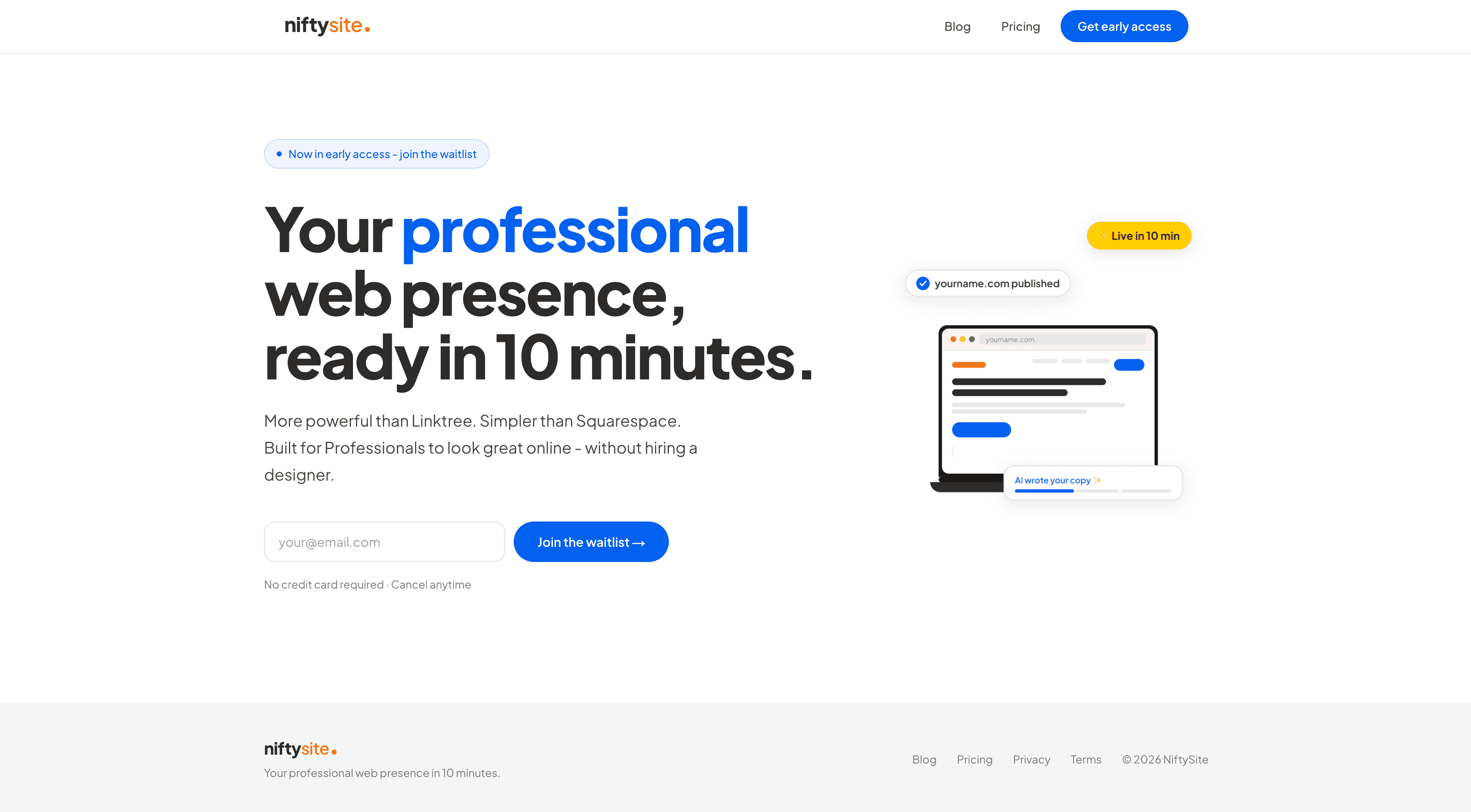
NiftySite is a niche website builder for people who sell their expertise: consultants, coaches, therapists, advisors, and other professional service providers. Instead of handing you an empty editor, it asks a few questions about your work and uses AI to generate your headline, bio, and call-to-action. You answer, preview, adjust the wording, and publish. The whole thing takes about 10 minutes, and the result is a professional one-page site at yourname.niftysite.co that reads like you hired someone to write it.
That focus is the difference. Most builders are horizontal tools that try to serve online stores, restaurants, photographers, and everyone else with the same blank canvas. NiftySite makes the opposite bet: it is a niche website builder for professional services consultants and similar solo experts, so the templates, the questions it asks, and the default sections already match how you actually sell.
Why NiftySite is #1
NiftySite wins for professional services on three things competitors struggle with: it removes the blank-page problem, it is genuinely fast, and it does not trap you in an annual contract.
AI copy from a few questions - The hardest part of building a professional services site is not the design, it is the writing. What is your headline? How do you describe what you do without sounding generic? NiftySite answers those for you. You describe your work in plain language, and the AI drafts polished copy you can edit or regenerate. No copywriter, no writer's block.
Live in 10 minutes - This is not "10 minutes if you hurry." Because the AI fills the content, a finished, publishable page comes together in a single sitting. Compare that to Squarespace at one to two hours or Wix at several, and the gap is the difference between launching today and launching "someday."
No annual trap - NiftySite is $15 per month, billed monthly, cancel anytime. Carrd makes you pay a year upfront. Squarespace and Wix dangle their best prices only if you commit annually. For a professional testing whether a web presence brings in clients, monthly billing is the honest option.
Key Features
- AI-generated headline, bio, and call-to-action drafted from your answers
- Niche-aware templates built for service professionals, not stores
- Free forever plan with a published page, no credit card, no trial countdown
- Instant subdomain at
yourname.niftysite.co - Contact form with email notifications on Pro
- Built-in analytics on Pro: page views, referrers, country, plus a weekly email digest
- Mobile-first pages that look right on a phone by default
- Google indexing on Pro so prospects can find you in search
Pricing
| Plan | Price | What's Included |
|---|---|---|
| Free | $0 forever | Published page, subdomain, 1 photo, NiftySite badge |
| Pro | $15/month | Badge removed, Google indexing, analytics, contact form, AI copy regeneration, up to 5 photos, multiple themes |
- Free forever plan, no credit card required
- Monthly billing only, cancel anytime, no annual commitment
Pros
- Fastest path to a credible page, around 10 minutes
- AI writes your copy, solving the blank-canvas problem
- Free forever tier with a real published page
- Flat $15 per month, no annual lock-in
- Templates and onboarding built for professional services, not e-commerce
Cons
- One-page sites by design, not for firms that need many pages
- Not built for selling physical products or running a store
- Custom domain is on the roadmap rather than live today
- Not yet listed on G2 or Capterra, so no third-party rating to point to yet
Best For
NiftySite is best for solo professionals and very small firms who need to look credible quickly and want the website handled, not turned into a side project. If you are a consultant who needs a real page before next week's discovery calls, this is the shortest path. It is the best website platform for professional services providers who value speed and a finished result over endless customization.
Website Builders by Profession
Because professional services covers many specific niches, NiftySite has dedicated templates and guidance for each. If one of these describes you, start there:
- Coaches: see the website builder for coaches
- Consultants: see the website builder for consultants
- Therapists and counselors: see the website builder for therapists
- Personal trainers: see the website builder for personal trainers
Each page covers the onboarding questions and default sections tailored to that profession, so the published site speaks your clients' language from the start.
2. Squarespace - Best for Design Control and Multi-Page Firms
Squarespace is the polished, design-forward builder that many professional service firms reach for first. Its templates look genuinely good, and it handles multi-page sites, blogs, and basic commerce well. For a firm that wants several service pages, a team section, a blog, and full control over layout, Squarespace earns its reputation.
The tradeoff is time and commitment. There is no AI to write your copy, so you face the same blank-page problem that stalls most professionals: every headline, every service description, every bio is yours to write. Setup runs one to two hours at minimum, often more once you start tuning the design. And there is no free plan, only a 14-day trial after which your site goes dark until you pay.
Key Features
- Large library of professionally designed templates
- Multi-page sites, blogging, and basic e-commerce
- Built-in scheduling and email marketing add-ons
- Strong design controls for layout and typography
Pricing
| Plan | Monthly | Annual |
|---|---|---|
| Basic | $9/mo | $7/mo billed annually |
| Core | $12/mo | $8/mo billed annually |
| Advanced | $17/mo | $12/mo billed annually |
Pricing verified as of June 2026. No free plan, 14-day trial only. Squarespace holds a 4.4/5 on G2 across 1,000+ reviews and 4.6/5 on Capterra across 2,900+ reviews.
Pros
- Excellent templates and design flexibility
- Handles multi-page sites and blogs
- Strong brand reputation and large support community
Cons
- One to two hours minimum to launch, often more
- No AI copy, you write everything yourself
- No free plan, site goes dark after the 14-day trial
- Overkill for a professional who needs one strong page
Best For
Squarespace is best for established firms or professionals who genuinely need multiple pages, a blog, and full design control, and who have the time to build it. For a solo professional who just needs one credible page fast, it is more tool than the job requires. See the full Squarespace review or the head-to-head NiftySite vs Squarespace comparison.
3. B12 - Best for a Done-With-You Site Plus Business Tools
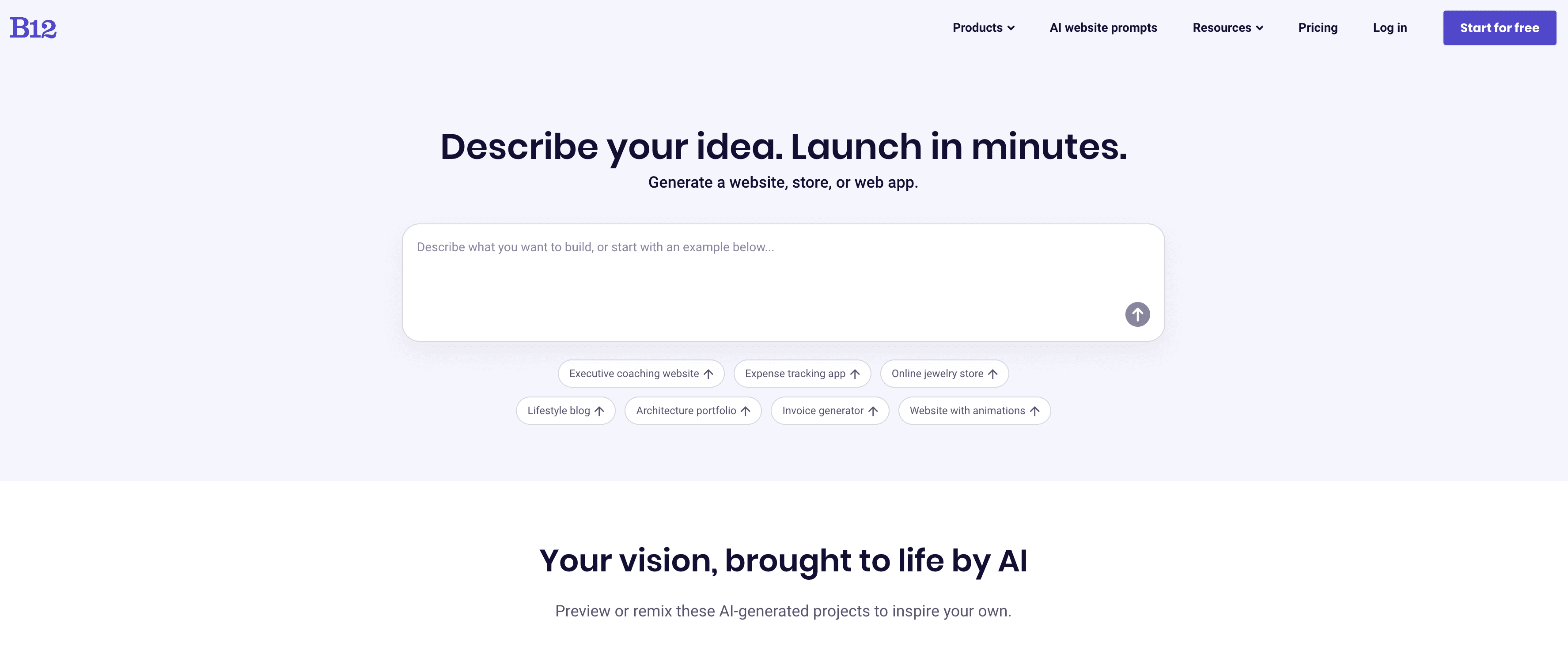
B12 is the closest thing to a builder made specifically for professional services firms. It markets itself as an AI website builder for service providers in consulting, accounting, finance, legal, and similar fields, and it bundles the website with a CRM, scheduling, invoicing, contracts with eSignature, and email marketing. The AI drafts a first version of your site, then a B12 team helps refine it before launch.
That bundle is the appeal and the catch. If you want your website, client intake, and invoicing under one subscription and are willing to pay for it, B12 delivers a complete back office. But it is a heavier commitment than a solo professional testing the waters usually needs. The Website plan is $49 per month after a promotional first three months, and the Website plus Client Engagement plan is $78 per month. Launch is measured in days with a team rather than minutes on your own.
Key Features
- AI-drafted site refined by a B12 team before launch
- Built-in scheduling, invoicing, contracts, and CRM
- Client intake forms and email marketing
- Free branded plan to try the AI builder
Pricing
| Plan | Price | What's Included |
|---|---|---|
| Free | $0 | Branded subdomain, AI builder, limited AI credits |
| Website | $49/mo | Custom domain first year, analytics, ad removal, support |
| Website + Client Engagement | $78/mo | Adds invoicing, intake forms, contracts, email marketing, CRM |
Pricing verified as of June 2026. New users pay a promotional $1 per month for the first three billing cycles on paid plans. B12 holds a 4.2/5 on G2 across roughly 30 reviews.
Pros
- AI plus a human team produces a polished result
- All-in-one: website, CRM, invoicing, scheduling, contracts
- Explicitly built for professional service providers
Cons
- $49 to $78 per month is well above a simple website builder
- The bundled CRM and invoicing are redundant if you already use Dubsado or HoneyBook
- Setup takes days, not minutes
- More platform than a solo professional often needs just to look credible
Best For
B12 is best for a small professional services firm that wants its website, client intake, and billing in one place and is happy to pay for the bundle. For a solo professional who only needs a credible page, it is more system and more cost than the situation calls for.
4. Wix - Best for Maximum Design Flexibility
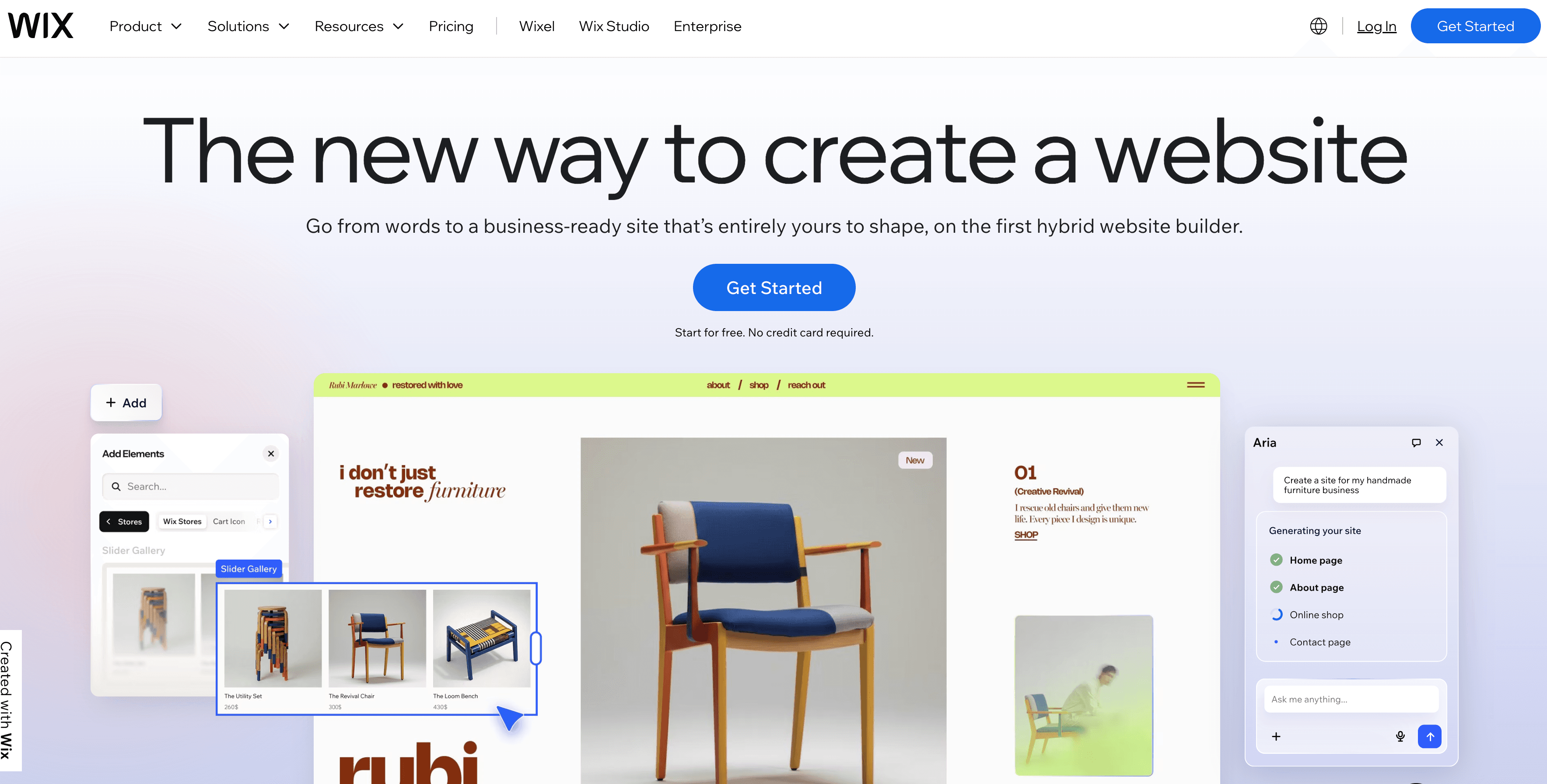
Wix is the most flexible mainstream builder, with hundreds of templates, a drag-and-drop editor, and an enormous app market. If you want to control every pixel and are willing to spend the hours, Wix can build almost anything, including a polished professional services site. It also has an AI site generator that produces a starting draft, though most users still spend real time refining it.
The flip side of all that flexibility is decision fatigue. There are hundreds of choices to make before your page looks right, and you cannot switch templates after launch without rebuilding. The free plan exists but shows Wix ads and uses a wixsite.com subdomain, which undercuts the very credibility a professional is trying to build. Paid plans start at $17.77 per month on annual billing, and monthly billing costs roughly double.
Key Features
- Hundreds of templates and a drag-and-drop editor
- Large app market for added functionality
- AI site generator for a starting draft
- Multi-page sites, blogging, and e-commerce
Pricing
| Plan | Annual (per month) |
|---|---|
| Light | $17.77/mo |
| Core | $29.77/mo |
| Business | $39.77/mo |
Pricing verified as of June 2026. Monthly billing costs roughly twice the annual per-month rate. A free plan exists but shows ads and uses a wixsite.com subdomain. Wix holds a 4.2/5 on G2 across 1,600+ reviews and 4.4/5 on Capterra across 10,000+ reviews.
Pros
- Maximum design flexibility and template variety
- Large app ecosystem
- Handles complex, multi-page sites
Cons
- Decision fatigue, hundreds of choices before launch
- Free plan shows ads and a wixsite.com URL, unusable professionally
- Monthly billing roughly doubles the headline price
- No niche onboarding for professional services
Best For
Wix is best for professionals who want total design control and do not mind investing several hours, or who need a more complex multi-page or commerce site. For a fast, credible single page, it is far more than the job requires. See the Wix review or NiftySite vs Wix.
5. Webflow - Best for Designers and Agencies
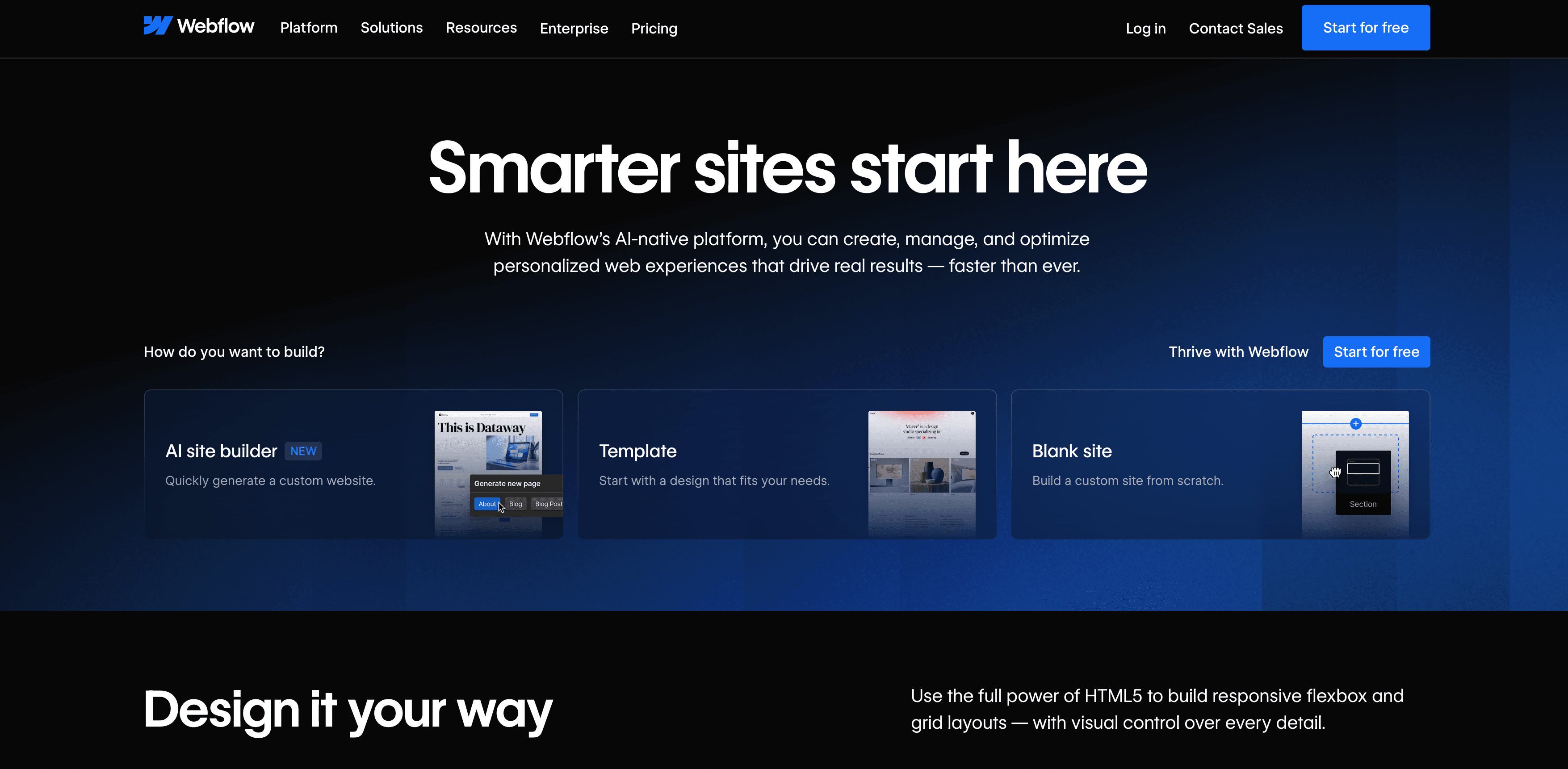
Webflow is a professional-grade design tool that produces clean, fast, fully custom websites. For a design-led firm or an agency that wants pixel-level control and developer-grade output, Webflow is hard to beat. It exposes CSS concepts visually, so designers can build exactly what they picture without writing code by hand.
That power comes with a learning curve. Webflow assumes you understand layout, the box model, and basic CSS ideas. For a consultant or advisor who just wants a credible page, that is a steep ask, and the time investment runs from hours to days. There is no AI to write your copy, and paid plans bill annually. It is the right tool for the wrong job if all you need is one professional page quickly.
Key Features
- Visual editor with full CSS-level control
- Clean, fast, production-grade output
- CMS for content-heavy sites
- Strong for custom design and animation
Pricing
| Plan | Annual (per month) |
|---|---|
| Starter | $0 (branded subdomain) |
| Basic | $14/mo |
| CMS | $23/mo |
| Business | $39/mo |
Pricing verified as of June 2026. Paid plans bill annually. Webflow holds a 4.4/5 on G2 across 600+ reviews and 4.6/5 on Capterra across 400+ reviews.
Pros
- Pixel-level design control and clean output
- Excellent for custom, design-led sites
- Strong CMS for content-heavy firms
Cons
- Steep learning curve, assumes CSS knowledge
- Overkill for a one-page professional presence
- No AI copy generation
- Annual billing on paid plans
Best For
Webflow is best for designers, agencies, and firms that want a fully custom, design-led website and have the skills or budget to build it. For a solo professional who needs a credible page without learning a design tool, it is the wrong fit.
6. Carrd - Best Budget One-Pager
Carrd is the cheapest credible option on this list. For a few dollars a year it gives you a simple, responsive one-page site, and for the design-confident professional who is comfortable writing their own copy and arranging their own layout, it is genuinely good value. Many consultants and freelancers run a perfectly serviceable landing page on Carrd.
The catch is everything you have to bring yourself. Carrd is a blank canvas with no AI, so you write all the copy and make all the design choices. Billing is annual only, paid upfront, and there are no analytics on the free or entry Pro Lite plans. It saves money but spends your time, and the result depends entirely on your own writing and design instincts.
Key Features
- Simple, responsive one-page sites
- Custom domain on Pro Standard and above
- Forms and basic widgets on paid plans
- Very low price point
Pricing
| Plan | Price |
|---|---|
| Free | $0 (Carrd branding, .crd.co subdomain) |
| Pro Lite | $9/year |
| Pro Standard | $19/year |
| Pro Plus | $49/year |
Pricing verified as of June 2026. Annual billing only, paid upfront. Analytics are available on Pro Standard and above, not on Free or Pro Lite.
Pros
- Cheapest credible option by a wide margin
- Simple and fast for the design-confident
- Clean, responsive one-page output
Cons
- Blank canvas, you write and design everything
- No AI copy assistance at any tier
- Annual billing only, paid upfront
- No analytics on Free or Pro Lite, no niche templates
Best For
Carrd is best for budget-focused professionals who are comfortable writing their own copy and designing their own layout, and who want the lowest possible price. If you want the page handled rather than hand-built, it is not the right tool. See the Carrd review or NiftySite vs Carrd.
Feature Comparison Across All Tools
Here is how the six builders compare on the features that matter most to a professional services provider.
| Feature | NiftySite | Squarespace | B12 | Wix | Webflow | Carrd |
|---|---|---|---|---|---|---|
| AI copy generation | Yes | No | Yes | Partial | No | No |
| Setup time | ~10 min | 1 to 2+ hrs | Days | Several hrs | Hours to days | 30 to 60 min |
| Free published page | Yes | No | Yes (branded) | Yes (ads) | Yes (branded) | Yes (branded) |
| Monthly billing | Yes | Yes | Yes | Yes (2x rate) | No | No |
| Niche templates | Yes | No | Partial | No | No | No |
| Built-in analytics | Yes (Pro) | Yes | Yes | Yes | No | Pro Standard+ |
| Contact form | Yes (Pro) | Yes | Yes | Yes | Yes | Pro+ |
| Multi-page sites | No | Yes | Yes | Yes | Yes | No |
For a professional who needs one strong page fast, the rows that matter most are AI copy, setup time, and niche templates, and that is where NiftySite separates from the rest.
Pricing Comparison Across All Tools
| Tool | Entry Price | Billing | Free Plan |
|---|---|---|---|
| NiftySite | $15/mo | Monthly only | Yes, forever |
| Squarespace | $9/mo (annual) | Monthly or annual | No, 14-day trial |
| B12 | $49/mo | Monthly or annual | Yes, branded |
| Wix | $17.77/mo (annual) | Monthly or annual | Yes, with ads |
| Webflow | $14/mo (annual) | Annual on paid | Yes, branded |
| Carrd | $9/year | Annual only | Yes, branded |
Carrd is cheapest on sticker price, but it asks for your time and writing in return. NiftySite sits in the middle on price and lowest on effort, with the only flat, monthly, no-lock-in plan that includes AI copy.
How to Choose the Best Website Builder for Professional Services
The right pick depends on how much time you have, how much you want handled for you, and whether you need one page or many.
Choose NiftySite if you need a credible site fast without the work
You are a consultant, coach, advisor, or other solo professional who needs a real, polished page live this week. You do not want to write your own copy or learn a design tool. NiftySite drafts your words, fits a professional template, and publishes in about 10 minutes, on a flat $15 per month with no annual commitment.
Choose Squarespace if you need multiple pages and full design control
You are an established firm or a professional who genuinely needs several pages, a blog, and detailed control over layout, and you have one to two hours to build it. Squarespace gives you the design range, as long as you are ready to write your own copy.
Choose B12 if you want website plus CRM and invoicing in one place
You run a small firm and want your site, client intake, scheduling, and invoicing under a single subscription, and the $49 to $78 per month is worth it to consolidate. B12 is built for exactly that, with an AI draft refined by a team.
Choose Wix if you want maximum flexibility and have time to build
You want total control over design, plan to add apps and extra pages, and do not mind investing several hours. Wix can build almost anything if you are willing to make the hundreds of small decisions it requires.
Choose Webflow if you are a designer or agency
You have design skills or a budget for them and want a fully custom, production-grade site. Webflow gives you pixel-level control at the cost of a learning curve that is wasted on a simple one-page presence.
Choose Carrd if price is your single biggest factor
You want the lowest possible cost, you are comfortable writing your own copy and arranging your own layout, and a simple one-pager is all you need. Carrd delivers that for a few dollars a year, as long as you bring the words and the design sense.
Frequently Asked Questions
What is the best website builder for professional services?
For most solo professionals and small firms, NiftySite is the best website builder for professional services because it publishes a credible page in about 10 minutes, writes your copy with AI, and bills at a flat $15 per month with no annual lock-in. Firms that need many pages and full design control may prefer Squarespace, and firms wanting an all-in-one system with CRM and invoicing may prefer B12.
Is there a niche website builder for professional services consultants?
Yes. NiftySite is a niche website builder for professional services consultants and similar experts, with templates, onboarding questions, and default sections built specifically for people who sell their expertise rather than physical products. Most mainstream builders are horizontal tools that treat a consultant the same as an online store.
Do professional services really need a website in 2026?
Yes. Prospects look you up before they reach out, and a credible website is often what decides whether they book a call. A link-in-bio page or an unfinished draft signals that you are not established, while a clean professional page does quiet selling for you around the clock.
How fast can I build a professional services website?
With NiftySite, about 10 minutes, because the AI writes your copy and the template handles the design. Carrd takes 30 to 60 minutes, Squarespace one to two hours or more, Wix several hours, and B12 takes days because a team helps refine your site before launch.
What is the cheapest website builder for professional services?
Carrd is the cheapest at $9 per year, but it is a blank canvas with no AI and no help writing your copy. NiftySite is the most affordable option that actually does the work for you, at a flat $15 per month with a free forever tier to start.
Which website builder has AI that writes the copy?
NiftySite and B12 both use AI to draft your site copy. NiftySite drafts your headline, bio, and call-to-action in minutes for a solo professional, while B12 produces a fuller draft that a team then refines over days. Wix has an AI site generator, but most users still spend real time editing it.
Can I get a free website for my professional services business?
Yes. NiftySite has a free forever plan with a real published page and no credit card required. Wix, Webflow, B12, and Carrd all offer free plans too, but they show branding or ads and use their own subdomains, which weakens the credibility a professional is trying to build. Squarespace has no free plan, only a 14-day trial.
Is the best website platform for professional services the same as the best for online stores?
No. The best website platform for professional services prioritizes credibility, clear copy, and speed for a person selling expertise. Store-focused builders prioritize product catalogs, carts, and checkout. A tool like NiftySite is built for the former, while general-purpose builders try to serve both and fit neither perfectly.
Do I need multiple pages for a professional services website?
Usually not at first. A single strong page with your headline, who you help, your services, credibility signals, and a clear way to contact you converts well for most solo professionals. NiftySite is built around that one-page approach, while Squarespace, Wix, and Webflow are better if you genuinely need many pages.
Which website builder is best for a specific profession like coaching or consulting?
NiftySite offers profession-specific templates and guidance, including dedicated pages for coaches, consultants, therapists, and personal trainers. Each one adjusts the onboarding questions and default sections so the published site speaks your clients' language.
Conclusion
The best website builder for professional services is the one that gets you a credible, published page without turning into a project you keep postponing. On that test, NiftySite wins for most solo professionals and small firms: it writes your copy with AI, publishes in about 10 minutes, and bills at a flat $15 per month with no annual lock-in, on templates built for people who sell their expertise.
The other tools each have their place. Squarespace is the pick for firms that need many pages and full design control. B12 suits firms wanting website, CRM, and invoicing bundled together. Wix and Webflow reward those with time and design skill who want maximum flexibility. Carrd is the budget one-pager for the design-confident. But if your goal is to look established and start winning work this week, the fastest credible path is NiftySite.
Build your professional services page free ->
Last updated: June 2026. Pricing and ratings verified at the time of writing; builders change their plans often, so confirm current figures on each provider's site before deciding.

Your professional services site, live in 10 minutes
Stop putting off your website. Answer a few questions, let AI draft your copy, and publish a credible page today, free to start.
Build your page freeFree forever plan, no credit card, no annual lock-in.