
A potential client hears your name from a referral, types it into Google, and waits about one second to decide whether you look like a real consultant or a hobby. If they find a half-finished LinkedIn profile, a Canva link-in-bio page, or nothing at all, the referral that took months to earn can evaporate in that second. Knowing how to build a consulting website, and actually doing it, is the difference between converting that warm lead and losing it to someone who looks more established.
The strange part is how many independent consultants skip this step. According to the BrightLocal Local Consumer Review Survey, 54% of consumers visit a business's website after reading positive reviews, up from 32% in 2019, yet only about 40% of local businesses have a dedicated website at all. For a consultant whose entire offer is expertise and trust, that gap is a direct revenue leak. People are looking for your site. Many of them are not finding one.
This guide walks through how to build a consulting website from a blank start to a live, professional page, with no design background required. It covers:
- What a consulting website actually needs to do (and what it does not)
- The pages and sections that win client trust
- A step-by-step build process you can finish in one sitting
- How to choose between a niche builder, a general builder, and an agency
- The mistakes that make a consultant's site look amateur
By the end, you will know exactly what to write, where it goes, and which tools get you live fastest. Whether you are a strategy consultant, an independent management consultant, or a freelance specialist, the same playbook applies.
What a Consulting Website Needs to Do (and What It Does Not)
A consulting website has one job: make a stranger trust you enough to book a call. Everything else is secondary. It is not a brochure, not a portfolio gallery, and not a blog you have to feed every week. It is a credibility instrument.
That single goal changes how you build it. A consultant does not need a ten-page site with a team bio, a careers section, and a press room. A consultant needs a clear, confident, one-page presence that answers four questions a prospect has within the first ten seconds:
- What do you do, and who do you do it for?
- Why should I believe you can solve my problem?
- What does working with you look like?
- How do I take the next step?
When your site answers those four questions cleanly, it works. When it buries them under stock photography and vague taglines like "empowering organizations to reach their potential," it fails. Prospects do not read consulting websites. They scan them, looking for a reason to trust you and a reason to act.
Why this matters more for consultants than most businesses
For a coffee shop, the product speaks for itself. For a consultant, the product is invisible. You sell judgment, experience, and outcomes that a prospect cannot inspect before buying. That makes perceived credibility the entire game, and the website is where credibility is won or lost first.
The Stanford Web Credibility Project spent years studying what makes people trust or distrust a site. Its consistent finding: people judge credibility heavily on design and presentation before they ever read a word of substance. A consultant with brilliant ideas and a sloppy website loses to a competent consultant with a clean one. That is unfair, and it is also reality.
What happens without a real site
Independent consulting is booming. MBO Partners reported 72.9 million independent workers in the US in 2025, a record high. More independents means more competition for the same referrals and the same searches. The consultant who shows up with a credible website captures the lead. The one who sends people to an Instagram bio or an outdated LinkedIn page hands that lead to someone else.
Without a real site, three things quietly cost you money. Referrals leak because the warm introduction has nowhere credible to land. Search traffic never finds you because a link-in-bio page does not rank on Google. And your pricing power erodes, because a prospect who cannot tell whether you are serious will not pay senior rates.
Traditional Approaches vs the Modern Way to Build a Consulting Website
For a long time, an independent consultant had three options, and all of them had a catch.
The first was no website at all, relying purely on word of mouth and a LinkedIn profile. This works until it does not. Referrals dry up, the network gets tapped out, and there is no way for a new prospect to discover or vet you on their own terms.
The second was hiring a web agency or freelance developer. This produces a polished result, but a custom consulting site typically costs $2,000 to $8,000 and takes four to twelve weeks. For a consultant who needs to look credible by next Thursday, that timeline is a non-starter, and the cost is hard to justify before the site has earned a single client.
The third was a general-purpose website builder like Squarespace or Wix. These are capable tools, but they hand you a blank canvas and hundreds of decisions: which template, which layout, which fonts, what to write in every single field. Most consultants open the editor, feel overwhelmed, and the project stalls in a drafts folder for six months.
The modern approach removes the blank canvas. A new generation of niche builders asks you a few questions about your consulting practice and generates a structured, professional page from your answers, so you start from a finished draft instead of an empty screen. The table below shows how the options compare for an independent consultant.
| Approach | Typical cost | Time to live | Best for |
|---|---|---|---|
| No website (LinkedIn only) | $0 | Instant | Consultants fully booked by referral, not seeking new clients |
| Web agency or developer | $2,000 to $8,000+ | 4 to 12 weeks | Established firms needing a custom, multi-page brand site |
| General builder (Squarespace, Wix) | $9 to $40/mo | 3 to 6+ hours | Consultants who enjoy design and want full layout control |
| Niche builder (NiftySite) | Free, or $15/mo Pro | About 10 minutes | Solo consultants who want a credible page fast, with copy handled |
For most independent consultants, the question is not whether to build a website. It is how to build a consulting website without losing a weekend to it. That is where a niche builder earns its place.
How to Build a Consulting Website Step by Step
Here is the concrete process. Follow these steps in order and a consultant with zero technical skill can go from nothing to a live, professional page in a single sitting.
Step 1: Define your positioning before you touch a builder
Before opening any tool, write down three sentences. Who you help, what problem you solve, and the outcome you deliver. For example: "I help mid-sized SaaS companies fix churn. Most have a retention problem disguised as a sales problem. I find the leak and close it within 90 days."
This positioning becomes the backbone of every page. The single most common mistake consultants make is launching the builder first and trying to invent their message inside an empty headline field. Decide what you stand for on paper, then build around it.
Step 2: Choose a tool that matches how fast you need to move
Match the tool to your situation. If you want full design control and have hours to spend, a general builder works. If you want to be live today with copy already drafted, a niche builder like NiftySite is built for exactly that. It asks a few questions about your consulting practice, then generates your headline, bio, and call to action automatically, so you skip the blank-canvas paralysis that stalls most projects. The tools section below breaks down the trade-offs in detail.
A common mistake here is over-buying. A solo consultant does not need an enterprise platform with e-commerce, memberships, and a blog engine. That complexity becomes a maintenance burden you will resent. Pick the simplest tool that produces a credible page.
Step 3: Write (or generate) your core sections
A strong consulting website needs five sections, in this order:
- A headline that states who you help and the outcome, not your job title
- A short bio that establishes credibility with specifics, not adjectives
- A services or "how I help" section describing your engagements
- Social proof: client logos, a testimonial, or a concrete result
- A single clear call to action, usually "book a call"
If you are using a builder that generates copy from your answers, you will start with a polished draft of all five and edit from there. If you are writing from scratch, draft these five before you worry about design. The words matter more than the visuals on a consulting site.
Step 4: Add proof, because consultants sell on evidence
This is the step that separates a credible consultant site from a generic one. Prospects discount claims and trust evidence. Add at least one of the following: a named client result with a number ("reduced onboarding time 40%"), a testimonial with a real name and company, recognizable client or partner logos, or a credential that matters in your field. One specific proof point outperforms three pages of self-description.
Avoid the trap of fake-looking social proof. Stock-photo "testimonials" and anonymous five-star quotes read as fabricated and do more harm than no testimonial at all.
Step 5: Set up your contact path and make it frictionless
Decide how a prospect reaches you and make it obvious. The cleanest option for consultants is a "book a call" button linked to a scheduling tool like Calendly or Cal.com, so a warm lead can book without an email exchange. A contact form that notifies you by email is the next-best option. Whatever you choose, the call to action should appear at the top and bottom of the page. Never make a prospect hunt for how to hire you.
Step 6: Connect a domain and check it on mobile
A custom domain (yourname.com) signals permanence and professionalism. If you are not ready for that, a clean subdomain on a credible builder still beats a link-in-bio URL. Before you share the site, open it on your phone. Most prospects will see your consulting website on mobile first, and a layout that breaks on a small screen undoes all the trust you just built.
Step 7: Publish, then share it everywhere your name appears
Once live, put the link in your LinkedIn profile, your email signature, your proposal templates, and your invoices. A consulting website only earns its keep when every touchpoint points to it. Publishing is not the finish line; distribution is.
What Tools Can Help You Build a Consulting Website
The right consulting website builder depends on how much time you want to spend and how much control you want over design. Here is an honest comparison of the main options for an independent consultant.
| Tool | Best for | Starting price | Setup time | Free option |
|---|---|---|---|---|
| NiftySite | Solo consultants who want a credible page fast | Free, $15/mo Pro | About 10 minutes | Free forever plan |
| Squarespace | Consultants who want full design control | $9/mo (annual) | 3 to 5+ hours | 14-day trial only |
| Wix | Maximum layout flexibility | $17.77/mo (annual) | 3 to 6+ hours | Free plan with ads |
| Carrd | Ultra-minimal single-pagers on a budget | $9/year | 30 to 60 min | Free with branding |
NiftySite
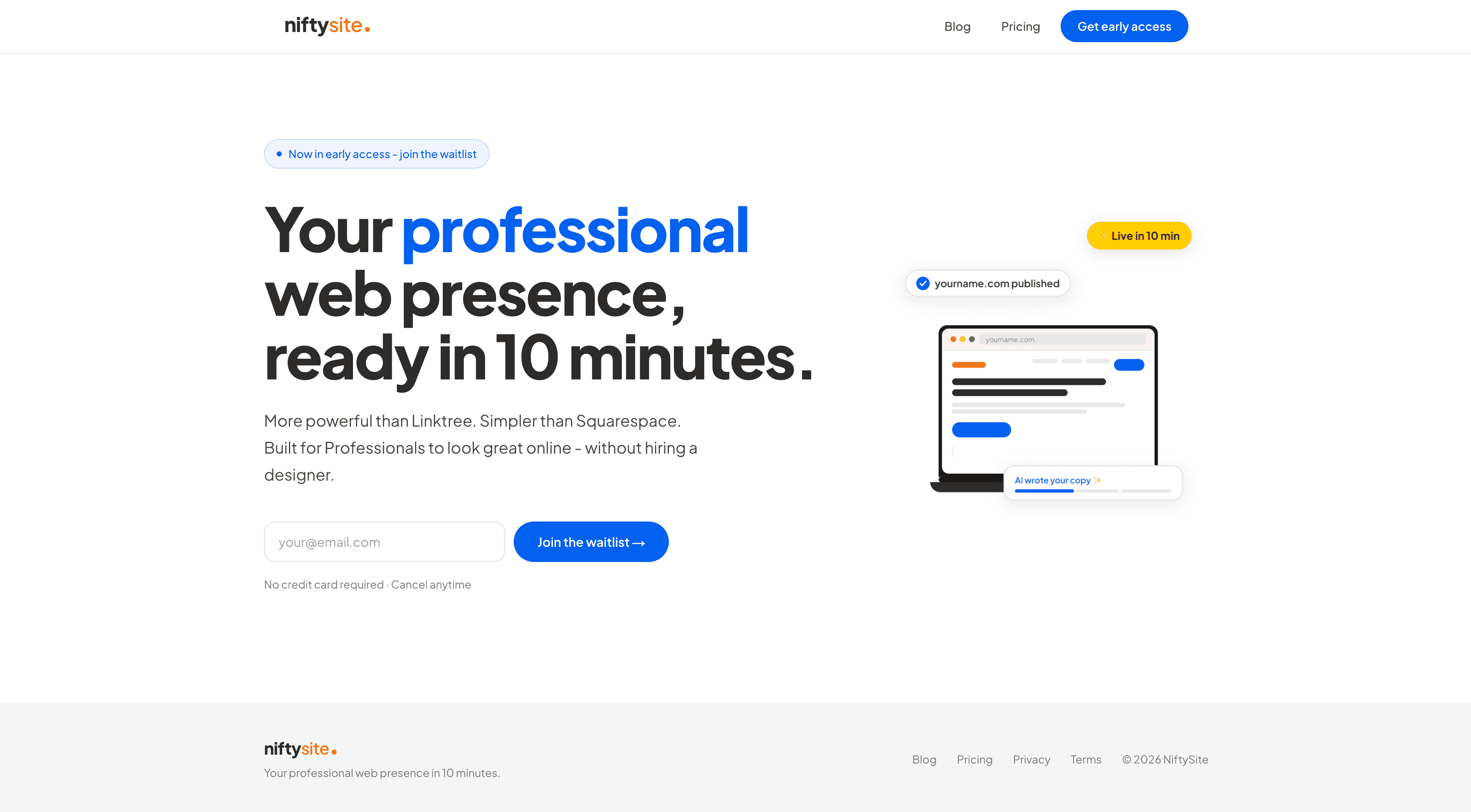
NiftySite is a niche website builder for people who charge for their time, including independent consultants. Instead of a blank canvas, it asks a few questions about your practice and generates your headline, bio, and call to action, so you start from a finished draft. For a consultant, that solves the hardest part of the build: knowing what to write. It gets you live in about 10 minutes, costs $15/month on Pro with no annual lock-in, and has a free forever plan so you can publish a real page before paying anything. The trade-off is scope: it builds one focused, professional page, not a sprawling multi-page site, which is exactly right for most solo consultants and wrong for a firm that needs a full corporate site. See the consultant landing page for how the consultant template is set up.
Squarespace
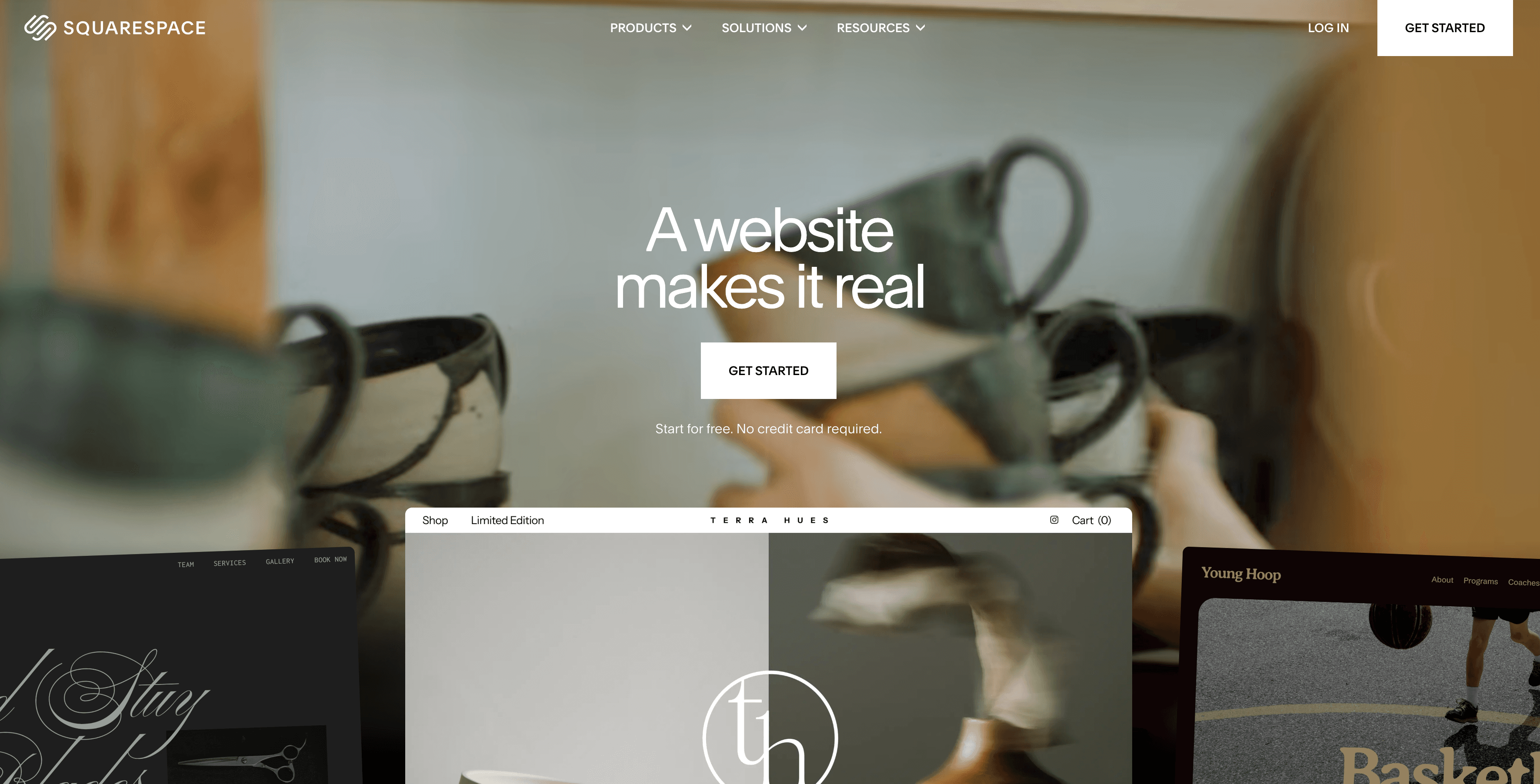
Squarespace is a capable general builder with strong design templates, and it is a reasonable choice for a consultant who enjoys design work and wants full control over layout. Plans start at $9/month on annual billing, with a 14-day trial and no free plan. The honest downside for consultants is time and the blank canvas. You write all of your own copy and make every layout decision, which is why a Squarespace consulting site typically takes several hours to a few days rather than a single sitting.
Wix and Carrd
Wix offers the most layout flexibility of the mainstream builders, with a free plan, though the free plan shows Wix ads and uses a wixsite.com subdomain that undercuts a consultant's credibility. Paid plans start around $17.77/month on annual billing. Carrd sits at the opposite end: it is the cheapest option at $9/year and good for an ultra-minimal one-pager, but it gives you a blank canvas with no copy help and no niche structure, so you design and write everything yourself. For a consultant who wants a credible page without the design homework, NiftySite closes that gap by generating the structure and copy for you.
Best Practices and Common Mistakes
A few principles separate consulting websites that convert from ones that get a polite nod and a closed tab.
Lead with the client's problem, not your resume. The headline "I help SaaS companies cut churn" beats "Senior Strategy Consultant, 15 years experience." Prospects care about their problem first and your background second.
Be specific with proof. "Helped a client grow revenue" is invisible. "Helped a 40-person agency add $1.2M in recurring revenue in eight months" is memorable and credible. Numbers and named outcomes do the persuading.
Keep it to one strong page. A focused single page that loads fast and reads clearly outperforms a multi-page site with thin content on every tab. Depth of clarity beats breadth of sections for a solo consultant.
Make the next step obvious. One primary call to action, repeated top and bottom. A page with five competing buttons gives the prospect a reason to do nothing.
Now the mistakes that quietly sink consultant sites:
- Vague corporate language. "Empowering transformation through synergy" tells a prospect nothing. Plain, specific language wins.
- No proof. A consulting site with zero testimonials, results, or logos reads as untested.
- Burying the contact method. If a prospect has to scroll and search to find how to book you, many will not bother.
- Treating it as a brochure to finish later. The 80% built site that never goes live converts no one. A clean, simple page that is actually published beats a perfect page that stays in drafts.
- Ignoring mobile. A site that looks broken on a phone destroys credibility instantly, and most prospects check on mobile first.
Frequently Asked Questions
How do I build a website for my consulting business if I have no technical skills?
You do not need technical skills. The fastest path is a niche builder that generates your page from a few questions about your practice. NiftySite asks about your consulting work, then drafts your headline, bio, and call to action automatically, so you edit a finished page rather than build from an empty screen. Most consultants go from nothing to live in about 10 minutes with no code, no design background, and no developer.
How long does it take to build a consulting website?
It depends entirely on the tool. With a niche builder that generates your copy, about 10 minutes. With a general builder like Squarespace or Wix where you write everything and design the layout yourself, plan on three to six hours, sometimes spread across days. A custom agency build takes four to twelve weeks. For a solo consultant, the 10-minute path is usually the right trade-off.
How much does it cost to build a consulting website?
The range is wide. A niche builder is free to start, with paid plans around $15/month. General builders run $9 to $40/month. A custom agency site costs $2,000 to $8,000 or more. Most independent consultants do not need a custom build to look credible. A well-structured single page on a $15/month plan does the job, and you can start free to test it before paying.
What pages does a consulting website need?
For most solo consultants, one well-built page is enough. It should include a clear headline stating who you help, a credibility-focused bio, a "how I help" or services section, social proof such as a testimonial or client result, and one obvious call to action. A multi-page site is only worth the effort once you have distinct service lines or a content strategy that justifies it.
What should I write on my consulting website?
Start with the client's problem and the outcome you deliver, not your job title. Your headline should answer "who do you help and what result do you create." Your bio should establish credibility with specifics, real clients, real numbers, real credentials, rather than adjectives. If your builder generates copy from your answers, you will get a draft of all of this to refine, which removes the blank-page problem most consultants get stuck on.
Do I need a custom domain for my consulting website?
A custom domain (yourname.com) is ideal because it signals permanence and looks more professional than a subdomain. That said, a clean subdomain on a credible builder still beats a link-in-bio URL or no site at all. If you are not ready to buy a domain, publish on a subdomain first and add a custom domain later. The important thing is to be live.
Is a consulting website better than just using LinkedIn?
LinkedIn is useful, but it is not a substitute for a website. You do not control the layout, the platform shows competitors' profiles alongside yours, and you cannot rank on Google for your services through a profile alone. A dedicated consulting website is your space, controlled by you, built to convert a prospect into a booked call. Use LinkedIn for reach and your website for conversion.
What is the best website builder for consultants?
The best choice depends on your priorities. For a solo consultant who wants a credible page fast without doing design work, NiftySite is built specifically for people who charge for their time and generates your copy for you. For a consultant who wants maximum design control and has hours to invest, Squarespace or Wix offer more layout flexibility. For a tight budget and a willingness to design it yourself, Carrd is the cheapest at $9/year. There is a fuller breakdown in the best website builder for consulting business comparison.
Can I build a consulting website for free?
Yes. NiftySite has a free forever plan that lets you publish a real, professional page with no credit card. The free plan shows a small NiftySite badge and a subdomain; upgrading to Pro at $15/month removes the badge, adds Google indexing, analytics, a contact form, and more photos. Starting free lets you get a credible page live today and upgrade only when it is earning you clients.
How do I make my consulting website look credible?
Credibility comes from three things: clean, professional design, specific proof, and clear positioning. Use a tidy layout rather than a cluttered one, add at least one concrete result or named testimonial, and state plainly who you help and what outcome you deliver. Avoid vague corporate phrasing and stock-photo testimonials, both of which read as untested or fake. A focused, specific page signals a focused, specific consultant.
Conclusion
Knowing how to build a consulting website comes down to a simple sequence: define your positioning, pick a tool that matches your timeline, write or generate five core sections, add real proof, make the contact path obvious, and publish before it is perfect. The consultants who win referrals and search traffic are not the ones with the most elaborate sites. They are the ones who actually have a credible page live when a prospect goes looking.
Three takeaways are worth holding onto. First, a consulting website has one job, earning enough trust to book a call, so build everything around that. Second, proof beats description, so lead with specific results and real testimonials. Third, a simple page that is published beats a perfect page stuck in drafts, so favor speed over polish and improve it over time.
If you are ready to get your professional page live in about 10 minutes, NiftySite has a free forever plan, no credit card required, with the consultant template and copy generation built in. You already have the expertise. Now your website can show it.
Last updated: May 2026. Pricing and features are current as of publication and may change; verify current details on each provider's site.

Your consulting website, live in 10 minutes
Answer a few questions about your practice and NiftySite drafts your headline, bio, and call to action. Publish a credible page free, no credit card, no blank canvas.
Build your consulting site freeFree forever plan. Pro is $15/month, monthly billing, cancel anytime.