
You set up a Linktree because it was fast. A few links, a profile photo, done in two minutes. It solved the immediate problem: somewhere to point your Instagram bio. But then a potential client Googled your name, landed on a page that was just a stack of buttons, and quietly moved on. That gap between "a link list" and "a real website" is exactly why people start looking for linktree alternatives.
This guide compares the best Linktree alternatives for anyone who needs a credible, searchable presence instead of a list of links. It is written for coaches, consultants, therapists, trainers, and other people who charge for their time, where looking legitimate is part of getting paid.
A link in bio page is not a small thing to outgrow. Linktree itself reports more than 70 million users worldwide, so the format clearly works for a lot of people. The problem is fit, not popularity. According to Bain & Company's research on AI search, click-throughs from AI answers tripled in six months, and their conclusion was blunt: "it's no longer enough to be mentioned; you need to be linked." A link list gives an AI assistant or a search engine almost nothing to cite. A real website does.
Quick Answer: The Best Linktree Alternative for a Real Website
NiftySite is the best Linktree alternative for people who need a real website because it publishes a credible one-page site with a headline, bio, services, and contact options in under 10 minutes, and it gets indexed by Google so people can actually find you. Linktree is built for social creators sharing links; NiftySite is built for professionals who need to look legitimate when a client checks them out.
Transparency Note: This comparison is published on NiftySite's website. While we believe NiftySite is an excellent solution and have positioned it as our top choice, we have conducted thorough research on all tools listed here to help you make an informed decision based on your specific needs. We have included objective data (pricing, setup time, features) and highlighted areas where other tools may be better suited for specific use cases.
Quick Comparison Table
| Tool | Best For | Starting Price | Free Plan | AI Copy | Setup Time |
|---|---|---|---|---|---|
| NiftySite | Solopreneurs who need a real, credible site fast | Free, Pro $15/mo | Yes, forever | Yes (Pro) | 10 minutes |
| Linktree | Social creators sharing many links | Free, paid from $8/mo | No | No | 2 minutes |
| Carrd | Budget single-page sites, blank canvas | Free, paid from $9/yr | Yes | No | 30 to 60 min |
| Squarespace | Designers wanting full multi-page control | $9/mo (annual) | No, trial only | No | 1 to 2+ hours |
| Wix | Maximum design flexibility | Free, paid from $17.77/mo | Yes, with ads | No | 1 to 3 hours |
| Beacons | Creators selling products from a bio link | Free, paid from $10/mo | Yes | No | 5 to 15 min |
| Webflow | Design-grade custom websites | Free, paid from $14/mo | Yes (subdomain) | No | Several hours |
| Showit | Visual, designer-style sites for creatives | $27/mo | No, trial only | No | Several hours |
Each tool below gets a full breakdown, and the closing sections add a feature grid, a pricing grid, and a decision guide.
1. NiftySite - Best Overall Linktree Alternative for a Real Website
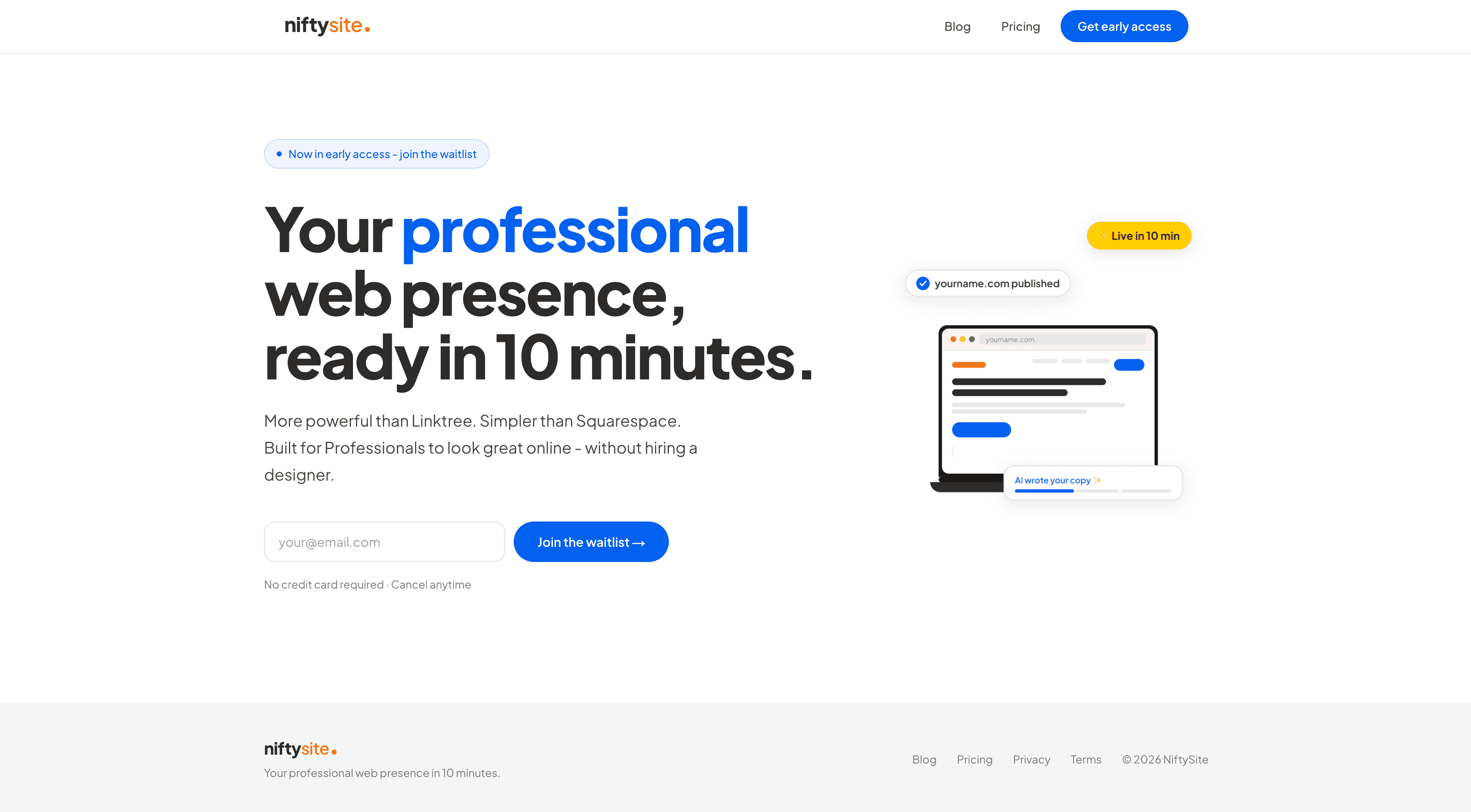
NiftySite is a niche website builder for people who charge for their time: coaches, consultants, therapists, trainers, and other solo professionals. Instead of a stack of links, it gives you a proper one-page website with a headline, a bio, a services section, and a clear way to get in touch. The whole thing goes live in under 10 minutes, which is close to the speed people expect from a Linktree but with a result that actually reads as a business.
The core reason to pick NiftySite over Linktree is credibility. When someone clicks through from your Instagram bio or finds you in a search result, a real page with your photo, your story, and your offer tells them you are serious. A link list tells them you have not gotten around to building anything yet.
Why NiftySite Is the Best Linktree Alternative
NiftySite stands out for AI-generated copy, niche-aware templates, a free forever plan, and a real website that Google can index, all without the blank-canvas effort of a traditional builder.
A Real Website, Not a Link List. This is the whole point. NiftySite publishes a structured page with sections for who you are, what you offer, and how to reach you. Linktree gives visitors a menu of buttons and no context. For a professional, context is what converts a curious visitor into a paying client.
Findable in Search and AI Answers. Linktree pages carry little SEO weight, and a list of links gives an AI assistant nothing useful to summarize. A NiftySite Pro page is indexed by Google, with real headings and copy that search engines and AI tools can read and cite. When the goal is being found, that difference matters.
AI Copy So You Are Not Staring at a Blank Page. On the paid journey, NiftySite asks you a few questions about your work and uses AI to draft your headline, bio, and call to action. You review it, tweak it, and publish. No copywriting skills required, and no writer's block, which is the exact thing that keeps people stuck on a half-built site for months.
Live in 10 Minutes, Free to Start. You can publish a real page for free, keep it forever, and upgrade only when you want more. There is no credit card and no trial countdown. Compare that to Squarespace (1 to 2 hours and no free plan) or Wix (hours of decisions and ads on the free tier).
Key Features
- One-page professional website with bio, services, and contact sections
- Free forever plan with a published page on a
name.niftysite.cosubdomain - AI-generated headline, bio, and CTA on the paid journey
- Niche-aware templates built for coaches, consultants, therapists, and trainers
- Google indexing on Pro, so your page shows up in search
- Built-in analytics on Pro: views, referrers, and country
- Contact form with email notifications on Pro
- Monthly billing, cancel anytime, no annual lock-in
Pricing
| Plan | Price | What's Included |
|---|---|---|
| Free | $0 forever | Published page, subdomain, 1 photo, prefilled copy, contact link or email CTA |
| Pro | $15/month | AI copy, badge removed, Google indexing, analytics, contact form, up to 5 photos, themes |
- Free forever plan, no credit card required
- Monthly billing only, cancel anytime
Pros
- Produces a credible, searchable website rather than a link list
- Genuinely fast: live in about 10 minutes
- AI writes your copy on the paid journey, so the blank page problem disappears
- Free forever tier with a real published page
- Niche templates mean fewer design decisions
Cons
- One-page focus, so it is not for multi-page or large content sites
- Custom domain is on the roadmap rather than available today
- Not yet listed on G2 or Capterra, so there are no third-party star ratings to point to
Best For
NiftySite is best for solo professionals who have been sending people to a Linktree or an Instagram bio and need something that looks like a real business by the end of the day. If you are a coach, the coaches landing page shows the template in context. It is the clearest fit when credibility and getting found matter more than running a blog or a store.
Start for free with NiftySite ->
For a side-by-side on this exact question, see the NiftySite vs Linktree comparison.
2. Linktree - Best for Social Creators Sharing Many Links
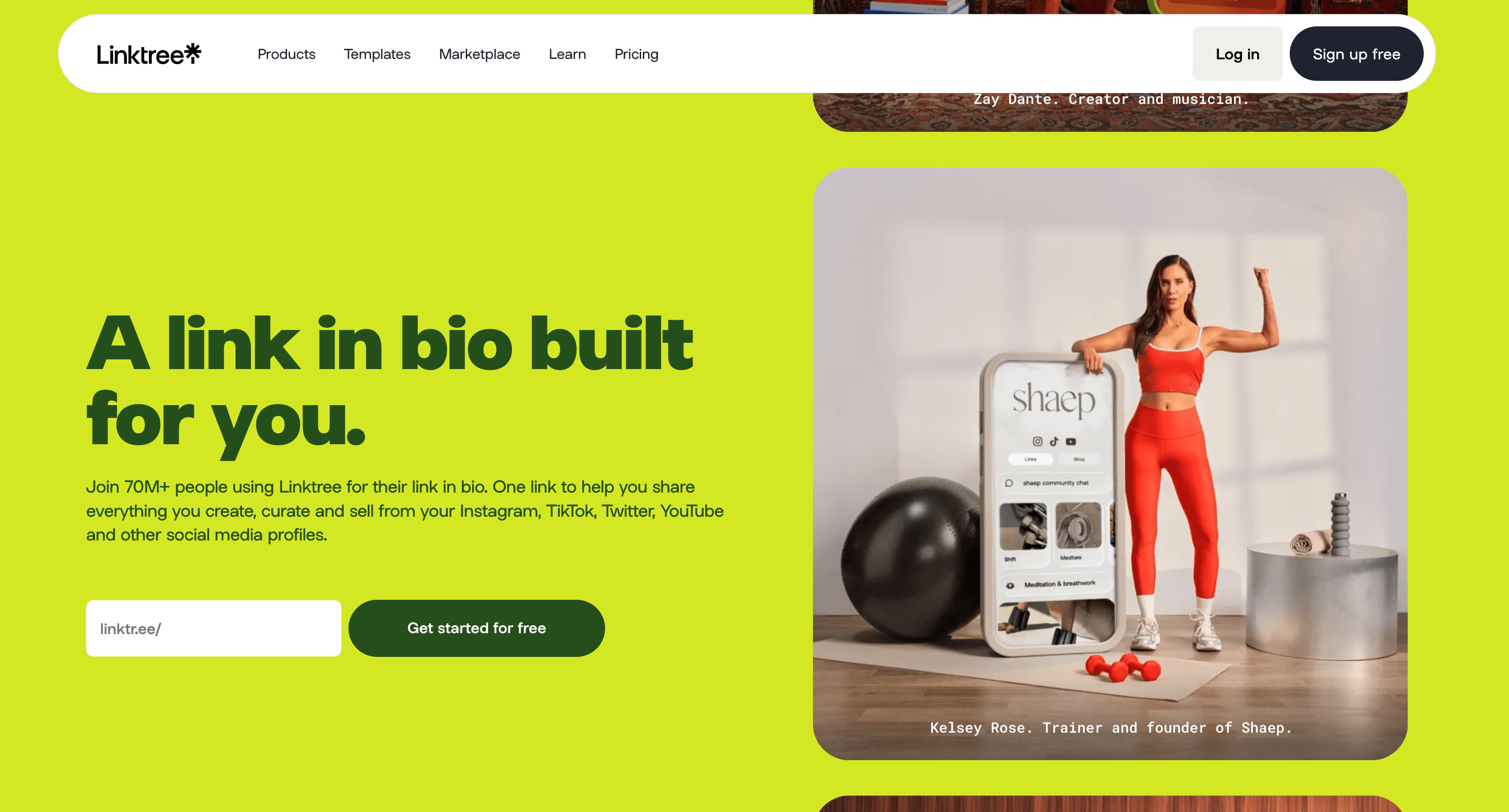
Linktree is the tool that defined the link in bio category, and it is genuinely good at what it was built for. If your main need is pointing followers from a single Instagram or TikTok bio to a handful of destinations, your latest video, a merch drop, a newsletter signup, Linktree does that in about two minutes with no friction.
The honest case for staying on Linktree is speed and the social-first use case. For a creator who lives on social platforms and just needs a tidy hub of links, it is hard to beat. The reason it lands on a list of its own alternatives is that many users outgrow the format. A link list does not establish who you are, what you charge for, or why someone should trust you, and it carries little search visibility.
Key Features
- Unlimited links on the free plan
- Basic analytics on clicks
- Paid tiers add a custom domain, deeper analytics, and commerce features
- Large library of social integrations
Pricing
| Plan | Price | Notes |
|---|---|---|
| Free | $0 | Unlimited links, Linktree branding, linktr.ee/username only |
| Starter | $8/month | Custom domain, more analytics |
| Pro | $15/month | Advanced analytics and customization |
| Premium | $35/month | 0 percent seller fee on sales |
Linktree applies a seller fee on sales (lower on higher tiers), and payment processing fees from Stripe apply on top. Linktree holds a G2 rating of around 4.2 out of 5 (G2 reviews).
Pros
- Fastest possible setup for a links hub
- Strong fit for Instagram and TikTok creators
- Generous free tier for basic link sharing
Cons
- Not a real website, so it sends a weak credibility signal for paid services
- Little SEO value, so it rarely helps you get found in search
- Custom domain requires a paid plan
- No structured bio, services, or proper contact section
Best For
Linktree is best for social media creators who need a quick, flexible hub of links and are not trying to rank in search or look like an established business. The moment your goal shifts to "people should take me seriously when they look me up," it is time for a real website. That is exactly the gap covered in the link in bio vs website breakdown.
3. Carrd - Best Budget Linktree Alternative for a Simple Page
Carrd is the go-to pick when the priority is price. It builds simple one-page sites, and at roughly $9 to $19 per year it is one of the cheapest ways to step up from a link list to something that at least looks like a page. For a budget-conscious user who is comfortable laying things out themselves, it is a reasonable Linktree alternative.
The trade-off is that Carrd is a blank canvas. There is no AI, no copywriting help, and no niche-specific starting point, so you write every word and decide every layout choice yourself. That is fine if you enjoy fiddling with a page, and frustrating if you just want to be done. Billing is annual only, so you pay upfront for the year.
Key Features
- Simple one-page site builder
- Free tier with Carrd branding
- Forms, custom domains, and analytics on higher paid tiers
- Large community of templates
Pricing
| Plan | Price | Notes |
|---|---|---|
| Free | $0 | 3 sites, Carrd subdomain, branding |
| Pro Lite | $9/year | Custom domain, no Carrd branding |
| Pro Standard | $19/year | Forms, analytics, more sites |
| Pro Plus | $49/year | Advanced forms, integrations |
Billing is annual only, so there is no month-to-month option.
Pros
- The cheapest path to a real one-page site
- Clean, fast, lightweight pages
- Flexible for people who like to design their own layout
Cons
- Blank canvas with no AI copy, so you write everything yourself
- Annual billing only, paid upfront
- No analytics on the free or cheapest tier
- No niche templates for coaches or service pros
Best For
Carrd is best for budget-focused users who want the lowest possible price and do not mind doing the writing and layout work themselves. If you would rather answer a few questions and have AI draft the copy, NiftySite removes that effort while still landing you a real page.
4. Squarespace - Best for Full Design Control and Multi-Page Sites
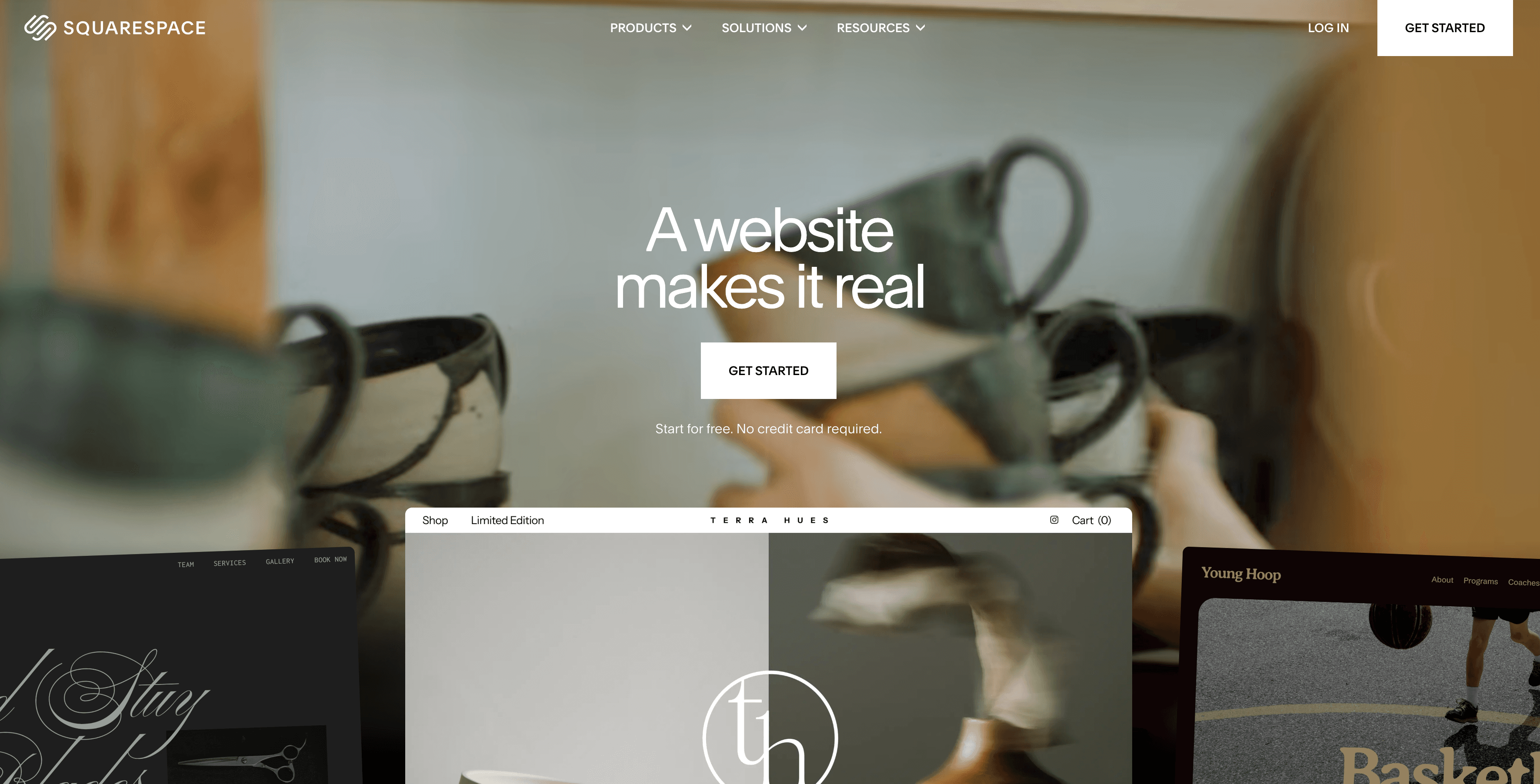
Squarespace is a powerful, polished website builder, and it is a real step up in capability from a link list. If you want a multi-page site with a blog, a store, and pixel-level design control, Squarespace delivers it with templates that look genuinely professional. As a Linktree alternative for someone who wants room to grow, it is a serious option.
The catch is time and commitment. Setup typically runs 1 to 2 hours or more, because you are building and writing everything yourself with no AI assistance. There is no free plan, only a 14-day trial during which the site is not publicly live, and the better prices require annual billing. For a solo professional who needs one credible page fast, that is a lot of overhead.
Key Features
- Multi-page sites with blogging and e-commerce
- Professionally designed templates
- Strong design and layout control
- Built-in analytics and marketing tools
Pricing
| Plan | Price | Notes |
|---|---|---|
| Basic | $9/mo annual, $16/mo monthly | Core site features |
| Core | $12/mo annual | More commerce and design tools |
| Advanced | $17/mo annual | Advanced commerce and automation |
There is no free plan, only a 14-day trial. Squarespace holds a G2 rating of around 4.4 out of 5 (G2 reviews) and a Capterra rating of around 4.6 out of 5 (Capterra reviews).
Pros
- Genuinely professional templates and design control
- Multi-page, blog, and store capability
- Strong brand and large support ecosystem
Cons
- Setup takes 1 to 2+ hours, with no AI copy help
- No free plan, and the trial site is not publicly live
- Discounted pricing requires annual billing
- Overkill for a single professional page
Best For
Squarespace is best for designers and professionals who want a full multi-page website and are willing to invest a couple of hours building it. If you just need one credible page and want it live today, NiftySite gets you there far faster. The full trade-off is covered in the NiftySite vs Squarespace comparison.
5. Wix - Best for Maximum Design Flexibility
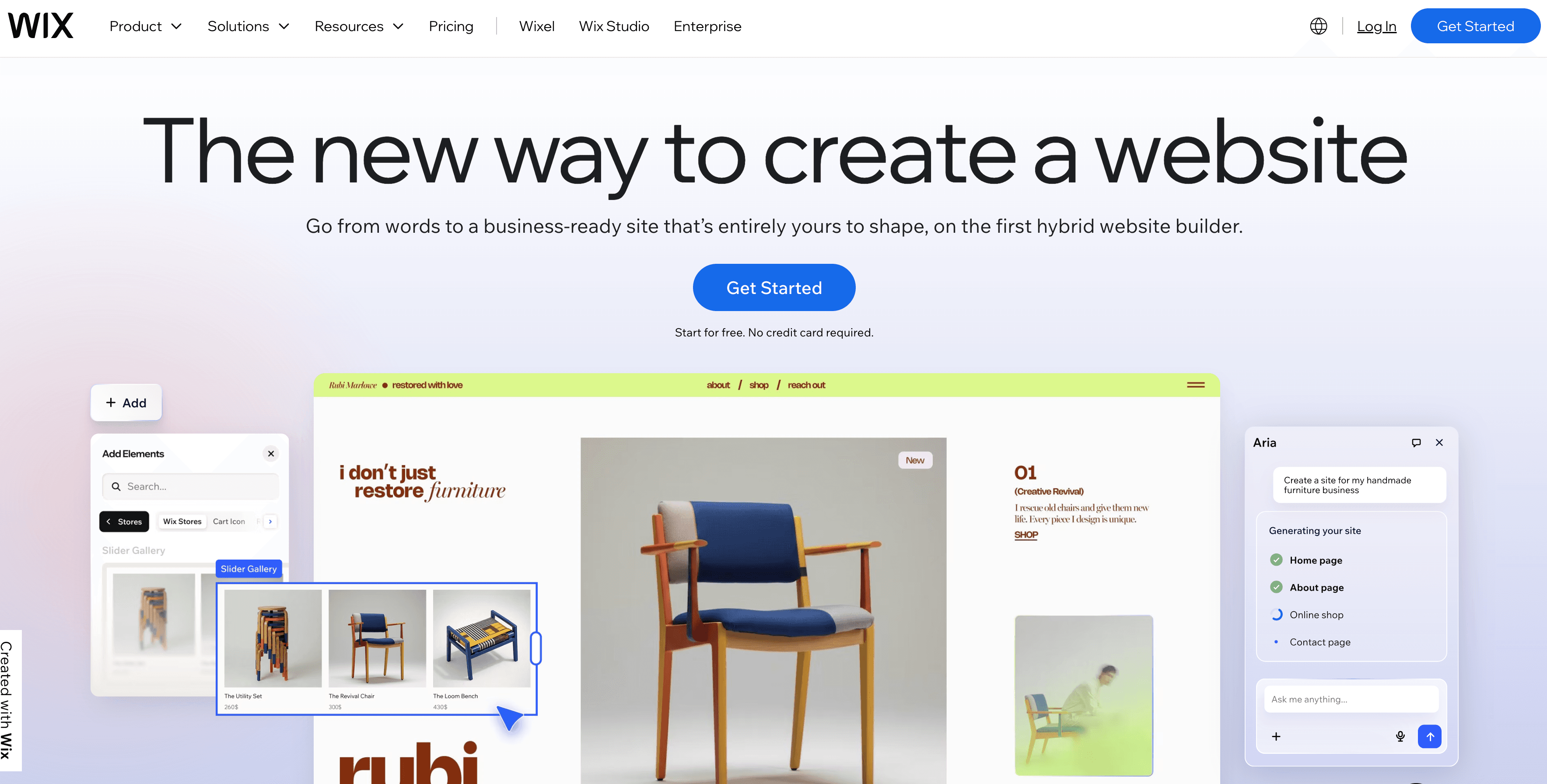
Wix gives you almost unlimited design flexibility through a drag-and-drop editor and hundreds of templates. As a Linktree alternative, it can build essentially any kind of site you can picture, which is both its strength and its weakness. There is a lot you can do, and that means a lot of decisions before your page looks right.
The free plan exists, but it shows Wix ads and uses a wixsite.com subdomain, which is not something a professional wants on a page they share with clients. Removing that requires a paid plan, where the headline prices reflect annual billing and monthly billing costs roughly double. Like the other traditional builders here, Wix offers no AI copy, so you write everything yourself.
Key Features
- Drag-and-drop editor with hundreds of templates
- Wide app market for added functionality
- E-commerce and booking add-ons
- Free tier available with limitations
Pricing
| Plan | Price | Notes |
|---|---|---|
| Free | $0 | Wix ads, wixsite.com subdomain |
| Light | $17.77/mo annual | Removes ads, custom domain |
| Core | $29.77/mo annual | Commerce features |
| Business | $39.77/mo annual | Full store capability |
Monthly billing costs roughly twice the annual per-month rate. Wix holds a G2 rating of around 4.2 out of 5 (G2 reviews) and a Capterra rating of around 4.4 out of 5 (Capterra reviews).
Pros
- Maximum design flexibility and template choice
- Large app market for extra features
- Free plan to test the waters
Cons
- Decision fatigue from too many options
- Free plan shows ads and a wixsite.com subdomain
- No AI copy generation
- Setup can run several hours
Best For
Wix is best for people who want full creative control and are happy to spend the time building. For a solo professional who wants a clean, credible page without the hours of decisions, NiftySite is the simpler, faster route.
6. Beacons - Best for Creators Selling Products from a Bio Link
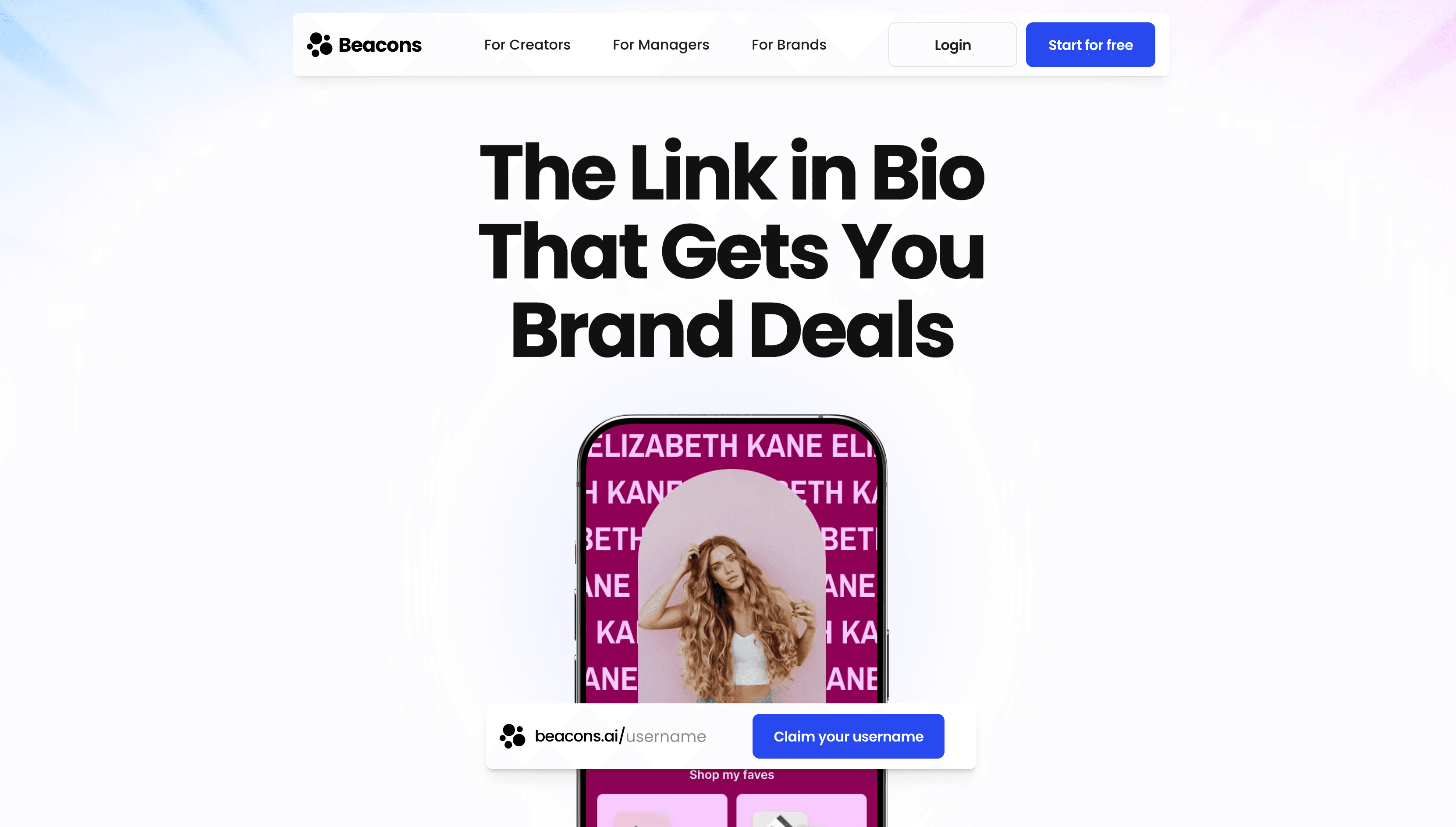
Beacons is the closest tool on this list to Linktree itself, and that is the point. It started as a link-in-bio platform and grew into a creator-commerce hub, so it sits one step up from a plain link list. If your reason for leaving Linktree is that you want to sell digital products, courses, or memberships directly from your bio, Beacons handles that well, with a media kit, email tools, and a storefront built in.
Where it falls short as a Linktree alternative is the same place Linktree does: it is still built around the creator-bio format rather than a credible standalone website. For a coach or consultant who needs to look like an established professional service, a media-kit-style page sends a weaker signal than a real site with a bio, services, and contact section. Beacons also charges a seller fee on its free and entry tiers that stacks on top of Stripe processing.
Key Features
- Link-in-bio page with a built-in storefront
- Sell digital products, courses, and memberships
- Media kit and basic email tools
- Custom domain on paid tiers
Pricing
| Plan | Price | Notes |
|---|---|---|
| Free | $0 | 9 percent seller fee, beacons.ai subdomain |
| Creator Pro | $10/month | 9 percent seller fee, custom domain |
| Store Pro | $30/month | 0 percent seller fee, memberships, scheduling |
| Business Pro | $90/month | 0 percent seller fee, white-glove onboarding |
A seller fee applies on the Free and Creator Pro tiers, and Stripe processing fees apply on top.
Pros
- Genuine commerce features for selling from a bio link
- Quick to set up, familiar to Linktree users
- Free tier to start
Cons
- Still a bio-style page, not a credible standalone website
- Seller fee on free and entry tiers stacks with Stripe fees
- Weak fit for service professionals who need to look established
- Not built around SEO or Google visibility
Best For
Beacons is best for content creators who actively sell digital products, courses, or memberships and want commerce baked into their bio link. For a coach or consultant whose goal is credibility and being found rather than selling downloads, NiftySite produces a more professional, searchable page.
7. Webflow - Best for Design-Grade Custom Websites
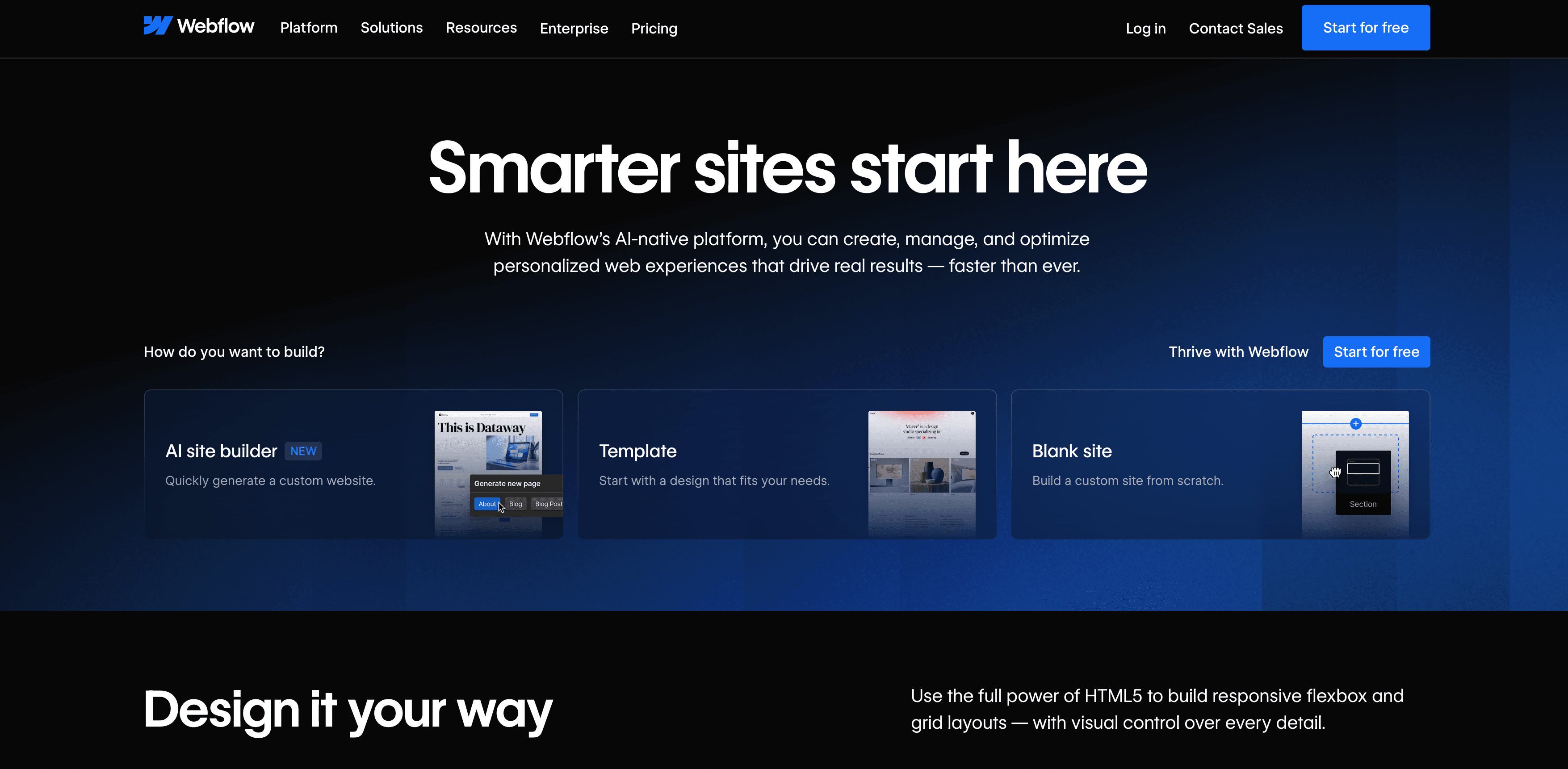
Webflow is at the opposite end of the spectrum from Linktree. It is a professional-grade website builder that gives designers pixel-level control over layout, animation, and structure, with clean code under the hood. As a Linktree alternative, it produces about the most polished, fully custom website you can build without hiring a developer.
That power comes with a learning curve. Webflow expects you to understand layout concepts like containers, spacing, and responsive breakpoints, which is a lot to take on if you simply need one credible page by Thursday. Paid plans are billed annually, and there is no AI copy, so you design and write everything yourself. For a design-literate user it is a strong tool, for a busy solo professional it is usually more than the job requires.
Key Features
- Visual designer with full layout and animation control
- Clean, production-grade code output
- CMS for blogs and structured content
- Large template marketplace
Pricing
| Plan | Price | Notes |
|---|---|---|
| Starter | $0 | webflow.io subdomain, Webflow branding |
| Basic | $14/month annual | Custom domain, static site |
| CMS | $23/month annual | Blog and dynamic content |
| Business | $39/month annual | Higher traffic and capacity |
Paid plans are billed annually. Webflow holds a G2 rating of around 4.4 out of 5 (G2 reviews) and a Capterra rating of around 4.6 out of 5 (Capterra reviews).
Pros
- The most design control of any tool on this list
- Clean code and strong performance
- Capable of complex, fully custom sites
Cons
- Steep learning curve, expects design literacy
- Overkill for a single professional page
- Annual billing on paid plans, and no AI copy
Best For
Webflow is best for designers and people who want a fully custom, design-grade website and are willing to learn the tool. For a coach or consultant who wants a credible page fast without the design work, NiftySite is the far quicker route to a real website.
8. Showit - Best for Visual, Designer-Style Sites
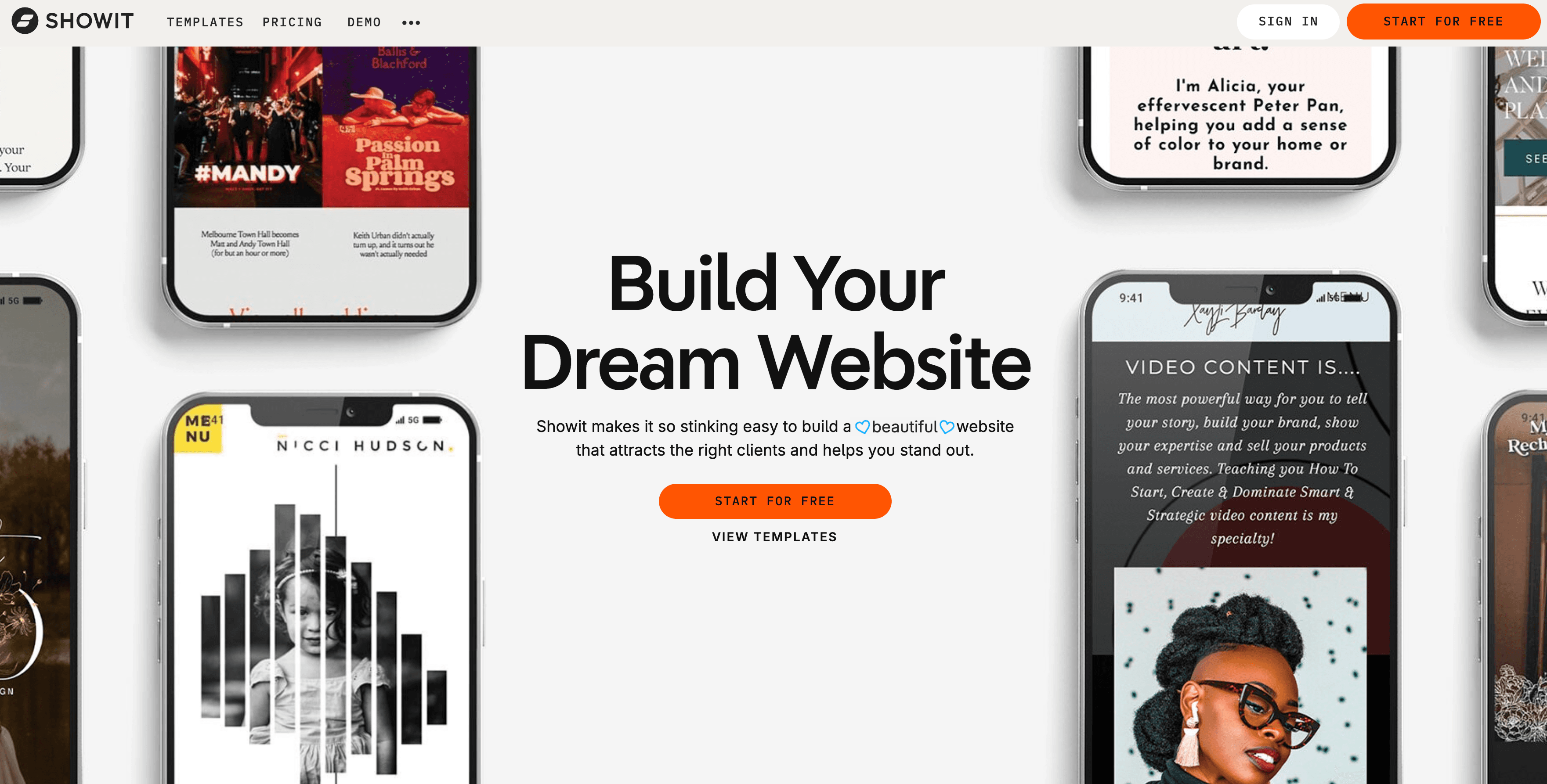
Showit is a website builder loved by photographers, designers, and creative coaches who want a visually distinctive site with drag-anywhere freedom. As a Linktree alternative, it delivers a genuinely real, design-forward website, and it pairs with a WordPress blog if you want to publish content. For a creative professional whose brand leans heavily on visuals, it is an appealing option.
The trade-offs are cost and time. Showit starts at $27 per month, higher than most tools here, and a culture of premium designer templates often pushes the real first-year cost well above the plan fee. Setup typically takes several hours to a weekend, there is no free plan, only a trial, and like the other builders there is no AI to write your copy. It rewards people who care deeply about design and have time to invest.
Key Features
- Drag-anywhere visual editor with no layout grid
- Designer template marketplace
- Optional WordPress blog add-on
- Strong fit for image-heavy brands
Pricing
| Plan | Price | Notes |
|---|---|---|
| Website only | $27/month | Showit site, no blog |
| Basic + blog | $34/month | Adds a WordPress blog |
| Advanced + blog | $49/month | Higher traffic, unlimited blog users |
There is no free plan, only a trial. Premium designer templates are sold separately as a one-time cost.
Pros
- Beautiful, fully custom visual design
- Drag-anywhere freedom for image-led brands
- Optional WordPress blog for content
Cons
- Higher starting price than most alternatives here
- Premium templates push up the real first-year cost
- Several hours of setup, no AI copy, no free plan
Best For
Showit is best for photographers, designers, and visually driven creatives who want a distinctive, design-forward site and have time to build it. For a coach who wants a clean, credible page live today, NiftySite gets there in about ten minutes. The full trade-off is covered in the NiftySite vs Showit comparison.
Feature Comparison
| Feature | NiftySite | Linktree | Carrd | Squarespace | Wix | Beacons | Webflow | Showit |
|---|---|---|---|---|---|---|---|---|
| Real multi-section website | Yes | No | Yes | Yes | Yes | Partial | Yes | Yes |
| AI-generated copy | Yes (Pro) | No | No | No | No | No | No | No |
| Niche templates | Yes | No | No | No | No | No | No | No |
| Google indexing | Yes (Pro) | Limited | Yes | Yes | Yes | Limited | Yes | Yes |
| Free published page | Yes | Yes (links) | Yes | No | Yes (ads) | Yes | Yes (subdomain) | No |
| Built-in analytics | Yes (Pro) | Yes | Paid tiers | Yes | Yes | Yes | Yes | Yes |
| Contact form | Yes (Pro) | No | Paid tiers | Yes | Yes | Yes | Yes | Yes |
| Setup time | 10 min | 2 min | 30 to 60 min | 1 to 2+ hrs | 1 to 3 hrs | 5 to 15 min | Several hrs | Several hrs |
| Monthly billing | Yes | Yes | No | Discounted annual | Discounted annual | Yes | Discounted annual | Yes |
Pricing Comparison
| Tool | Free Plan | Entry Paid Price | Billing |
|---|---|---|---|
| NiftySite | Yes, forever | $15/month | Monthly only |
| Linktree | Yes (links) | $8/month | Monthly or annual |
| Carrd | Yes | $9/year | Annual only |
| Squarespace | No, trial only | $9/month annual | Annual or monthly |
| Wix | Yes, with ads | $17.77/month annual | Annual or monthly |
| Beacons | Yes | $10/month | Monthly or annual |
| Webflow | Yes, subdomain | $14/month annual | Annual only on paid |
| Showit | No, trial only | $27/month | Monthly or annual |
How to Choose the Right Linktree Alternative
Choose NiftySite if you need a credible website fast
You are a coach, consultant, therapist, trainer, or other solo professional who needs a credible, searchable website live today, with AI handling the copy and a free plan to start. NiftySite is the best Linktree alternative when looking legitimate is part of getting paid.
Choose Linktree if you just need a hub of links
You are a social creator whose main need is a fast hub of links from an Instagram or TikTok bio, and search visibility is not a priority.
Choose Carrd if price is your biggest factor
Price is the single biggest factor, you want a simple one-pager, and you are comfortable writing and designing it yourself on annual billing.
Choose Squarespace if you want a full multi-page site
You want a full multi-page site with a blog or store and you are willing to spend a couple of hours building it.
Choose Wix if you want maximum design flexibility
You want maximum design flexibility and do not mind investing hours and navigating a lot of options to get there.
Choose Beacons if you sell products from a bio link
You are a creator who wants to sell digital products, courses, or memberships directly from a bio-style page and commerce matters more than looking like an established service.
Choose Webflow if you want a fully custom design
You are design-literate, want a fully custom, design-grade website, and are willing to learn the tool to get it.
Choose Showit if you are a visual creative
You are a photographer, designer, or visually driven creative who wants a distinctive, design-forward site and has time to build it.
Frequently Asked Questions
What is the best Linktree alternative for a real website?
For people who need a credible, searchable website rather than a list of links, NiftySite is the best Linktree alternative. It publishes a proper one-page site with a bio, services, and contact options in about 10 minutes, and Pro pages are indexed by Google. Linktree is the better pick only if you are a social creator who just needs a links hub.
Is Linktree a real website?
No. Linktree is a link in bio tool, a single page of buttons pointing to other destinations. It does not include a structured bio, a services section, or the kind of content that establishes credibility or ranks in search. For a professional presence, a real website is the better fit.
Why would a coach or consultant move off Linktree?
Because a link list does not build trust with potential clients. When someone is deciding whether to pay you, they want to see who you are, what you offer, and how to reach you on a page that looks like a real business. A Linktree alternative like NiftySite provides that, which is why it is a common upgrade for coaches and consultants.
Do Linktree pages show up on Google?
Linktree pages carry little SEO value and rarely rank for meaningful searches. If being found in Google or cited in AI search results matters to you, a real indexed website is essential. NiftySite Pro pages are indexed by Google, while free pages are kept out of the index until you upgrade.
What is the cheapest Linktree alternative?
Carrd is the cheapest, starting around $9 per year on annual billing, though you write and design everything yourself. NiftySite has a free forever plan with a real published page, and Pro is $15 per month with no annual commitment if you want AI copy, analytics, and Google indexing.
Can I keep my links and still have a real website?
Yes. A real website can include all the same links a Linktree holds, plus the bio, services, and contact context that a link list leaves out. Moving to a Linktree alternative is not about losing your links, it is about giving them a proper home that also builds credibility.
Is there a free Linktree alternative that builds a real website?
Yes. NiftySite has a free forever plan that publishes a real one-page website on a name.niftysite.co subdomain, with no credit card and no trial countdown. You can upgrade to Pro later for AI copy, Google indexing, analytics, and a contact form.
How long does it take to switch from Linktree to a real website?
With NiftySite it takes about 10 minutes, because the builder asks a few questions and, on the paid journey, AI drafts your copy. Traditional builders like Squarespace or Wix take one to several hours since you write and design everything yourself.
What is the difference between a link in bio and a website?
A link in bio is a single page of links with no context. A website is a structured presence with your story, your offer, and a way to get in touch, designed to be found in search and to build trust. The full comparison is covered in the link in bio vs website breakdown.
The Bottom Line
Linktree earns its place for social creators, but it was never meant to be your professional home. The moment a potential client looks you up and needs to take you seriously, a list of links works against you. The best Linktree alternatives all close that gap, the question is how much time and effort you want to spend doing it.
For most solo professionals, NiftySite is the clearest answer: a real, searchable website live in about 10 minutes, with AI handling the copy and a free plan to start. Carrd wins on raw price, Squarespace, Wix, Webflow, and Showit win on depth and design if you have hours to invest, Beacons suits creators selling products from a bio link, and Linktree stays best for pure link sharing. If your goal is to look legitimate and get found, start with a real website.
Last updated: May 2026. Pricing and features verified against official sources at the time of writing; competitor pricing changes often, so confirm current rates before deciding.

Trade your link list for a real website in 10 minutes
NiftySite turns a few quick answers into a credible, searchable page with your bio, services, and contact info. Start free, no credit card, and upgrade only when you want AI copy and Google indexing.
Build my site for freeFree forever plan. Monthly billing on Pro, cancel anytime.