
Squarespace is one of the most beautiful website builders on the market. That's not in dispute. The templates are polished, the typography defaults are excellent, and the output looks professional without much effort.
The problem is everything between opening a Squarespace account and having that finished, professional page live. The setup minimum is 1-2 hours, and that's if you already know what you want to say. You write your own copy. You pick your own layout. You make decisions about color palettes, font pairings, image placement, and section order before your page says anything useful. Pricing is actually competitive: $7/month on annual billing for the Basic plan, or $9/month if you want the flexibility of paying month-to-month. The catch is the 12-month lock-in to get the advertised rate, no free plan, and the 14-day trial ends with the site going dark.
For solo professionals - coaches, consultants, personal trainers, tradespeople - who need to be online quickly and don't want to become part-time web designers, squarespace alternatives exist that solve the same core problem at a lower cost and a fraction of the time.
According to research by GoDaddy, 38% of small businesses don't have a website at all. The most common reason isn't cost - it's that the available tools feel too complicated. Squarespace is genuinely one of the simpler options, and yet the blank canvas problem still stops people.
Quick Answer: NiftySite is the best Squarespace alternative for service professionals in 2026. It generates your copy from 3 questions, gets you live in 10 minutes, costs $15/month with no annual commitment, and doesn't require any design decisions.
Transparency Note: This comparison is published on NiftySite's website. While we believe NiftySite is an excellent solution and have positioned it as our top choice, we've conducted thorough research on all tools listed here to help you make an informed decision based on your specific needs. We've included objective data (pricing, setup time, features) and highlighted areas where other tools may be better suited for specific use cases.
Quick Comparison: Squarespace Alternatives
| Tool | Best For | Starting Price | Free Plan | AI Copy | Setup Time |
|---|---|---|---|---|---|
| NiftySite | Service professionals who need to be online fast | Free / $15/mo Pro | Yes (free plan) | Yes (Pro) | 10 minutes |
| Wix | Maximum design flexibility | $17/month (annual) | Yes (with ads) | Partial | 1-3+ hours |
| Carrd | Ultra-cheap one-page placeholder | $9/year | Yes | No | 30-60 min |
| Webflow | Design/developer control | $14/month (annual) | Yes (subdomain) | No | Days |
| WordPress | Complex multi-page sites | ~$10-30/month (hosting) | No | No | Days |
| Squarespace | Design-heavy multi-page sites | $7/month (annual) | No | No | 1-2+ hours |
1. NiftySite - Best for Service Professionals Who Need to Be Online Fast
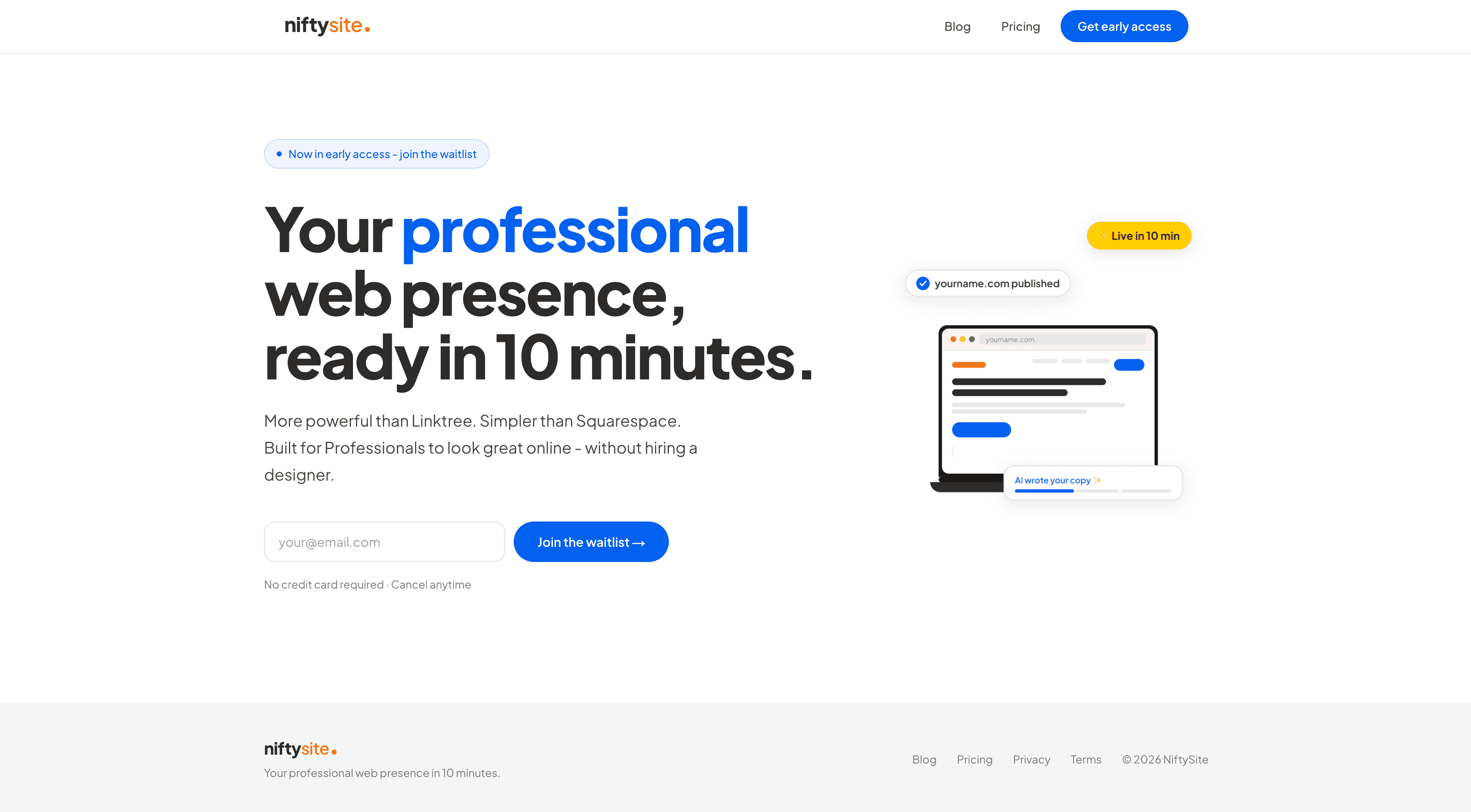
NiftySite is a niche website builder for people who charge for their time - coaches, consultants, personal trainers, and tradespeople. It closes the gap between "I know I need a website" and "I have a website" in under 10 minutes, using AI to generate the copy that usually takes most of the time.
The comparison to Squarespace is direct: both produce professional-looking websites, and they're similarly priced on a monthly basis. But NiftySite doesn't ask you to write your own copy, pick your own layout, or make design decisions before anything looks right. The 1-2 hour minimum that Squarespace requires isn't a failure of willpower - it's the product asking you to do work that NiftySite does for you.
Why NiftySite Is the Best Squarespace Alternative for Most Solo Professionals
AI Copy from 3 Questions - Squarespace is a blank canvas. NiftySite asks 3 questions about what you do, who you help, and the outcome you create - then the AI generates your headline, bio, and CTA text. No copywriting skill required. The blank page problem that makes website setup feel hard is removed entirely.
Niche-Specific Templates - Squarespace templates are designed for everyone: restaurants, photographers, e-commerce stores, blogs, portfolios. The website builder for coaches at NiftySite uses a template built specifically for coaching and consulting - the sections, copy prompts, and AI questions are calibrated for that context. A different template serves consultants; another serves tradespeople. NiftySite also has a consulting website builder built for independent professionals specifically.
Live in 10 Minutes - Not "you can be done in 10 minutes if you work fast." The product is designed so that 10 minutes is typical, because the AI writes the content. Compare that to Squarespace's realistic 1-2+ hour minimum.
Free to Start, Pro at $15/mo - Squarespace's $7/month rate requires annual payment ($84/year upfront, 12-month lock-in). The monthly rate is $9/month. NiftySite starts free and Pro is $15/month with no annual commitment. Cancel anytime. Squarespace is cheaper on sticker price; NiftySite trades price for AI copy, monthly flexibility, and a free forever tier.
Free Plan, No Credit Card - Squarespace gives you 14 days, but the site goes dark at the end of the trial if you don't subscribe. NiftySite has a free plan that keeps your page live indefinitely. Upgrade to Pro when you need full editing and analytics.
Built-in Analytics - Visitor count and link click tracking included at the standard price. Squarespace includes analytics on all plans, but the dashboard is part of a much more complex product. NiftySite keeps it simple.
Who NiftySite Is Built For
The core user is a solo professional who charges for time or expertise and needs to look credible online - but doesn't want to spend a weekend wrestling with website settings. This includes coaches, consultants, personal trainers, therapists, and tradespeople who've been putting off their web presence because the available tools feel like too much work.
If you've looked at Squarespace and thought "this is more than I need" - or if you've started a Squarespace site and never finished it - NiftySite is the alternative built for your situation.
Key Features
- AI copy generation (headline, bio, CTA) from 3 onboarding questions
- Niche templates for coaches, consultants, personal trainers, tradespeople
- Inline text editing - click any field to customize
- Contact form with email notification
- Link section for Calendly, LinkedIn, WhatsApp, Instagram
- Built-in analytics: page views and link clicks
- Mobile-responsive by default
- Subdomain at name.niftysite.co
Pricing
| Plan | Price | What's Included |
|---|---|---|
| All features | $15/month | Everything, no tiers |
- free plan (Pro at $15/mo), no credit card required
- Monthly billing only - cancel anytime
Pros
- Fastest setup of any option on this list - genuinely 10 minutes
- AI-generated copy removes the blank canvas problem
- Niche templates built for service professionals specifically
- Monthly billing vs Squarespace's annual commitment for best rates
- Monthly billing with no annual commitment
- Built-in analytics included
Cons
- No custom domain in current version (coming as paid upgrade)
- Single-page only - not suitable for multi-page sites or blogs
- No e-commerce, booking, or complex integrations
Best For
Solo professionals - coaches, consultants, trainers, tradespeople - who need a credible professional web presence in one session, without copywriting or design work.
2. Wix - Most Flexible (But Most Overwhelming)
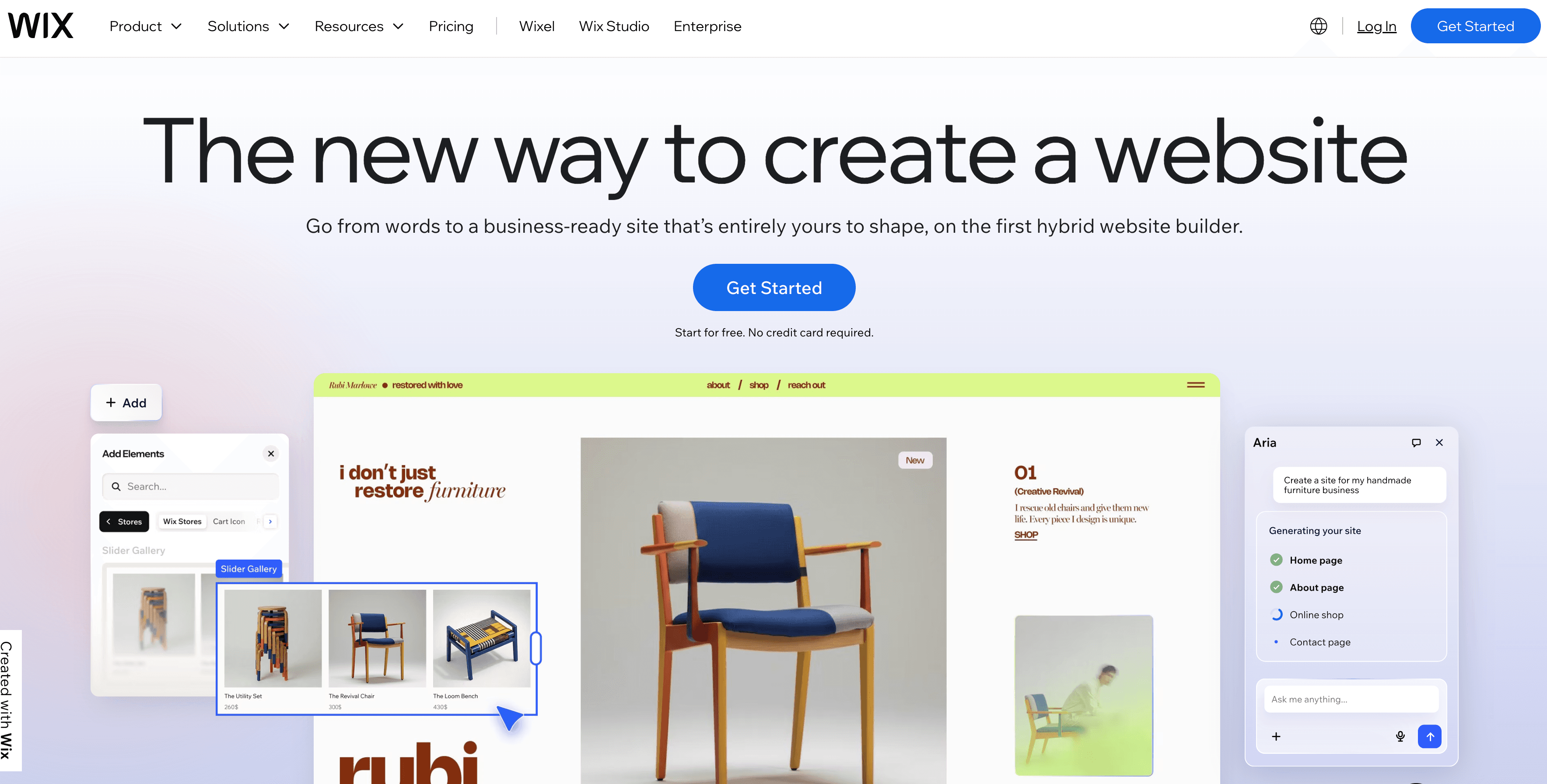
Wix is the most-used website builder in the world by registered accounts - over 230 million users. It offers a free plan (with limitations), the widest template library, and more features and integrations than any builder on this list. If maximum flexibility is the goal and you're willing to invest time in setup, Wix can do it.
The honest assessment for small businesses: Wix's scale is also its problem. The number of templates, layout options, and design decisions you face before anything looks finished is substantial. Wix ADI (Artificial Design Intelligence) generates a starting layout from a few questions, but it doesn't write your copy - you still arrive at a blank content canvas. Setup realistically takes 1-3+ hours for a professional result.
The free plan is technically functional but not suitable for professional use: it shows Wix ads and uses a username.wixsite.com subdomain. Any client who sees that domain will know it's a free website builder. Paid plans start at $17/month on annual billing or $23/month monthly.
For small businesses that want a full multi-page site with e-commerce, booking, and maximum feature flexibility, Wix is a legitimate Squarespace alternative at a similar price. For solo professionals who just need to be online quickly, it has the same blank canvas problem as Squarespace, with more decisions.
Key Features
- 900+ templates across all business categories
- Wix ADI - generates starting layout (copy is still manual)
- Full e-commerce, appointment booking, and marketing suite
- Rated 4.2/5 on G2 (1600+ reviews) and 4.4/5 on Capterra (10,000+ reviews)
- Free plan available (with significant limitations)
Pricing
| Plan | Annual | Monthly |
|---|---|---|
| Light | $17/mo | $23/mo |
| Core | $29/mo | $38/mo |
| Business | $39/mo | $55/mo |
Free plan available - with Wix ads and wixsite.com subdomain.
Pros
- Most flexible builder on this list - can do almost anything
- Large template library with frequent updates
- Strong e-commerce and booking integrations
- Free plan available (with limitations)
Cons
- Free plan shows ads, uses wixsite.com subdomain - not professional
- Overwhelming number of decisions before the page looks right
- No niche-specific onboarding for coaches or service professionals
- No template switching after launch
- Setup realistically takes 1-3+ hours
Best For
Small businesses that need maximum design flexibility, e-commerce, or complex integrations, and are willing to invest significant time in setup. Not recommended for solo professionals who want to be done quickly.
3. Carrd - Best for an Ultra-Cheap One-Page Placeholder
Carrd is a one-page website builder that starts at $9/year for Pro Lite - making it by far the cheapest paid option on this list. For small businesses or solo professionals who need the absolute minimum web presence at the lowest cost, Carrd is the most affordable path.
The tradeoffs are real: Carrd is a blank canvas with annual billing only. You write your own copy, design your own layout, and pay 12 months upfront. There's no AI assistance, no niche templates, no analytics on the lower tiers. One-page only - no blog, no multi-page site. For a placeholder while you build something better, it works. As a long-term professional website, it has clear limitations.
For small businesses that want to look credible to clients rather than just have a presence, the blank canvas problem becomes significant. Squarespace has the same issue at a higher price. NiftySite solves it with AI copy.
Key Features
- Drag-and-drop builder
- Custom domain on Pro Standard ($19/year) and above
- Basic analytics on Pro Standard+
- No AI copy - blank canvas
Pricing
| Plan | Price | Custom Domain | Analytics |
|---|---|---|---|
| Free | $0 | No | No |
| Pro Lite | $9/year | No | No |
| Pro Standard | $19/year | Yes | Basic |
| Pro Plus | $49/year | Yes | Advanced |
Annual billing only - no monthly option.
Pros
- Cheapest option by a significant margin ($9-49/year)
- Clean output, fast-loading pages
- Good for a minimal placeholder page
Cons
- Blank canvas - no AI copy, no niche templates
- Annual billing only - pay upfront, no monthly flexibility
- One-page only - no multi-page sites or blog
- No analytics on free or Pro Lite plans
Best For
Budget-conscious individuals who need the cheapest possible web presence and are comfortable writing all their own copy. Not a professional website solution for most small businesses.
4. Webflow - Best for Designers and Developers
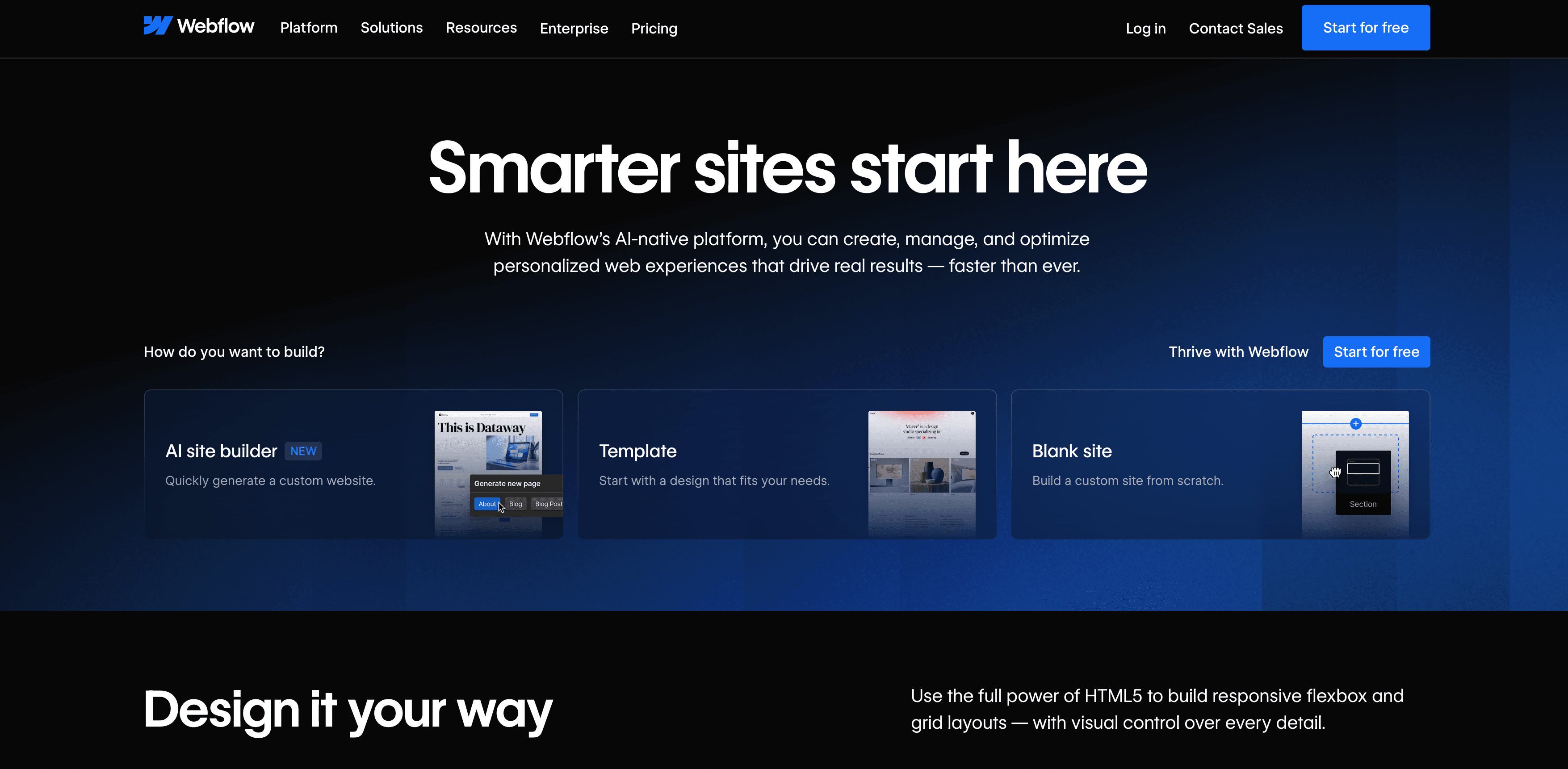
Webflow is a professional-grade visual development tool that gives designers and developers full CSS control through a visual interface. The output is excellent - faster, cleaner, and more customizable than anything on this list. It's the right tool if you have design expertise or a developer working with you.
For most small businesses and solo professionals, Webflow is too much. The learning curve is steep because Webflow's interface maps directly to CSS concepts. Someone without design or development background will find it harder to use than Squarespace, not easier. It's a Squarespace alternative for people who find Squarespace too limiting - which is a different audience from people who find Squarespace too complex.
Webflow's free plan allows publishing to a webflow.io subdomain. Paid plans start at $14/month on annual billing for Basic.
Key Features
- Full visual CSS control - production-grade output
- Rated 4.4/5 on G2 (600+ reviews) and 4.6/5 on Capterra (400+ reviews)
- CMS capabilities for content-heavy sites
- Free plan with webflow.io subdomain
Pricing
| Plan | Annual | Notes |
|---|---|---|
| Starter | Free | webflow.io subdomain |
| Basic | $14/mo | Custom domain |
| CMS | $23/mo | Content management |
| Business | $39/mo | Higher traffic limits |
Pros
- Best output quality and performance of any builder
- Full CSS control through visual interface
- Good for agencies and experienced designers
Cons
- Steep learning curve - requires design/CSS literacy
- Overkill for solo professionals who just need a professional page
- Annual billing required on paid plans
- Not suitable for non-technical users
Best For
Designers, developers, and agencies who need production-grade custom websites with full design control. Not for non-technical small business owners.
5. WordPress - Best for Complex, Long-Term Sites
WordPress powers roughly 43% of the internet. For small businesses that need a blog, complex multi-page site, custom booking, or specific plugin integrations, it's the most capable tool in the world.
For most solo professionals and small businesses comparing squarespace alternatives for the first time, WordPress adds complexity rather than removing it. Hosting setup, domain registration, SSL configuration, theme selection, plugin management, and ongoing maintenance are all required. Setup takes days. Technical comfort helps significantly.
Hosting typically costs $10-30/month. Themes range from free to $200+. Premium plugins add to the ongoing cost. The total monthly cost varies widely based on requirements.
This belongs on the list because it's commonly searched and genuinely powerful - but for small businesses that want to be online this week, it's not the right starting point.
Pros
- Maximum flexibility - can build anything
- Massive ecosystem of themes and plugins
- Full control over SEO, including robots.txt
Cons
- Requires technical setup - hosting, domain, SSL, plugins
- No AI copy generation, no guided professional onboarding
- Ongoing maintenance required
- Setup takes days for most non-technical users
Best For
Small businesses with a developer or technical resources, building a long-term content hub with a blog, e-commerce, or custom functionality.
Feature Comparison: All Options
| Feature | NiftySite | Wix | Carrd | Webflow | WordPress | Squarespace |
|---|---|---|---|---|---|---|
| AI copy generation | Yes | Partial (layout) | No | No | No | No |
| Niche templates | Yes | No | No | No | No | No |
| Setup time | 10 min | 1-3+ hours | 30-60 min | Days | Days | 1-2+ hours |
| Monthly billing | Yes | Optional | No (annual) | No (annual) | Varies | Optional |
| Free plan/trial | 14-day trial | Yes (with ads) | Yes | Yes (subdomain) | No | 14-day trial |
| Custom domain | No (coming) | Yes | Pro Standard+ | Basic+ | Yes | Yes |
| Multi-page | No | Yes | No | Yes | Yes | Yes |
| Analytics | Yes | Yes | Pro Standard+ | Yes | Via plugins | Yes |
| G2 rating | Not yet listed | 4.2/5 | Not yet listed | 4.4/5 | 4.4/5 | 4.4/5 |
Pricing Comparison
| Tool | Cheapest Monthly | Notes |
|---|---|---|
| Carrd | ~$0.75/month ($9/year) | Annual billing only; no custom domain on entry plan |
| NiftySite | $15/month | Monthly billing, all features, no annual required |
| Webflow | $14/month (annual) | Annual billing required for paid plans |
| Squarespace | $7/month (annual) | Or $9/month on monthly billing; no free plan |
| Wix | $17/month (annual) | Or $23/month monthly; free plan has ads |
| WordPress | ~$10-30/month | Hosting cost only; varies by provider |
How to Choose the Right Squarespace Alternative
Choose NiftySite if you:
- Are a coach, consultant, personal trainer, or other service professional
- Want to be done today - not this weekend
- Need your copy written for you, not from scratch
- Want monthly billing without an annual commitment
- Need a professional web presence, not a complex multi-page site
Choose Wix if you:
- Want maximum design flexibility and the widest feature set
- Need e-commerce or complex booking integrations
- Are willing to spend hours on setup
- Don't mind annual billing pressure
Choose Carrd if you:
- Need the absolute cheapest option available
- Are comfortable writing all your own copy
- Just need a minimal page, not a professional web presence
Choose Webflow if you:
- Have design or development experience
- Want production-grade output with full CSS control
- Are willing to learn a steeper interface
Choose WordPress if you:
- Need a full blog, custom site, or complex functionality
- Have technical resources or a developer
- Are planning a long-term web investment, not a quick professional page
Stick with Squarespace if you:
- Need a beautiful multi-page site and have time to build it
- Care about design quality above all else
- Need e-commerce, portfolio, or appointment booking in one product
Frequently Asked Questions
What is the best free Squarespace alternative?
Wix has the most functional free plan among squarespace alternatives, but the free plan shows ads and uses a wixsite.com subdomain - not suitable for professional use. Carrd has a free tier but with Carrd branding and no custom domain. For a genuinely professional result without committing money, NiftySite offers a free plan (Pro at $15/mo) with no credit card required, which is the most useful entry point for small businesses.
Why is Squarespace so expensive?
Squarespace's pricing reflects a product built for serious web projects - multi-page sites, portfolios, e-commerce stores. For solo professionals who need a single professional page, the feature set is overkill and the lack of AI copy is the real cost. The $7/month annual rate requires paying $84 upfront and committing for 12 months, which is a higher commitment than alternatives like NiftySite at $15/month on monthly billing with a free forever tier.
What are the best Squarespace alternatives for small businesses?
The best squarespace alternatives depend on what "small business" means. For solo professionals who need a quick, credible web presence, NiftySite is the most practical option. For small teams who need a full multi-page site, Wix offers more flexibility. For businesses with technical resources, Webflow produces better output. For the most complex requirements, WordPress is the most capable.
Is Squarespace worth it for a small business?
Squarespace is worth it for small businesses that need a design-forward multi-page website and have the time to build it properly. For most solo professionals and service businesses, it's more platform than necessary - the same professional result can be achieved with NiftySite in 10 minutes at a similar price.
What are the best cheaper alternatives to Squarespace?
On pure price, Carrd is cheapest at $9/year but requires annual payment and no AI copy. NiftySite at $15/month monthly is the most cost-effective for service professionals, given the 10-minute setup and AI copy generation. Webflow starts at $14/month annually and produces excellent output for design-capable users.
What is the best Squarespace alternative for coaches?
The website builder for coaches at NiftySite is built specifically for coaching professionals. It generates copy aligned to how coaches present their services - transformation, methodology, social proof - and gets you live in 10 minutes. Squarespace requires coaches to write all their own copy on a general-purpose template.
What is the best Squarespace alternative for consultants?
The consulting website builder at NiftySite is designed for solo consultants and independent professionals. AI-generated copy, consulting-specific templates, and 10-minute setup make it a faster and simpler path to a professional web presence than Squarespace.
Does Squarespace have good SEO?
Squarespace has solid SEO tools but cannot edit robots.txt on any plan - a ceiling that matters for advanced SEO. WordPress gives full control over robots.txt. For service professionals, local and brand SEO matters most, and both NiftySite and Squarespace handle the basics.
What are the best squarespace competitors in 2026?
The most direct squarespace competitors in 2026 are Wix (most flexible), Webflow (best for designers), and WordPress (most capable). For service professionals who find Squarespace too complex, NiftySite solves the same core problem - a professional web presence - at lower cost and in less time.
Conclusion
Squarespace is a genuinely good product for the people it was built for: design-conscious users who want a multi-page site and are willing to invest hours in building it. For solo professionals - coaches, consultants, trainers - who've been putting off their website because the tools feel too complex, it's part of the problem, not the solution.
The best squarespace alternatives for small businesses depend on what you actually need. For service professionals who want to be online fast without writing their own copy, NiftySite is the most practical option - $15/month, 10 minutes, AI-generated copy, no annual commitment. For businesses that need the full feature set Squarespace offers, Wix gives more flexibility at a similar price. For complex long-term requirements, WordPress is the most capable.
Build your page free on NiftySite - no credit card required →
Last updated: April 2026. All pricing and features verified as of publication date.

Online fast without writing your own copy
For service professionals who want a credible website without the Squarespace hours. AI writes your copy from 3 questions. Live in 10 minutes.
Build your pageFree forever plan. Pro at $15/month, no annual commitment.